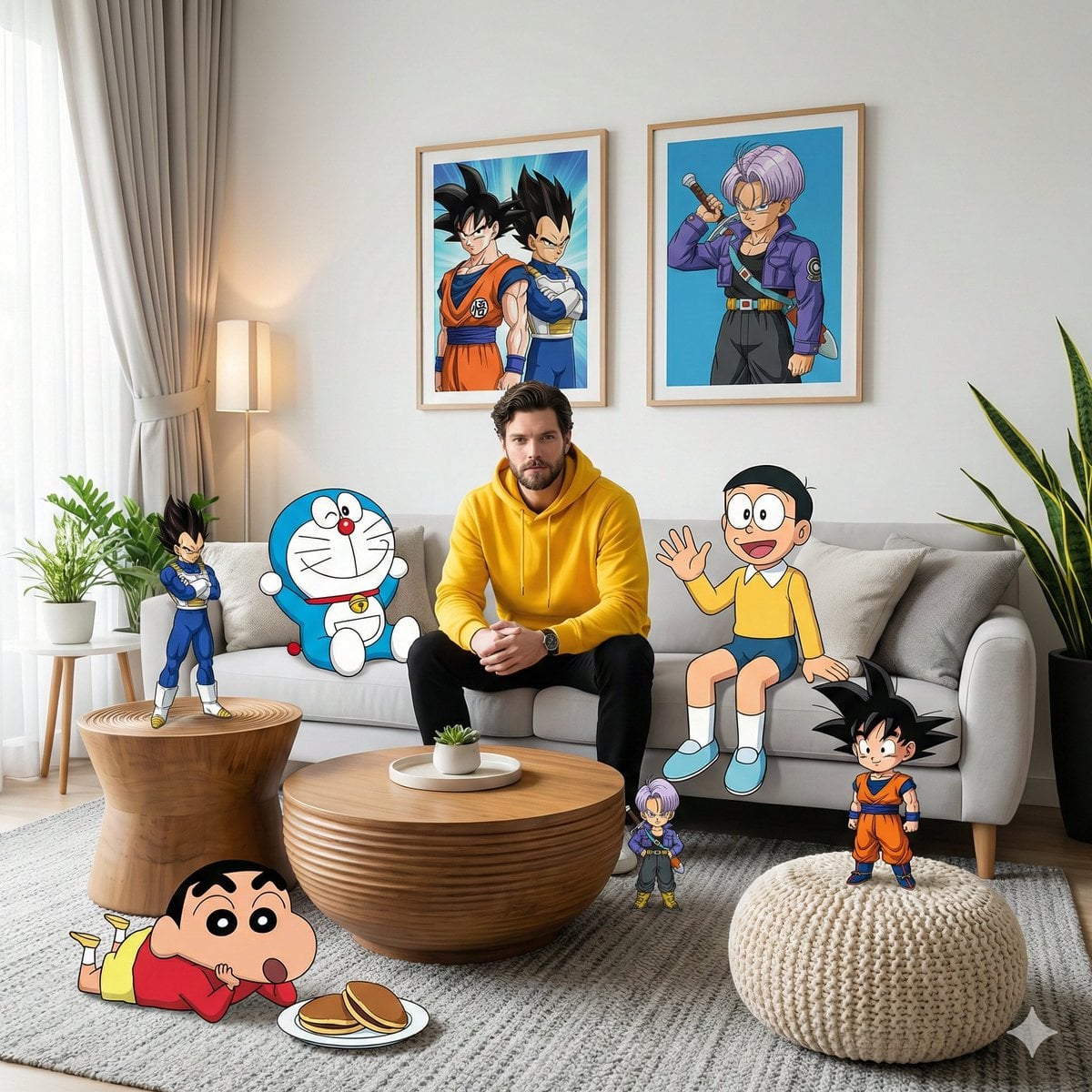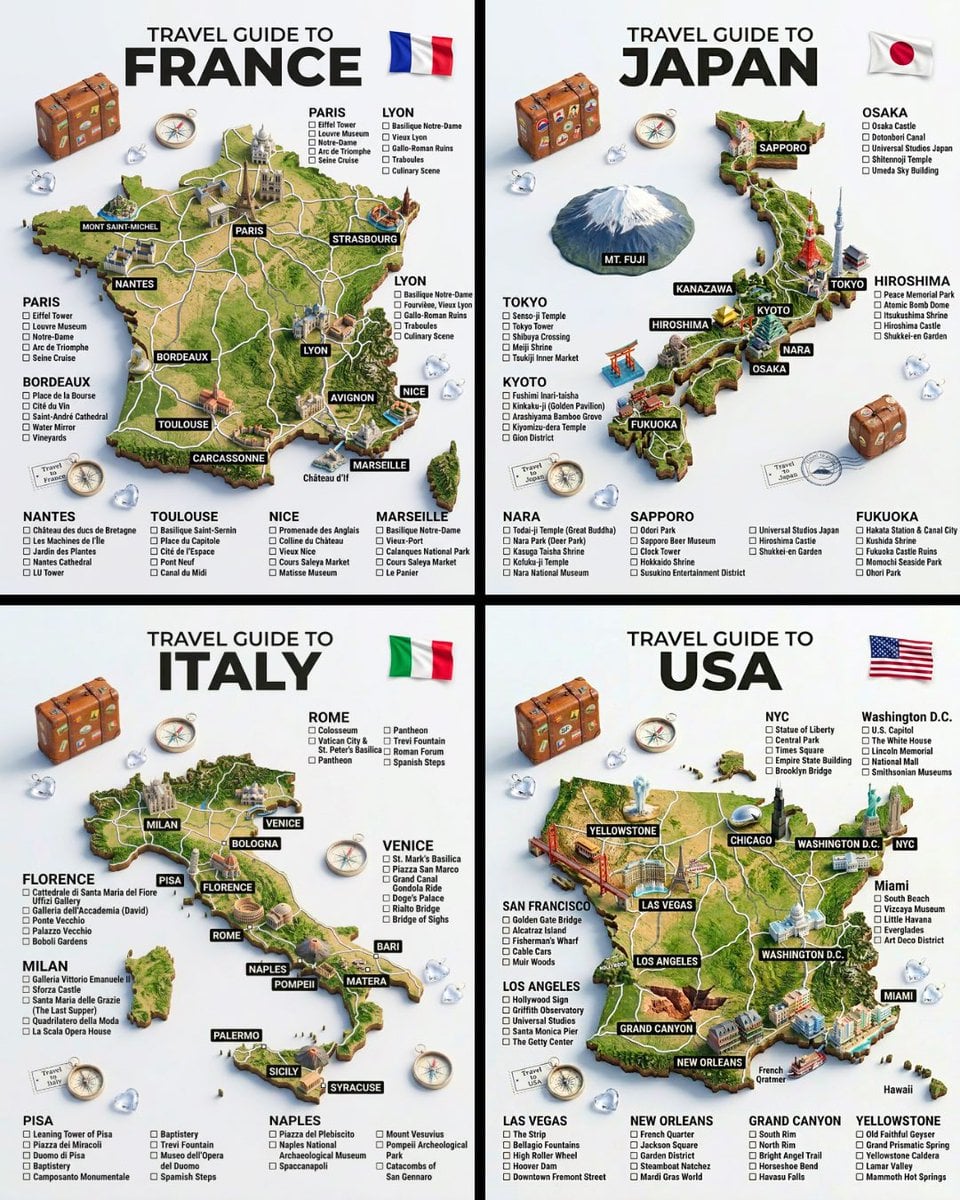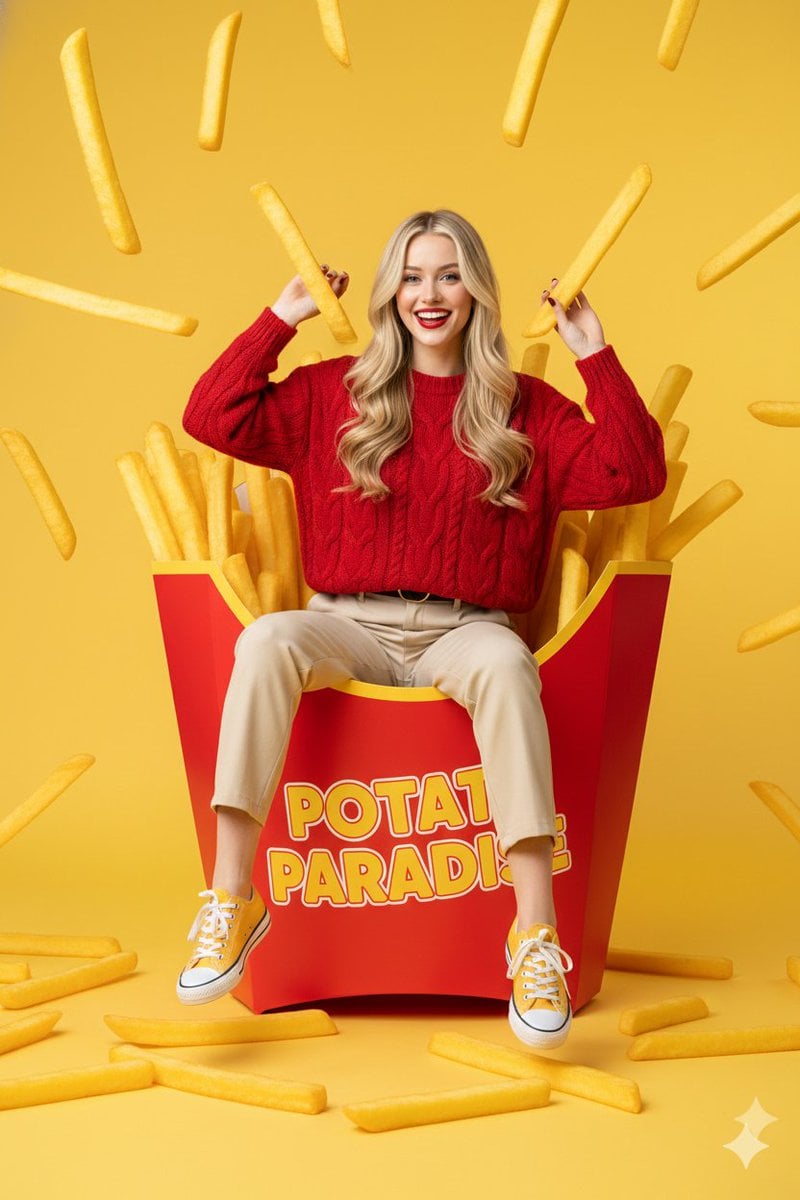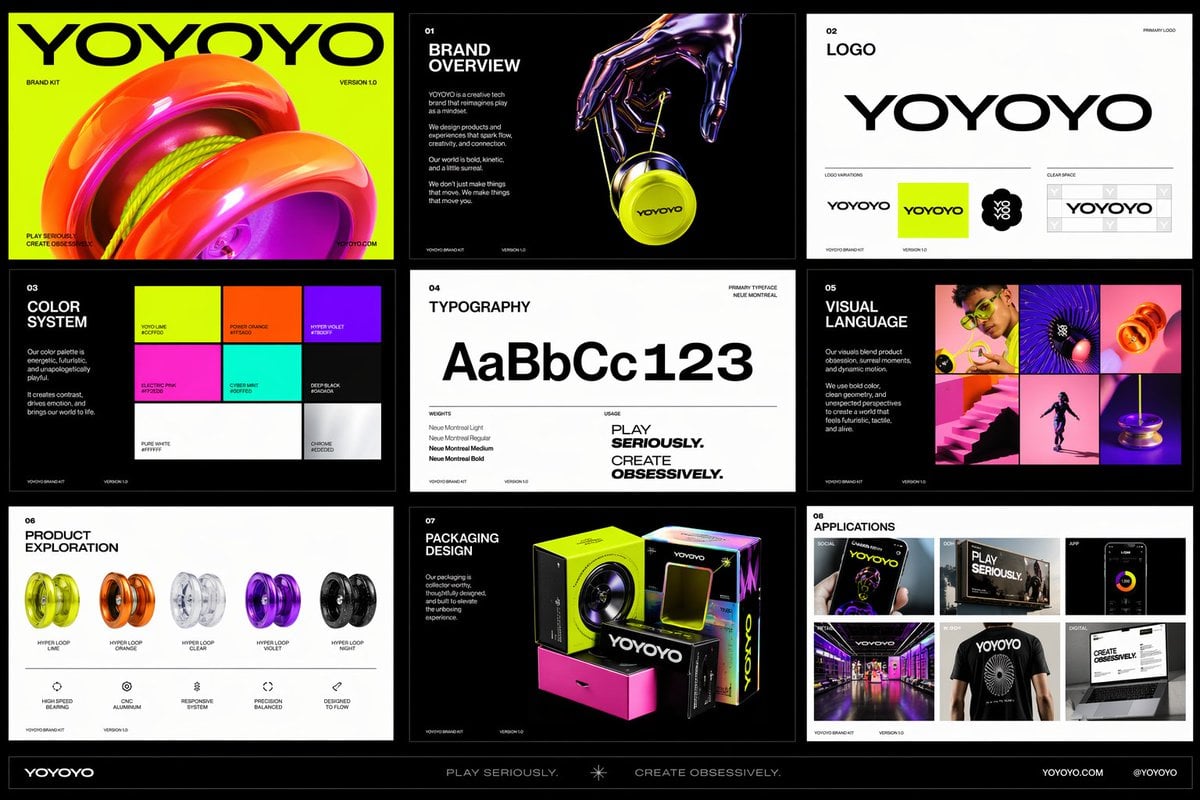
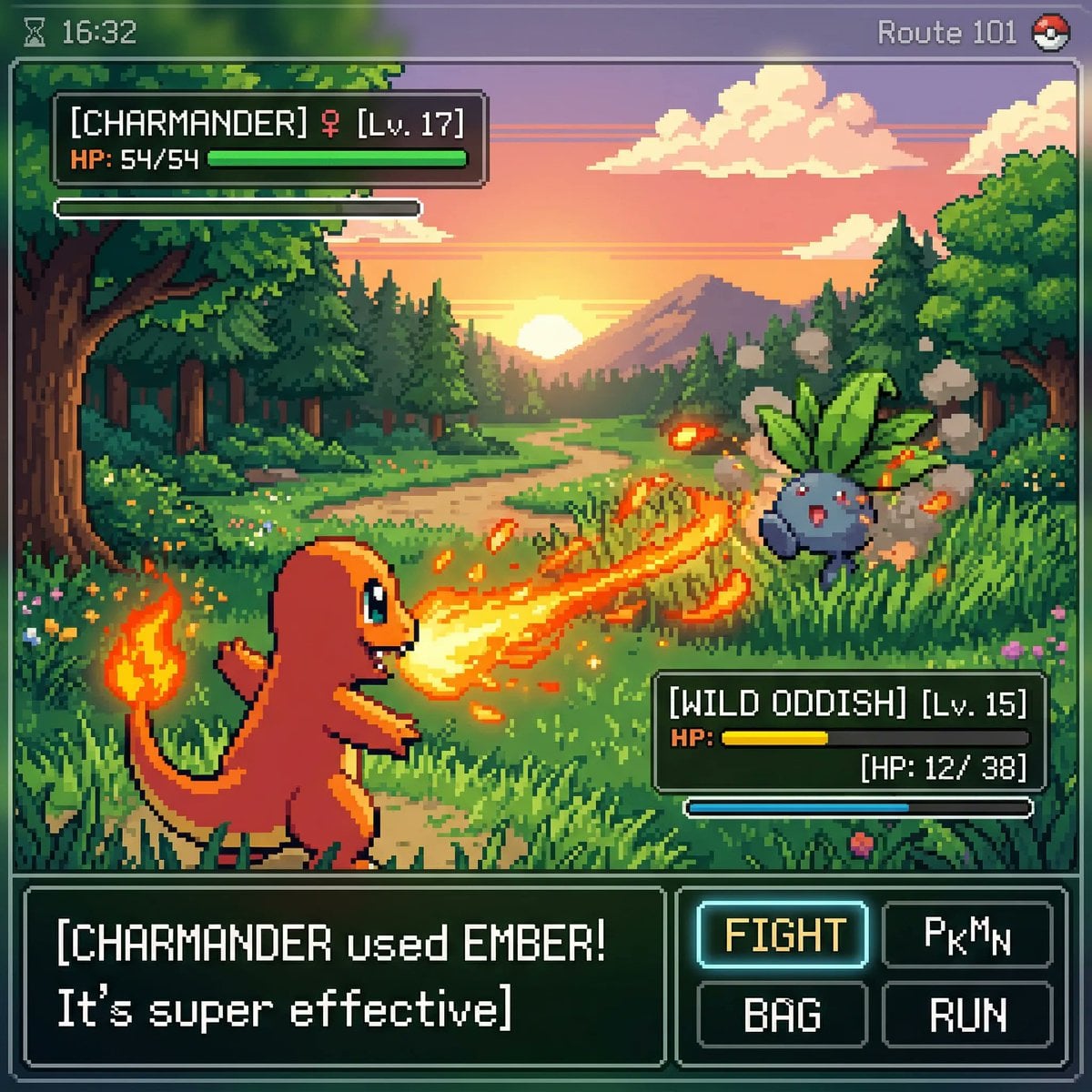
Dense instructions land in one pass
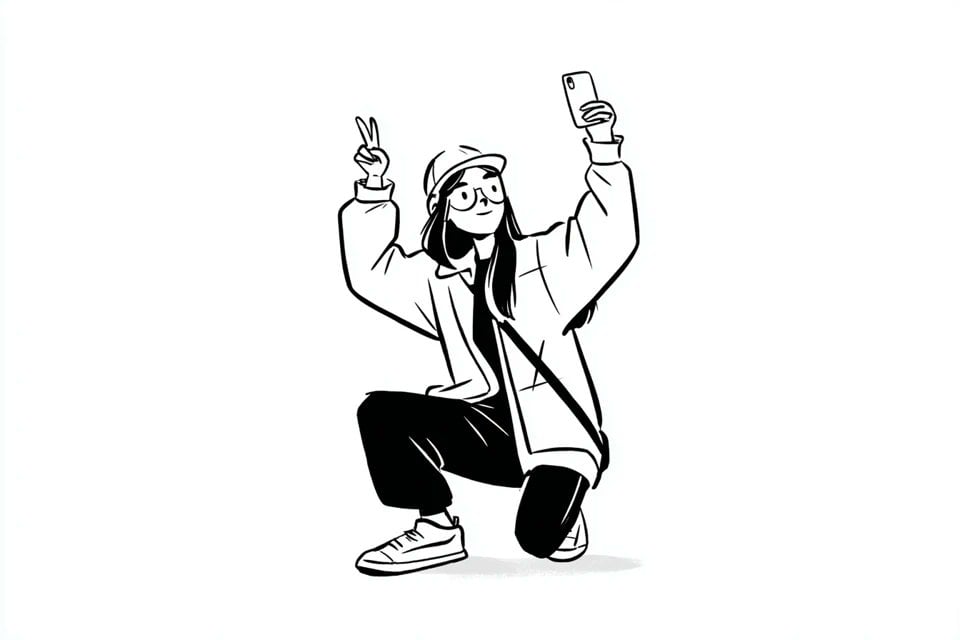
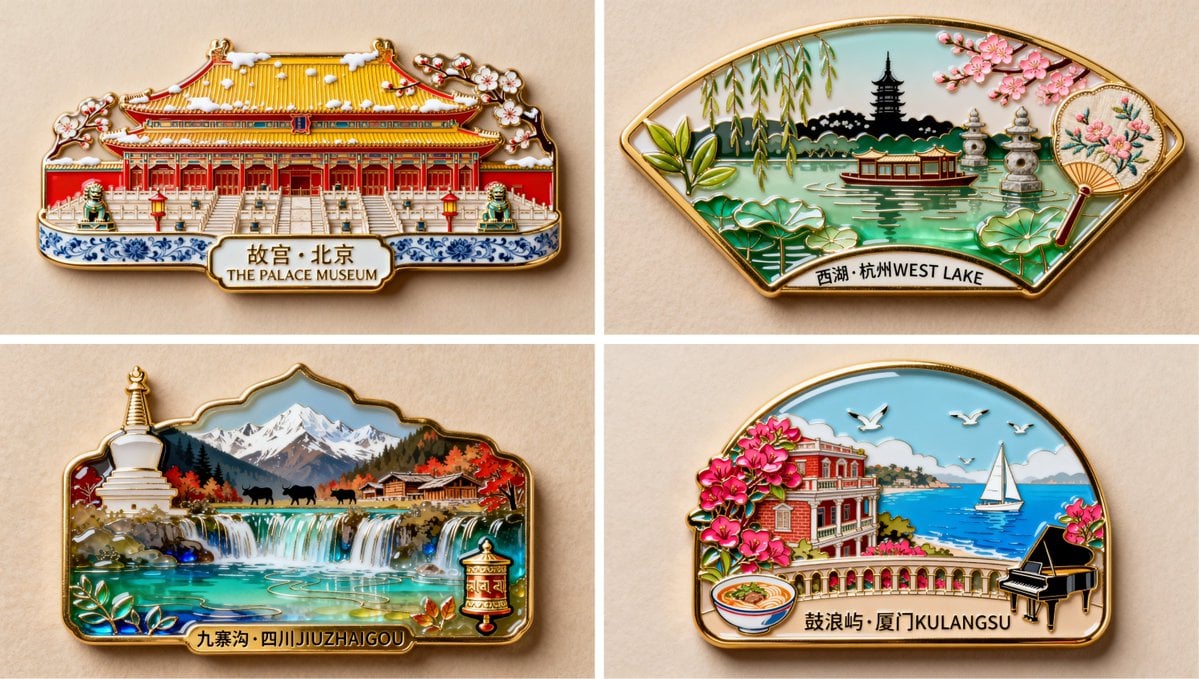
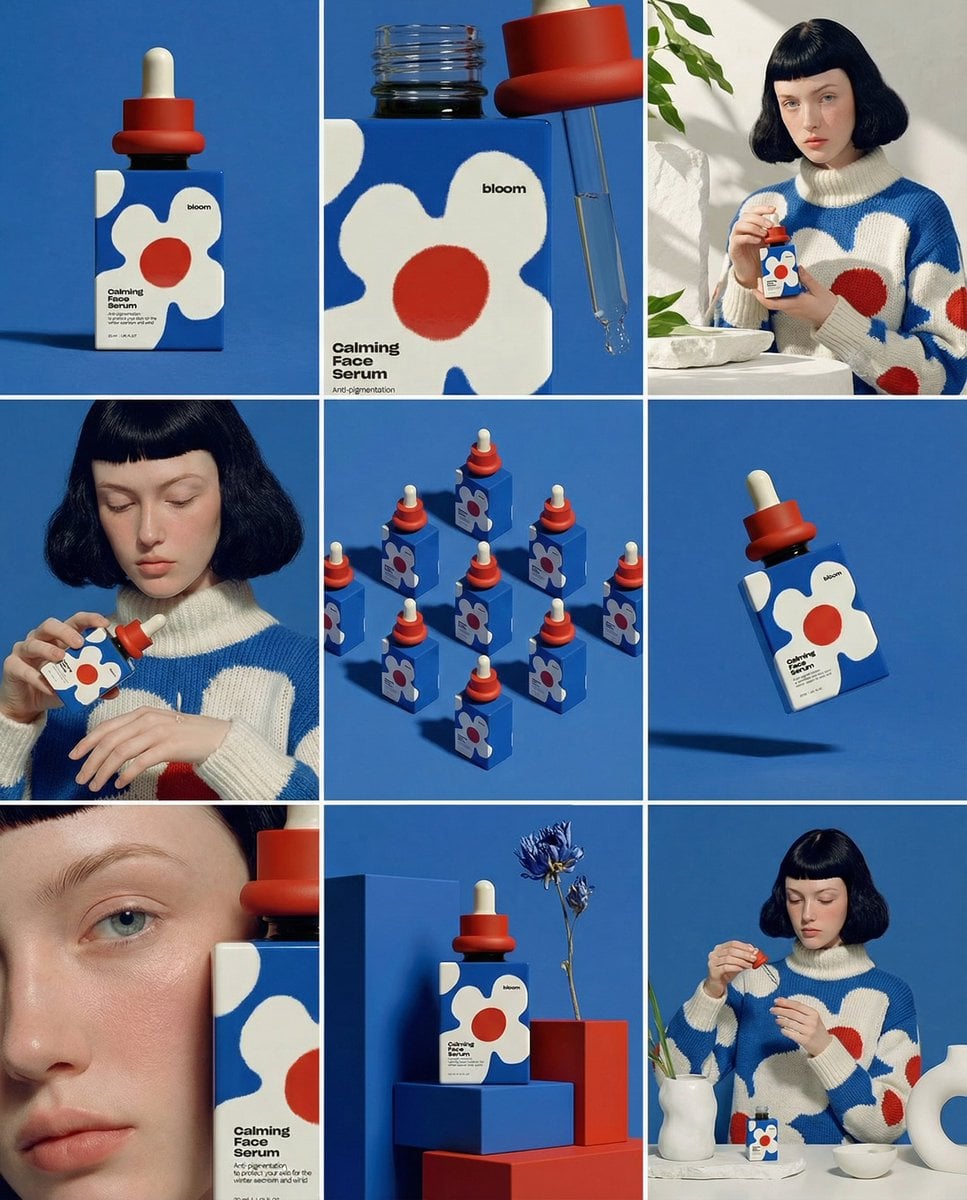
A brief stacking six constraints — subject, handle orientation, light direction, background tone, a reserved empty area, and a no-text rule — came back with all six intact on the first run of GPT Image 2.5.
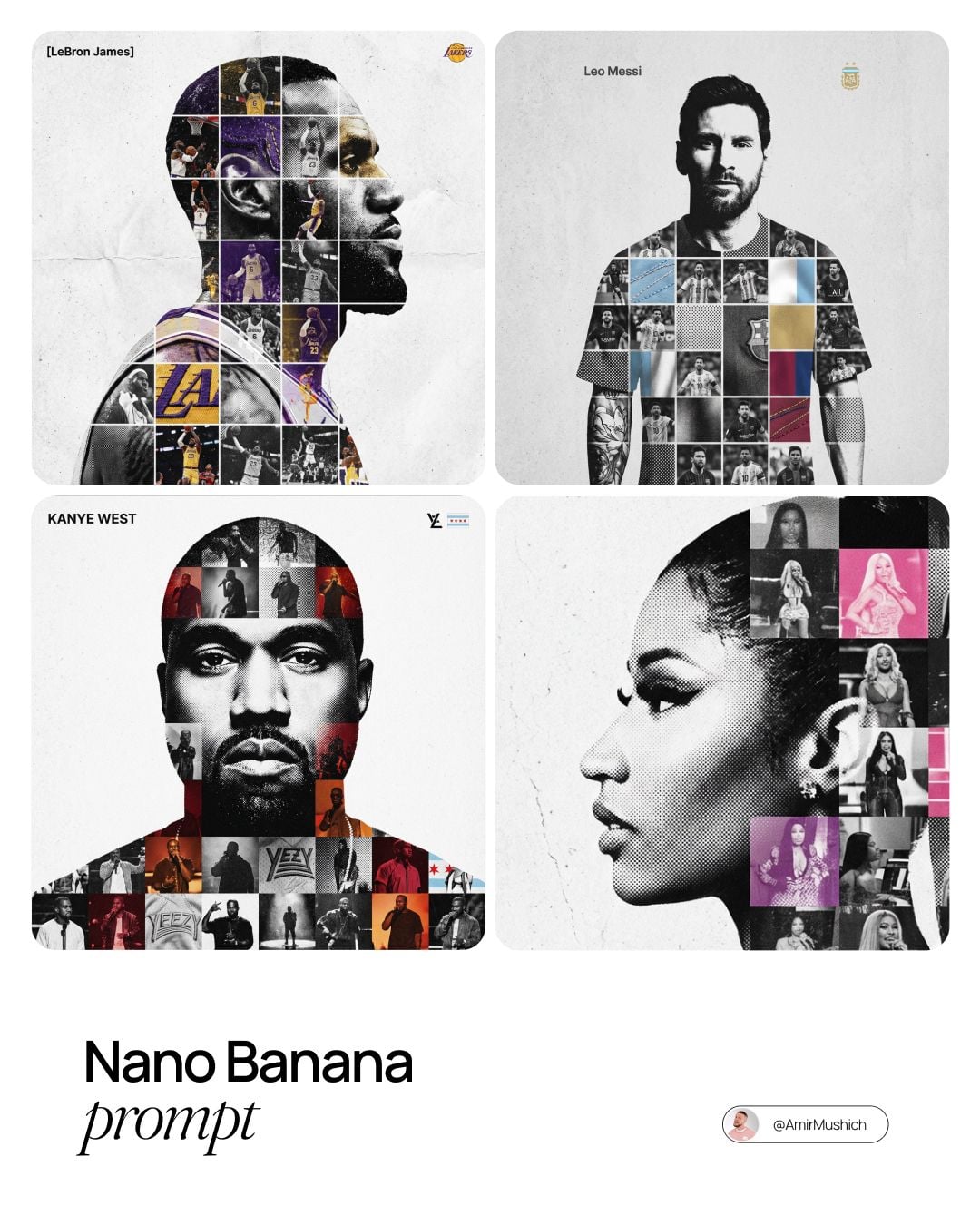
Same credit table, five months apart. The prompt box below has both models in it, so you can run one brief through each and judge the difference on your own work rather than ours.
Both models share one credit table here, so the choice is quality, not budget. What changed between the two OpenAI generations, tested on the same prompts.
If neither OpenAI model fits the brief, these are the ones people move to next for the same kinds of job.

OpenAI latest image model. Sharper instruction following, cleaner in-image text, up to 4K.

Most capable OpenAI model. Supports all quality tiers and up to 4K.

Next-gen with reasoning-guided generation. Supports up to 4K resolution.

Highest quality Google model. Supports up to 4K resolution.

Strong typography and poster layouts. Handles dense in-image text at 1K and 2K.

Photorealistic detail with tight prompt control. Accepts up to 8 reference images.

Fast and opinionated. Good for posters, memes, and stylized concept art.

Edit an existing image by describing the change. Requires a reference image.

The cheapest way to explore an idea. Sub-second generation at 5 credits per image.

Speed-optimized Krea 2 with a wide stylistic range. Good for stylized ideation and typography-led art.
OpenAI released GPT Image 2.5 on September 8, 2026, five months after GPT Image 2, and framed it as an update rather than a generational leap. Here is what that meant on our prompts, and where the evidence runs out.

A brief stacking six constraints — subject, handle orientation, light direction, background tone, a reserved empty area, and a no-text rule — came back with all six intact on the first run of GPT Image 2.5.

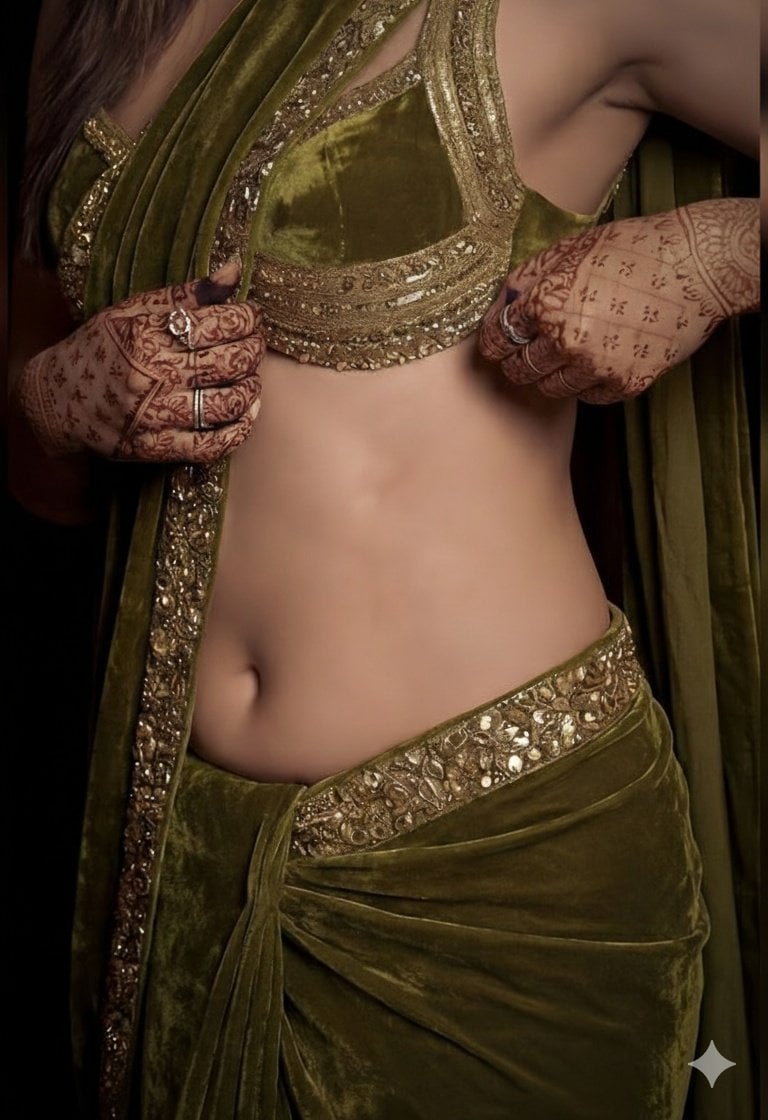
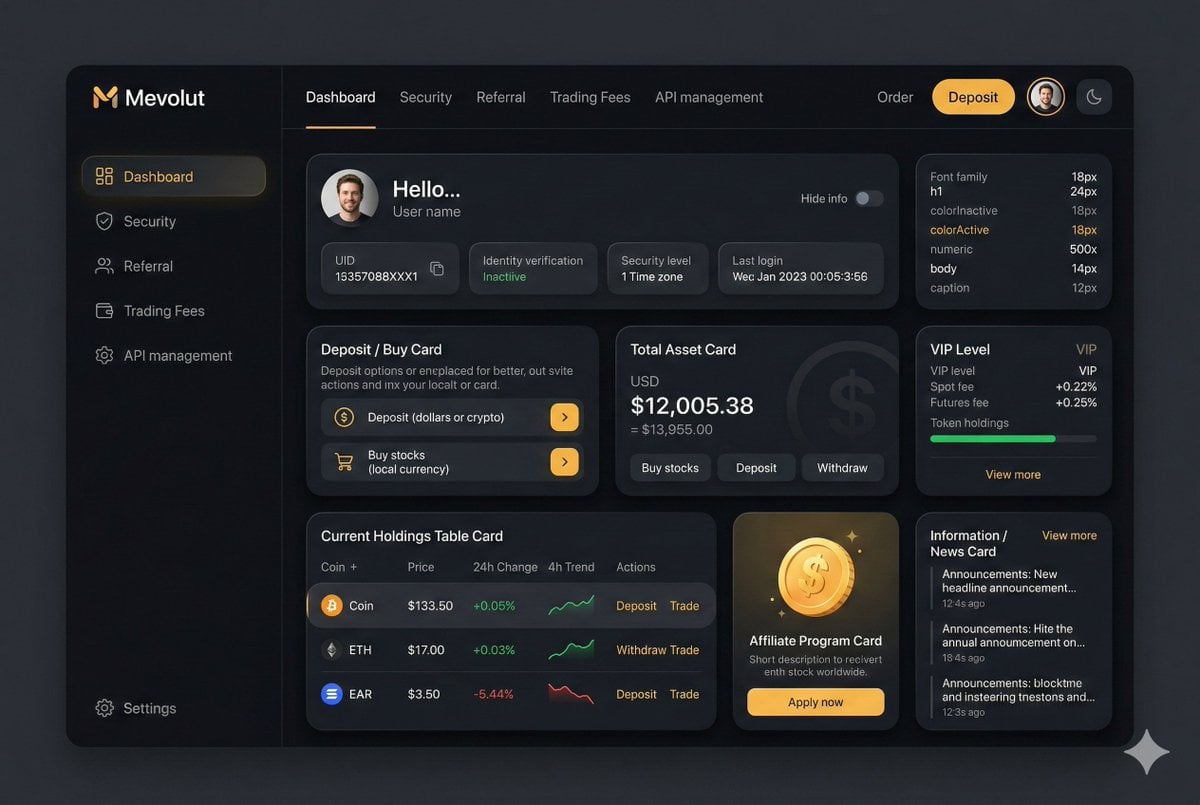
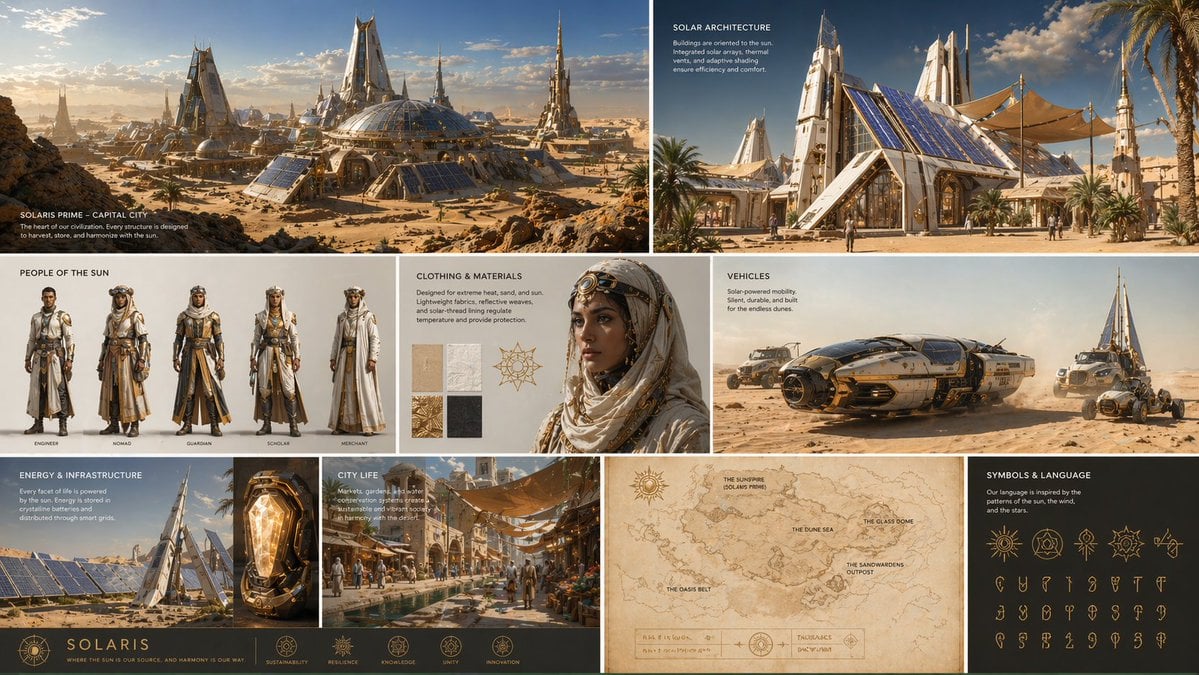
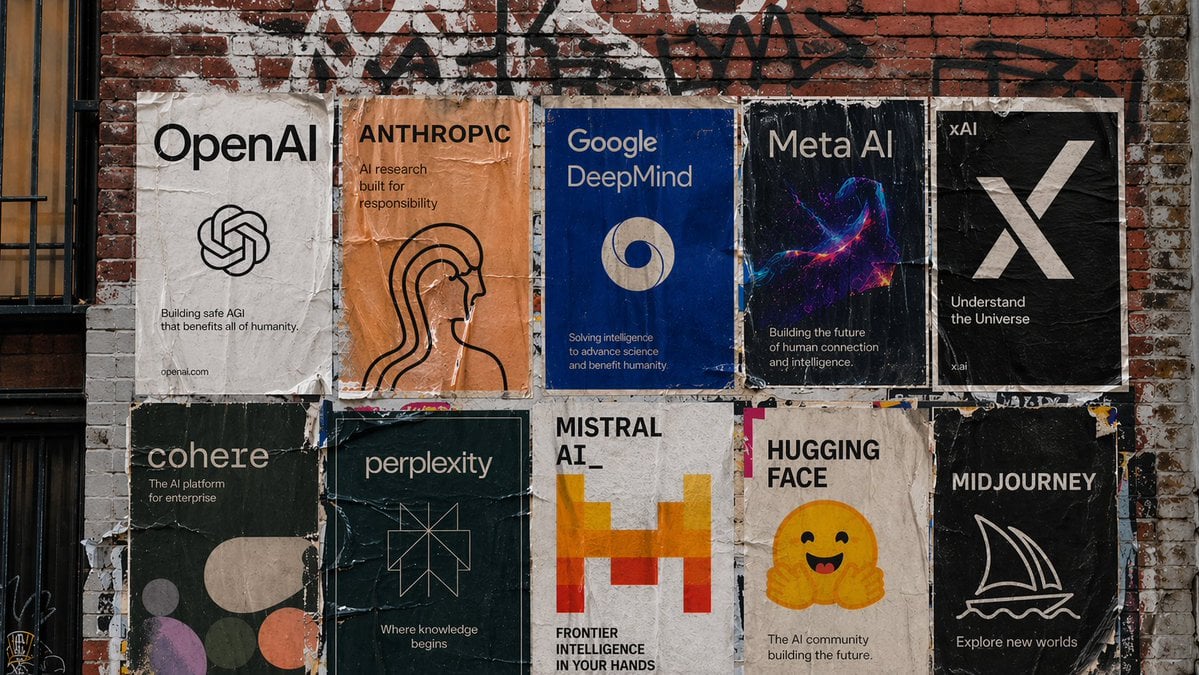
Six labelled regions in one infographic came back spelled correctly, along with six captions the model wrote unprompted. That is the shape of brief that historically returned missing letters.

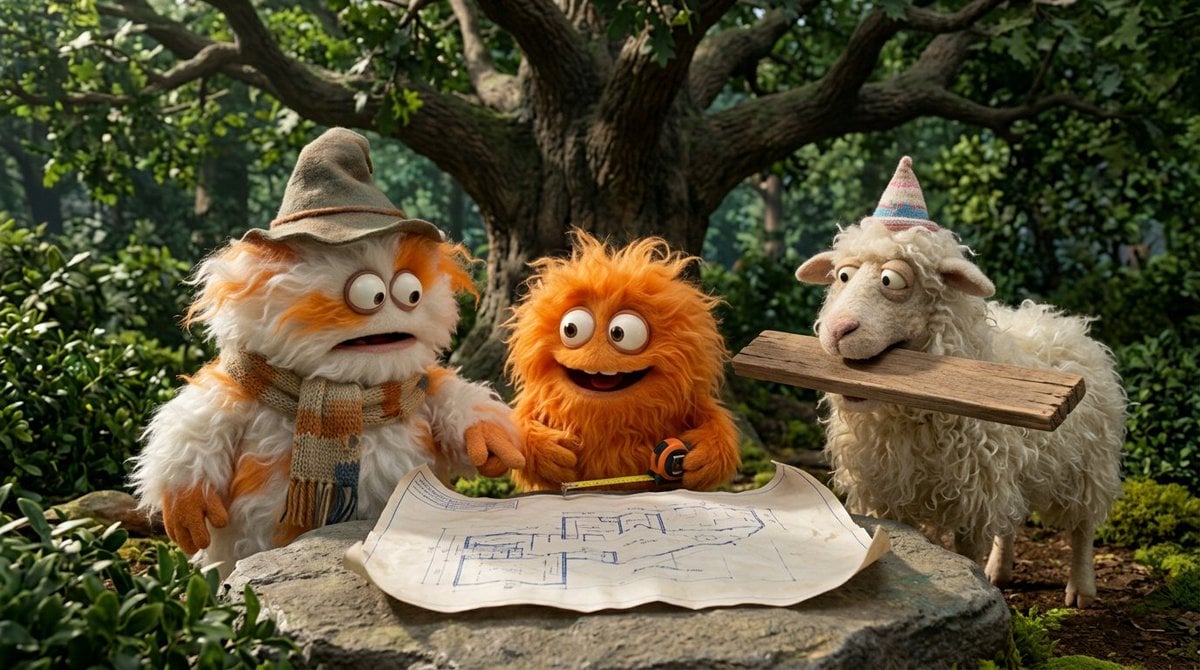
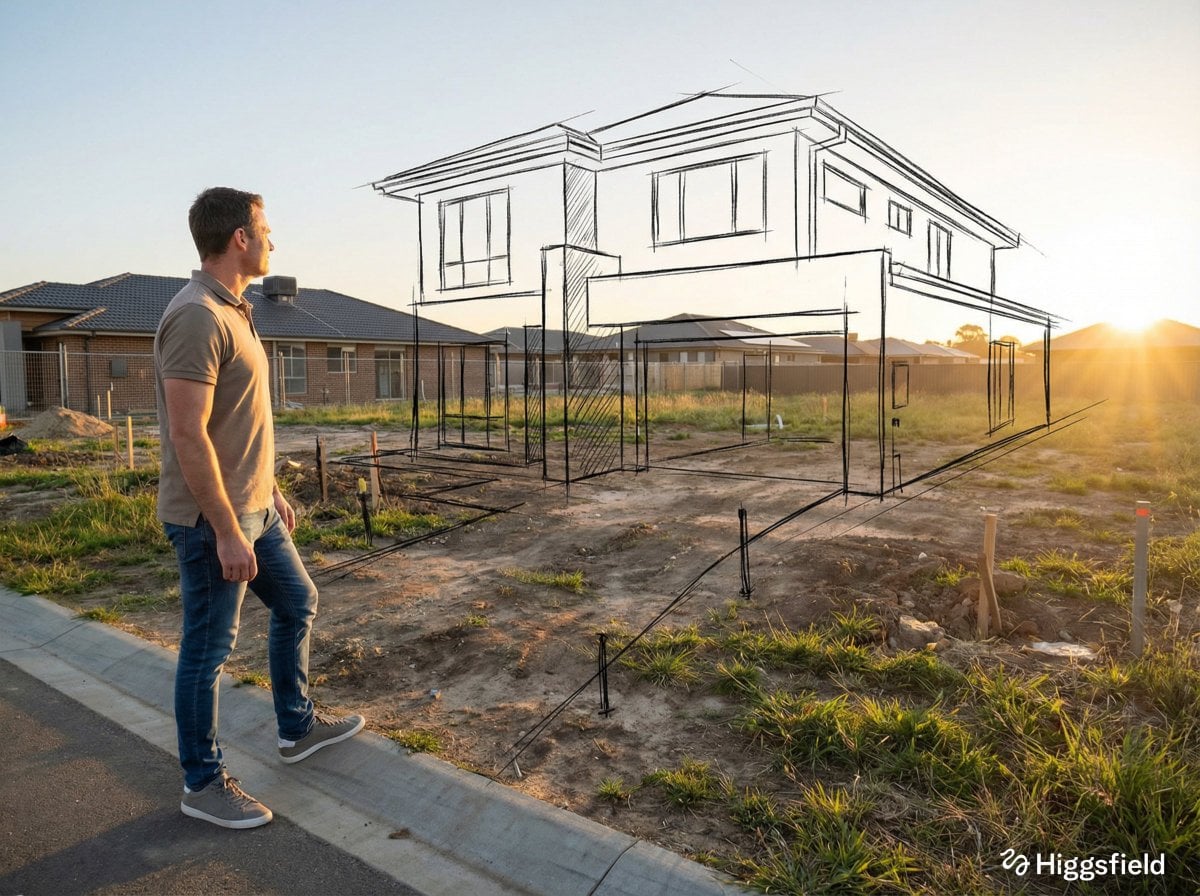
Swapping a background left the subject, the angle, the highlights, and the framing untouched. Holding the crop is the part most models get wrong.

OpenAI puts generation latency up to 50% below GPT Image 2. When you are iterating a prompt ten times, that is the change you feel most.

Both models share one credit table on GPT-IMG: 10 credits for a 1K Standard draft, 120 for a 4K High render, 25 to 130 for reference edits. Pick on output, not on price.

Each result above is a single generation, not an average of fifty, and our review only covered single-round edits on fresh images. Long edit chains are an open question. Run your own brief on both models before you commit a workflow.

The credit cost is identical, so there is no budget argument for the older model — but three cases survive. If half your catalogue was rendered on GPT Image 2, its look is your house style now. When a brief keeps coming back subtly wrong, a different model is a faster diagnostic than a tenth prompt rewrite. And on photorealistic materials it remains solid enough to be worth a parallel run rather than an automatic skip.
The long version, and the two model pages themselves.
Upgrade for larger monthly credits, faster generation, and commercial-ready output.
For regular creators and light production use
Generate 50–125 images / month
Upgrade to ProFor high-volume image generation workflows
Generate 120–300 images / month
Upgrade to UltimatePractical details for this generator page.
Use the prompt panel above with the same account, credits, and history workflow.