
GPT-IMG
Give every photo one job
A reference with no stated role gets blended in vaguely. "Image 1 is the person, image 2 is the jacket, image 3 is the room" turns three photos into three instructions.
 GPT-IMG
Upload up to five photos and tell the model what each one is for: this person, that jacket, this room, that colour mood. One generation, one picture that uses all of them.
Combine several photos in one image: upload up to five references, say what each one is for, and generate. People, products, style. Your first run is free.
Upload at least one reference image before generating.
All four accept more than one reference photo. They differ in how many they weigh at once and in how closely they hold a face or a product, so run the same brief through two of them.
OpenAI latest image model. Sharper instruction following, cleaner in-image text, up to 4K.
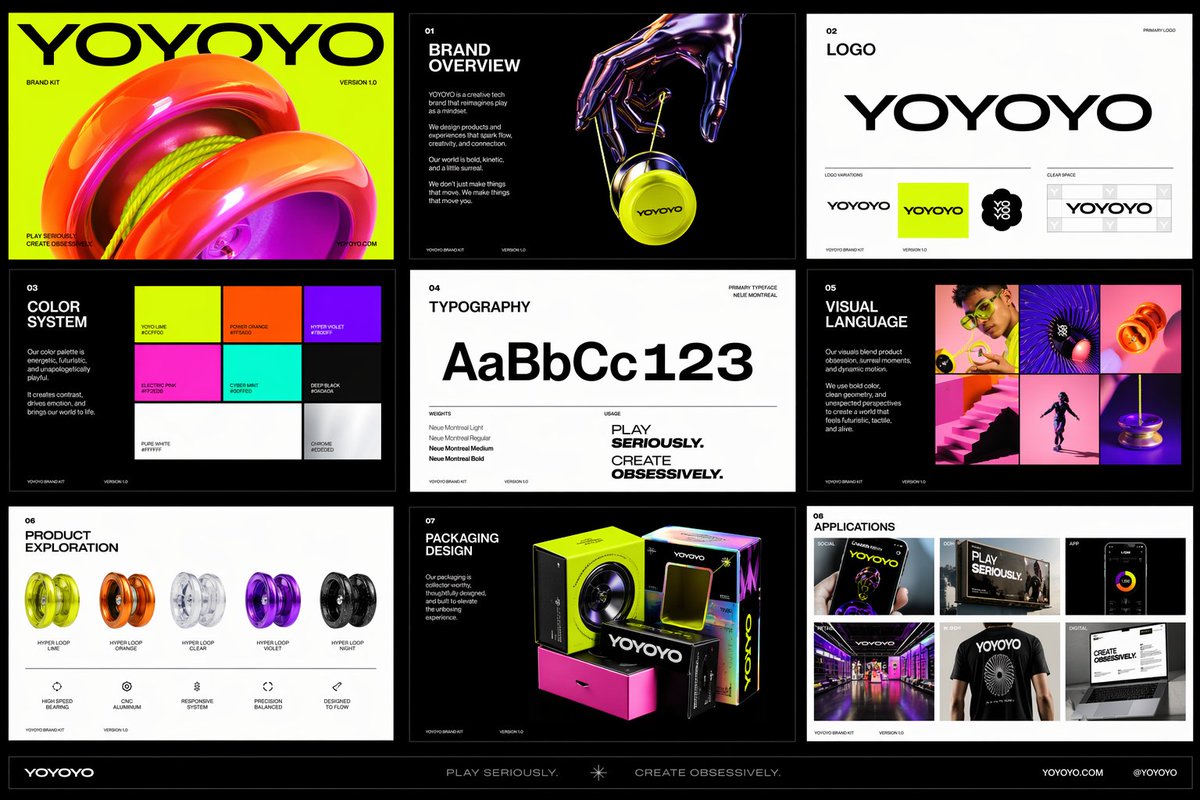
Photorealistic detail with tight prompt control. Accepts up to 8 reference images.
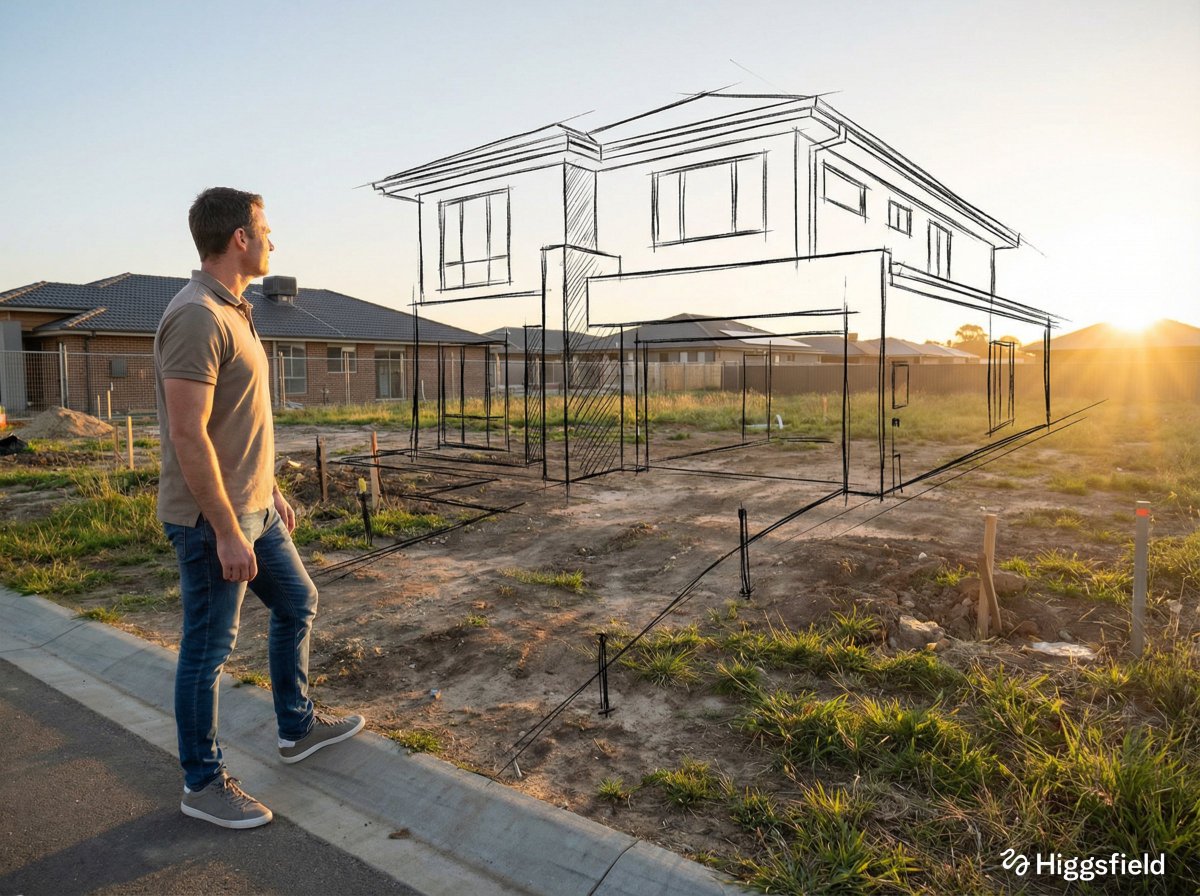
Highest quality Google model. Supports up to 4K resolution.
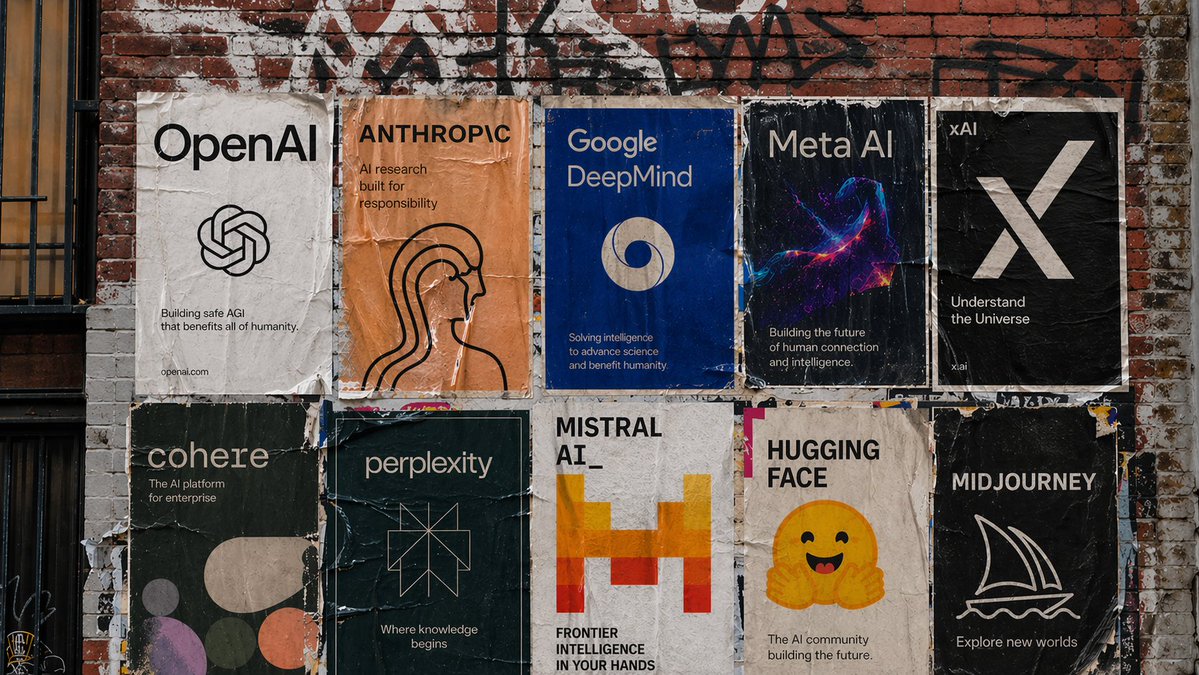
Strong typography and poster layouts. Handles dense in-image text at 1K and 2K.
More references only help when each one has a job. The first four points are about giving them jobs, the last three are about the limits you will run into.
A reference with no stated role gets blended in vaguely. "Image 1 is the person, image 2 is the jacket, image 3 is the room" turns three photos into three instructions.
There is no role selector, so the prompt is the only place the roles live. Say "image 1", "image 2" in upload order, and keep that order in your head when you re-run.
A reference that already contains three people and a busy street gives the model three things to guess between. Crop to the one thing you want used before you upload.
Add "keep the face exactly" or "same label, same proportions" for the reference that carries identity. The other references can be looser; that one needs the explicit clause.
You can attach up to five photos per generation here. If a brief needs more, merge two related references first, for example a sheet with the jacket front and back, then use the sheet as one image.
Two photos with different lighting, scale, or angle will not both win. Pick one to set the light and say so, or the result splits the difference and looks like neither.
The model draws the whole frame from your references, it does not cut and paste. Identity and design carry over, fine details like small print and exact patterns can drift, so check them before you publish.
Most multi-reference runs are one of three things: putting a person in a new outfit or scene while the face holds, placing a real product into a lifestyle setting taken from a mood photo, and carrying one visual style, such as a colour grade or illustration look, across a set of different subjects.
Same generator, pointed at a narrower job.
How to choose, order, and describe reference photos, with worked prompts.
When there is one photo and one change, and everything else should stay put.
The general reference-image workspace, for edits that do not need several photos.
Upgrade for larger monthly credits, faster generation, and commercial-ready output.
Practical details for this generator page.
Use the prompt panel above with the same account, credits, and history workflow.