
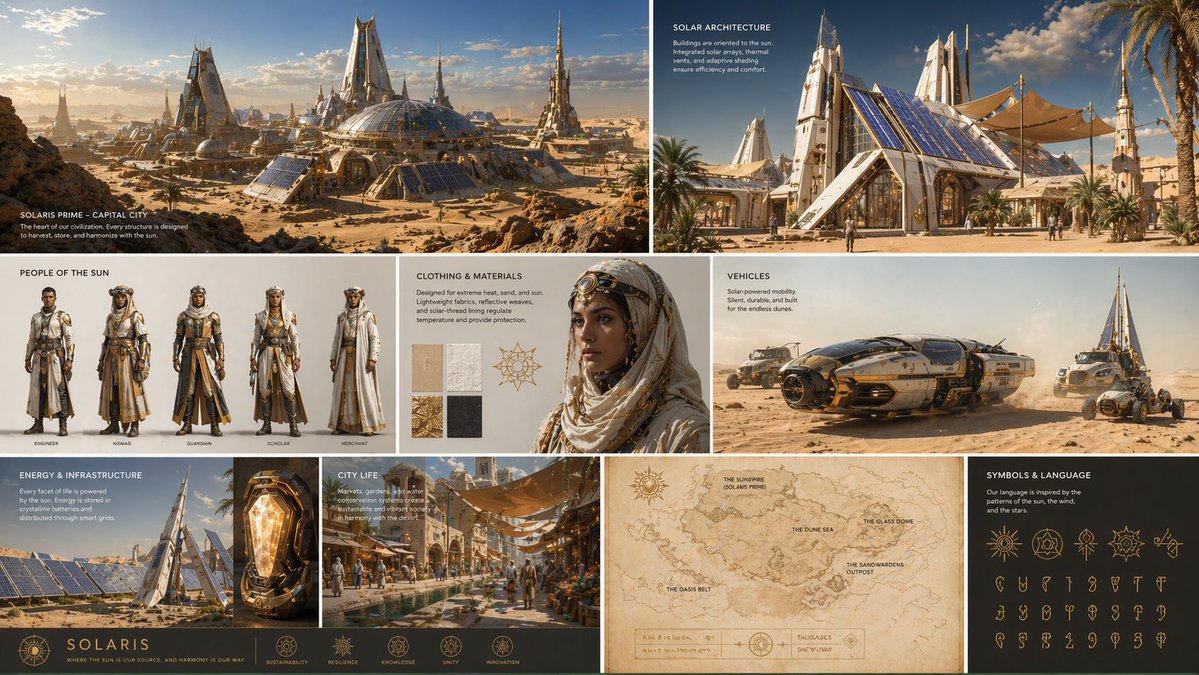
GPT-IMG
List the views you want
"Full-body front, side, and back, plus three face expressions" tells the model the layout. Leaving it out gives a single pose.
 GPT-IMG
Describe a character once and get a model sheet: front, side, and back views and a few expressions on a plain background.
Generate a character sheet with AI: front, side, and back views plus expressions on one board. Keep the design consistent for comics, games, and animation.
All four can draw several views on one board. Keeping proportions and colours the same across the views is where they differ.
OpenAI latest image model. Sharper instruction following, cleaner in-image text, up to 4K.
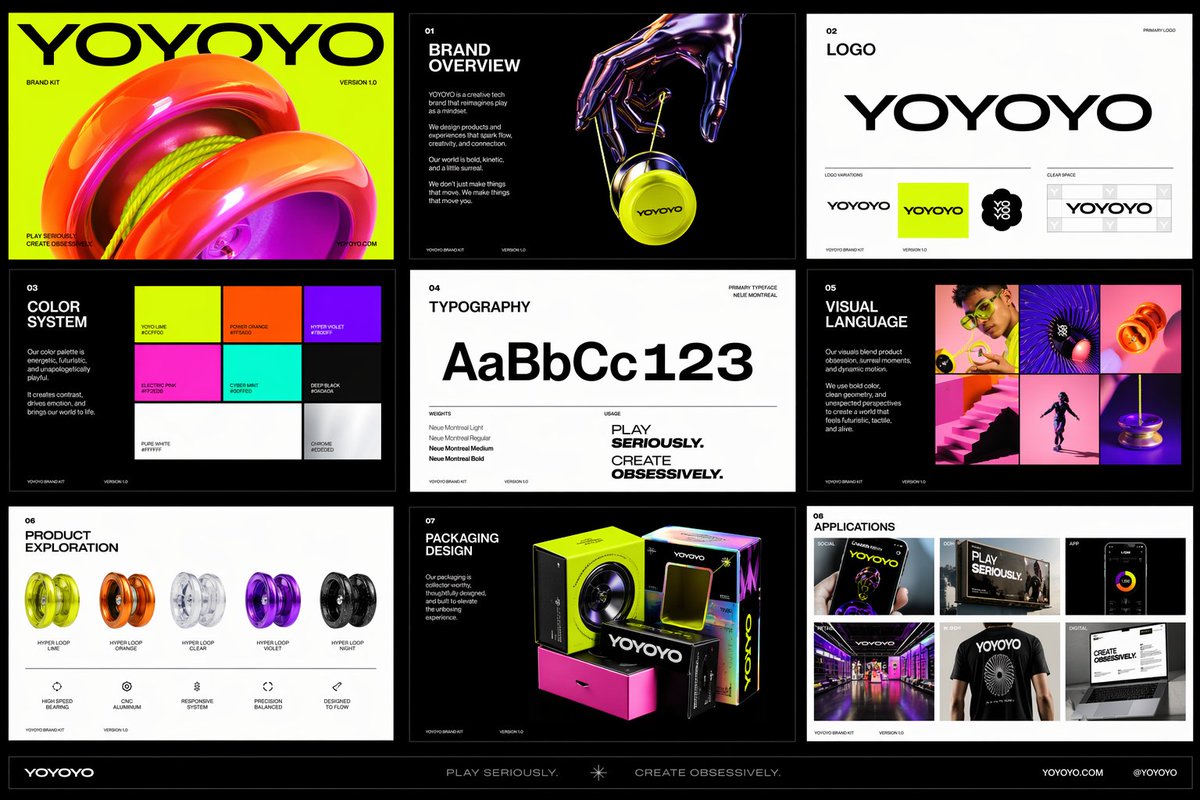
Photorealistic detail with tight prompt control. Accepts up to 8 reference images.
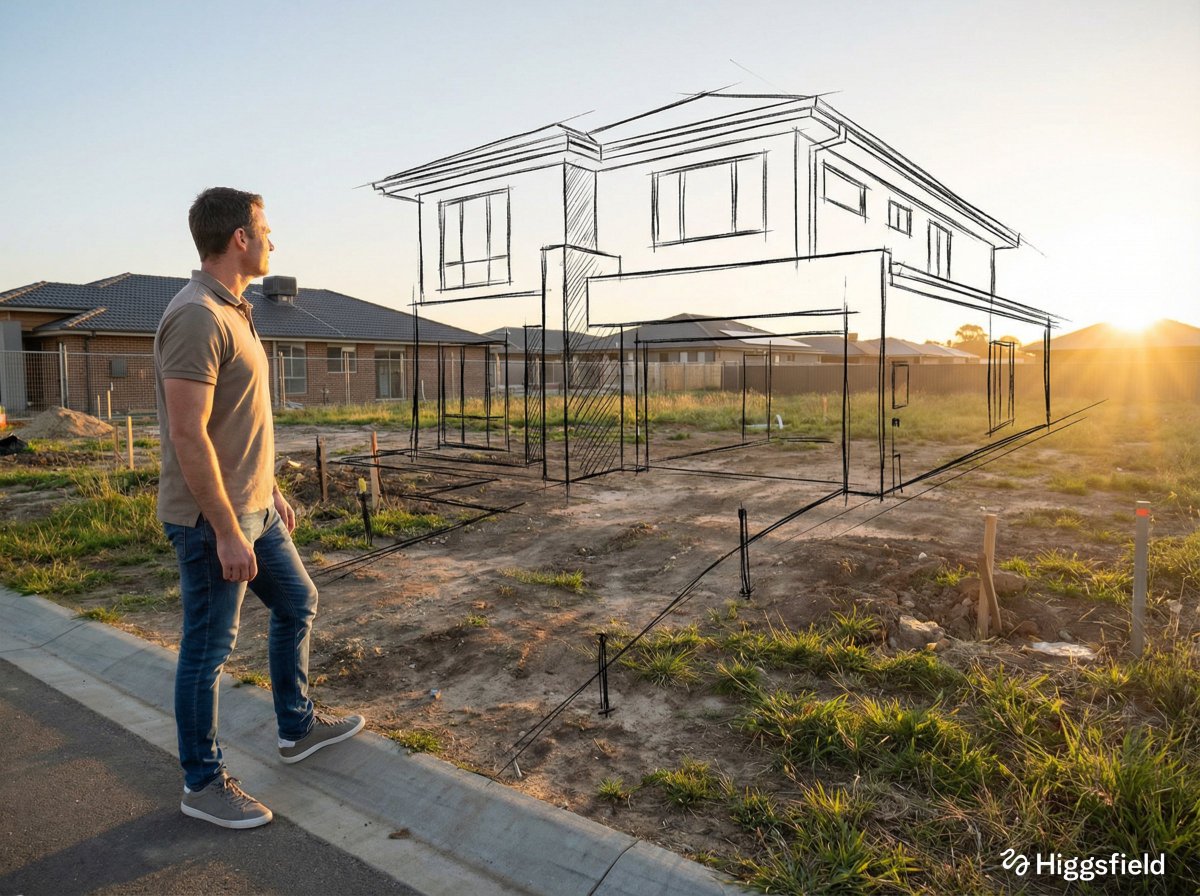
Highest quality Google model. Supports up to 4K resolution.
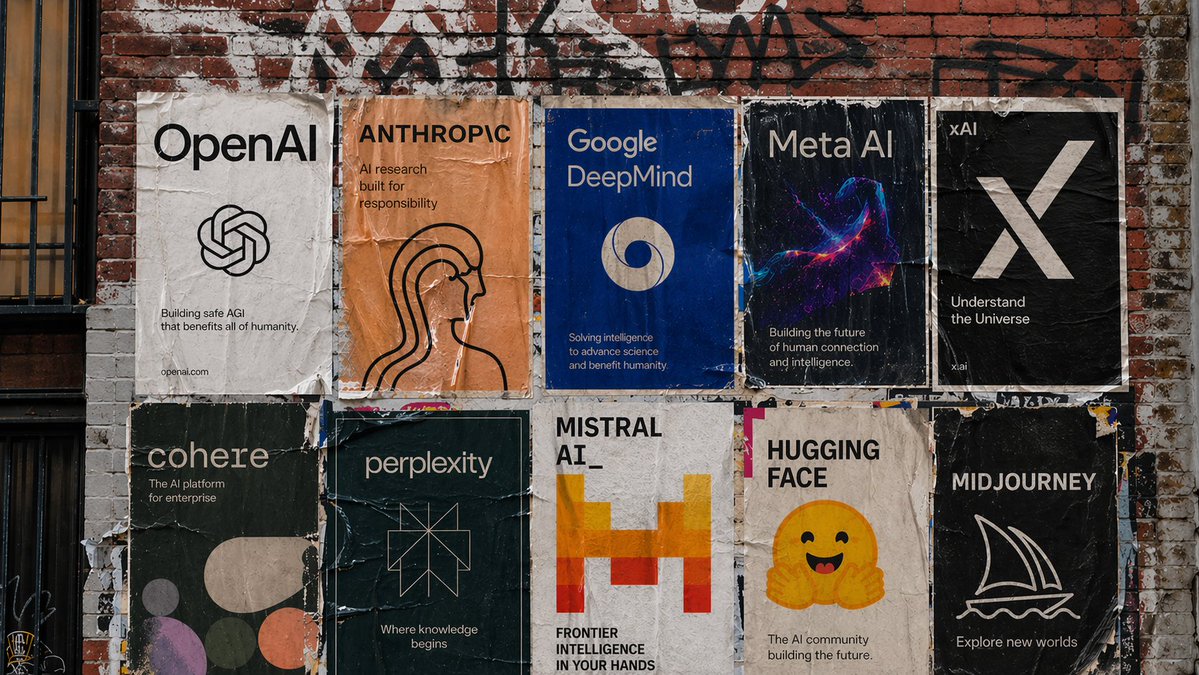
Strong typography and poster layouts. Handles dense in-image text at 1K and 2K.
A good character sheet is consistent across its views. These points push the model that way.
"Full-body front, side, and back, plus three face expressions" tells the model the layout. Leaving it out gives a single pose.
Name the colours and the key shapes: "mustard raincoat, green boots, round glasses". The more concrete, the more the views agree.
A flat neutral grey or white keeps the sheet clean and makes the views easy to cut out later.
Clean linework with flat colour, painterly concept art, or 3D render each look very different. Say which one before you generate.
Once you have a sheet you like, upload it as a reference and place the character in new scenes while keeping the design.
Backs of costumes are where the model invents most. If the back does not match the front, describe it explicitly and run it again.
Same generator, pointed at a neighbouring job.
Use the sheet as a reference and place the character into new scenes.
A closer, photographic look at one face rather than a full-body board.
The general prompt-first workspace for any subject.
The general reference-image workspace for edits of any kind.
Upgrade for larger monthly credits, faster generation, and commercial-ready output.
Practical details for this generator page.
Use the prompt panel above with the same account, credits, and history workflow.