

Chat GPT image from text
Describe the shot and get it back: product photos, portraits, ads, thumbnails, concept art, and social graphics, straight from a written prompt.
Make Chat GPT images from text, or upload a photo and edit them. Run the same prompt across GPT Image and Nano Banana models without leaving the page. GPT-IMG is an independent site, not affiliated with OpenAI.
Curated by the GPT-IMG editorial team · Updated
Each page below is built around one thing: a text prompt, an edit from your own photo, a template, or a specific model.
Clean product shots for ecommerce, ads, and launches.
Editorial portraits, avatars, profile photos, and headshots.
Use references for controlled style, scene, and object edits.
Swap the wording on a sign, label, poster, or menu in a photo.
Turn a photo you already have into 80s film: grain, flash, colour cast.
Pick the model that suits the job. Your prompt, aspect ratio, reference image, and history carry over unchanged.
OpenAI latest image model. Sharper instruction following, cleaner in-image text, up to 4K.
Most capable OpenAI model. Supports all quality tiers and up to 4K.
Google latest image model. Sharper edits, cleaner in-image text, steadier subject consistency, up to 4K.
Highest quality Google model. Supports up to 4K resolution.
Strong typography and poster layouts. Handles dense in-image text at 1K and 2K.
Affordable ByteDance model for text-to-image and multi-reference edits. Sharp 2K and 4K output at a flat 10 credits.
Photorealistic detail with tight prompt control. Accepts up to 8 reference images.
Fast and opinionated. Good for posters, memes, and stylized concept art.
Edit an existing image by describing the change. Requires a reference image.
The cheapest way to explore an idea. Sub-second generation at 5 credits per image.
Speed-optimized Krea 2 with a wide stylistic range. Good for stylized ideation and typography-led art.
A sample of what people have generated here recently. The full gallery has the prompt behind every image.
A chat gpt image generator turns written instructions into a finished picture. GPT-IMG wraps that in the controls a real job needs: model choice, size, references, and a visible price per image.
Describe the shot and get it back: product photos, portraits, ads, thumbnails, concept art, and social graphics, straight from a written prompt.
Upload a photo you already have and say what should change. Style transfer, product consistency, and targeted edits run through the same prompt box.
GPT Image 2.5 for instruction following, Nano Banana 2.1 for quick reference passes, Nano Banana Pro when you need the extra detail.
Open a proven creative direction and edit it, rather than writing every campaign brief from a blank field.
Each model and size shows its credit cost before you submit, so a GPT image never costs more than you expected.
Generation runs server-side and keeps going after you close the tab. Finished images wait for you in History.
The advanced settings stay one click away instead of crowding the first screen.
Square, portrait, landscape, and social sizes, at 1K, 2K, or 4K wherever the chosen model supports it.
Standard, medium, and high are separate price points on GPT Image 2.5 and GPT Image 2. Start cheap while you iterate, then finish high. Rewriting a prompt costs nothing extra; you pay per image generated.
If generation breaks before an image lands, the credits go back to your balance automatically.
How to write prompts that hold up, work from reference photos, and spend credits without wasting them.
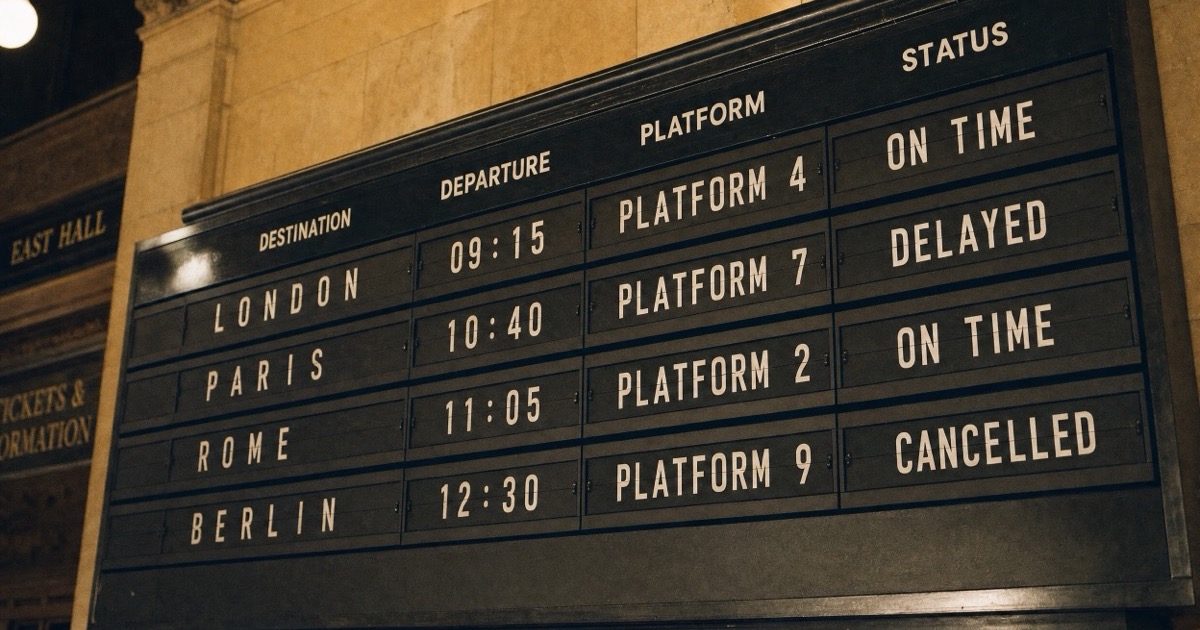
GPT Image 2 vs Nano Banana Pro on three real prompts: text accuracy, portrait detail and credit cost, plus what GPT Image 2's three quality tiers are worth.
Read guide
Ideogram 4.5 is built to edit one thing and leave the rest alone. We ran three edits in a row against Nano Banana 2.1 and measured how far each image drifted.
Read guide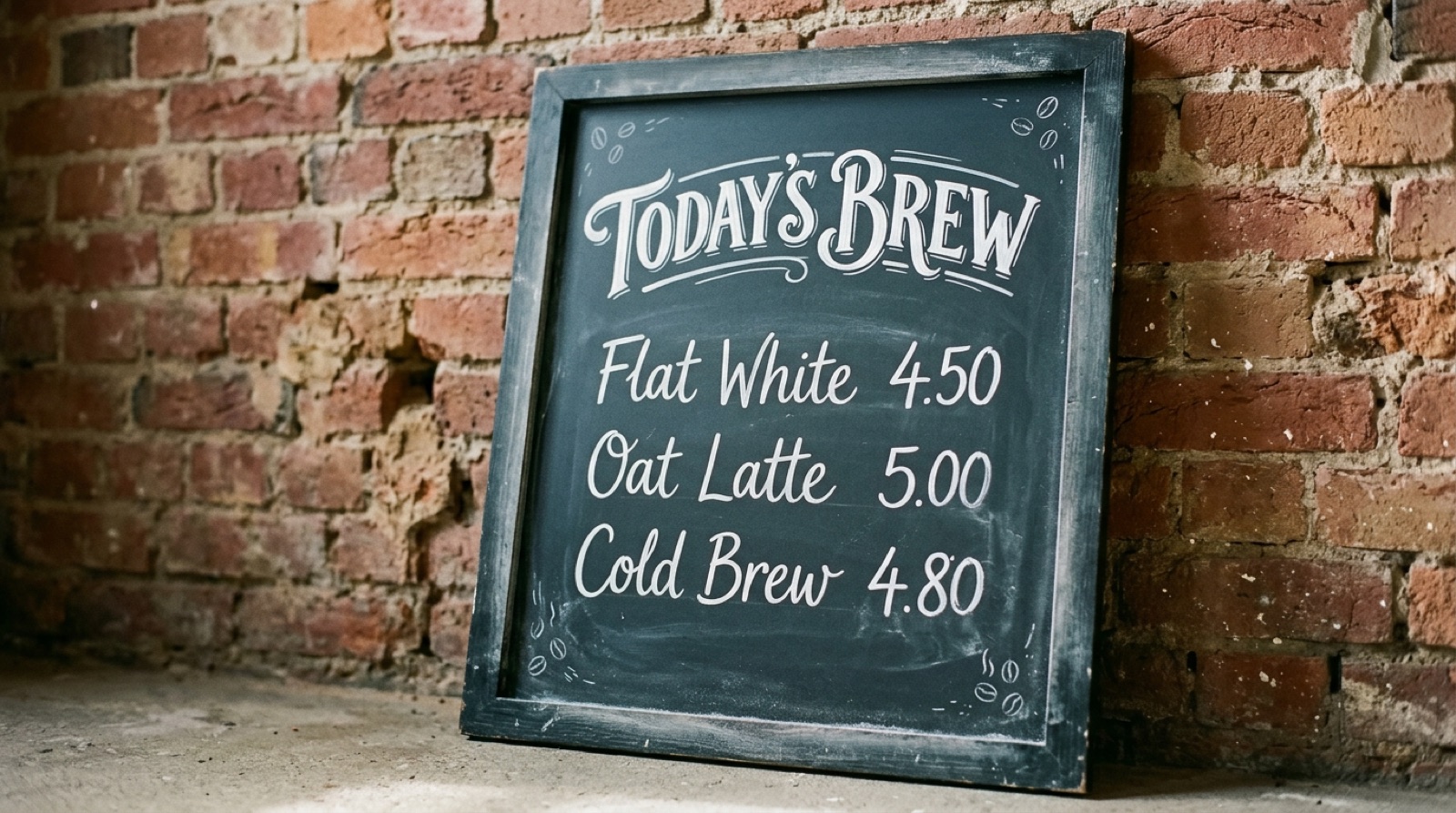
Nano Banana 2.1 launched on October 6, 2026 at about half the price of Nano Banana 2. We ran one text-heavy prompt on both and compared the results and credit cost.
Read guideThe same generator, framed around a different job or model.
Frequently asked questions
A chat gpt image generator turns a written instruction into a finished picture using AI image models. GPT-IMG runs those models in the browser and gives you the file, so you can use chat gpt image generator workflows without an OpenAI account.
ChatGPT's built-in image tool is locked to OpenAI models and to the chat interface. GPT-IMG is an independent chat gpt image creator that runs OpenAI's GPT Image, Google's Nano Banana, ByteDance's Seedream and others side by side, so you can pick the model that fits the job without copying prompts between tabs.
Signing up gives you 30 credits with no card required: three 1K text-to-image runs on GPT Image 2.5 at 10 credits each, or two photo edits at 15. Free-credit images carry a watermark and are for personal, non-commercial use. After that you buy a credit pack ($4.99 for 300 credits, never expires) or subscribe. There is no free unlimited tier.
Start with GPT Image 2.5, the newest OpenAI model and the default here. Switch to Nano Banana 2.1 or Pro when you want faster reference-image passes, or to Seedream when a poster needs dense in-image text.
Yes. Credits, generation history, uploaded references, and refunds for failed jobs all have to hang off an account.
Yes. Upload it as a reference, describe the change, and the generator routes to the editing endpoint for that model instead of generating from scratch.
Product shots, portraits, ad creative, video thumbnails, social graphics, concept art, app icons, editorial illustration, and edits of your own photos.
Credits return to your balance automatically. Requests blocked by a model's safety filter are refunded too, up to 3 per day.
Yes. Everything runs in the browser and the layout is responsive, so you can write prompts and check results on a phone.
Sign-up gives you 30 free credits, enough to try a chatgpt image generator without paying. Beyond that, you buy a credit pack or subscribe. There is no unlimited free tier.
Yes. Pick a square, portrait, or landscape ratio, set the size, and the chat gpt image creator outputs a file at 1K, 2K, or 4K depending on the model, without a watermark once you are on paid credits. The output goes straight into your History for reuse.
Yes. The same prompt box runs GPT Image 2.5 and GPT Image 2 from OpenAI, Nano Banana 2.1 and Nano Banana Pro from Google, plus Seedream 5.0 Pro, FLUX 2 Pro, Grok Imagine, Qwen Image Edit, Z-Image Turbo and Krea 2 Turbo. All of them spend one credit balance, and your prompt, ratio and reference image stay put when you switch models.
No. GPT-IMG is an independent site run by Novrik Digital LLC. It calls OpenAI GPT Image models alongside models from Google, ByteDance, Black Forest Labs and others, and bills them all from one credit balance. You do not need an OpenAI account or ChatGPT Plus.
Images made with purchased credits or an active subscription can be used commercially. Images made with the 30 free signup credits are for personal, non-commercial use and may appear in the public gallery.
Uploads and results are stored in your account History so you can reuse them. They are sent to the model you pick only to produce your image, and they are not used to train models. You can ask support@gpt-img.com to delete your account and its data at any time.