
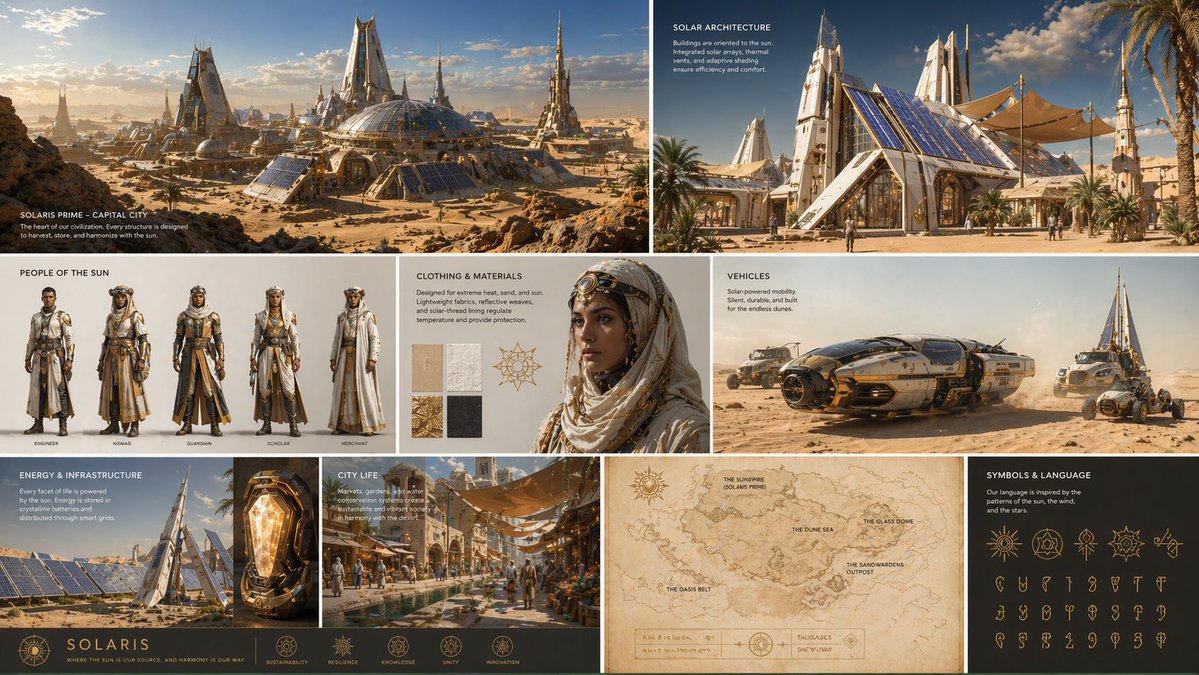
GPT-IMG
Name what stays, then what replaces it
Write the background first, then a locked clause for everything else: "keep the subject, their edges, pose, and clothing exactly as they are". Without it the model is free to redraw the person too.
 GPT-IMG
Upload a photo and describe where the subject should be instead. The person or product stays as it is, and the new scene is lit to match.
Swap the background of a photo for a new scene. Describe the setting, and the subject, edges, and lighting stay put. Works on people and products. First run free.
Upload at least one reference image before generating.
All four take a reference photo and can place a new scene behind it. Hair, glass, and fine edges are where they differ, so test a hard cutout on two of them.
OpenAI latest image model. Sharper instruction following, cleaner in-image text, up to 4K.
Photorealistic detail with tight prompt control. Accepts up to 8 reference images.
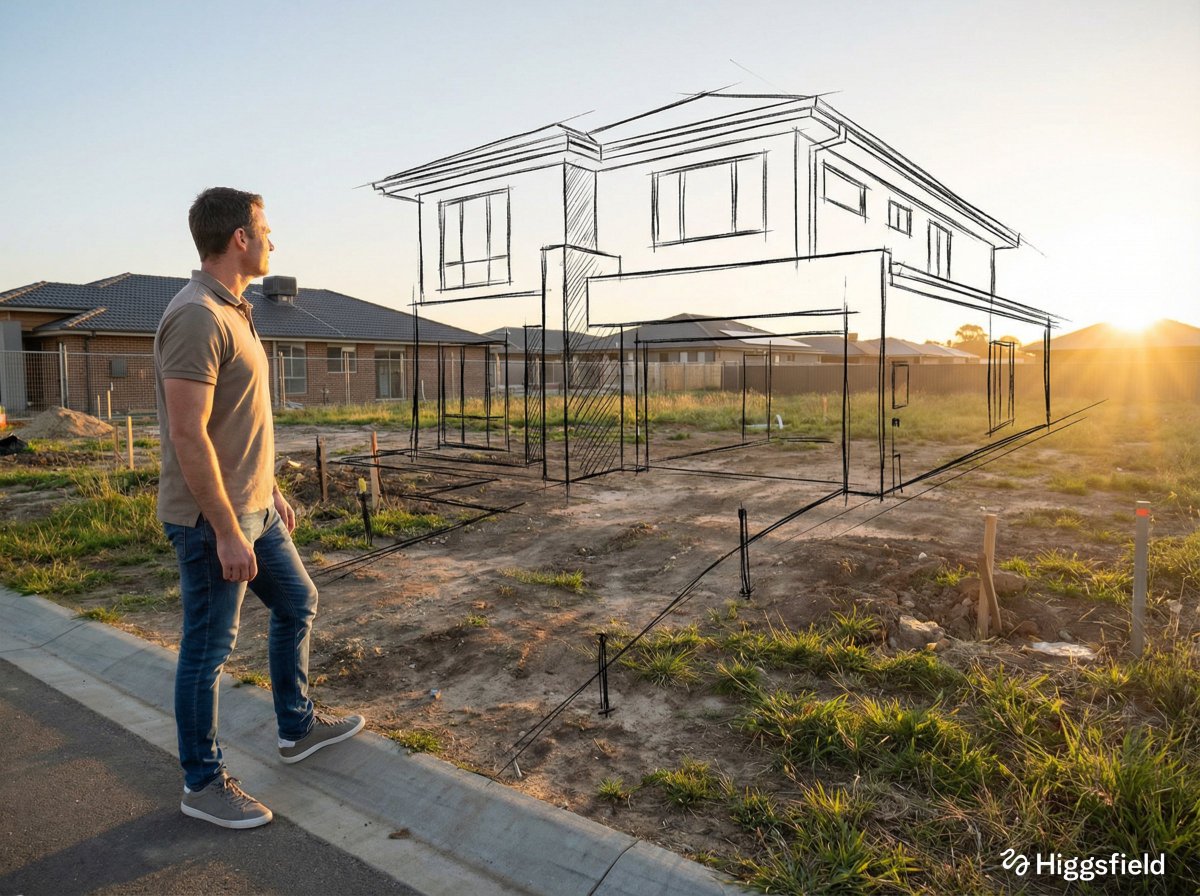
Highest quality Google model. Supports up to 4K resolution.
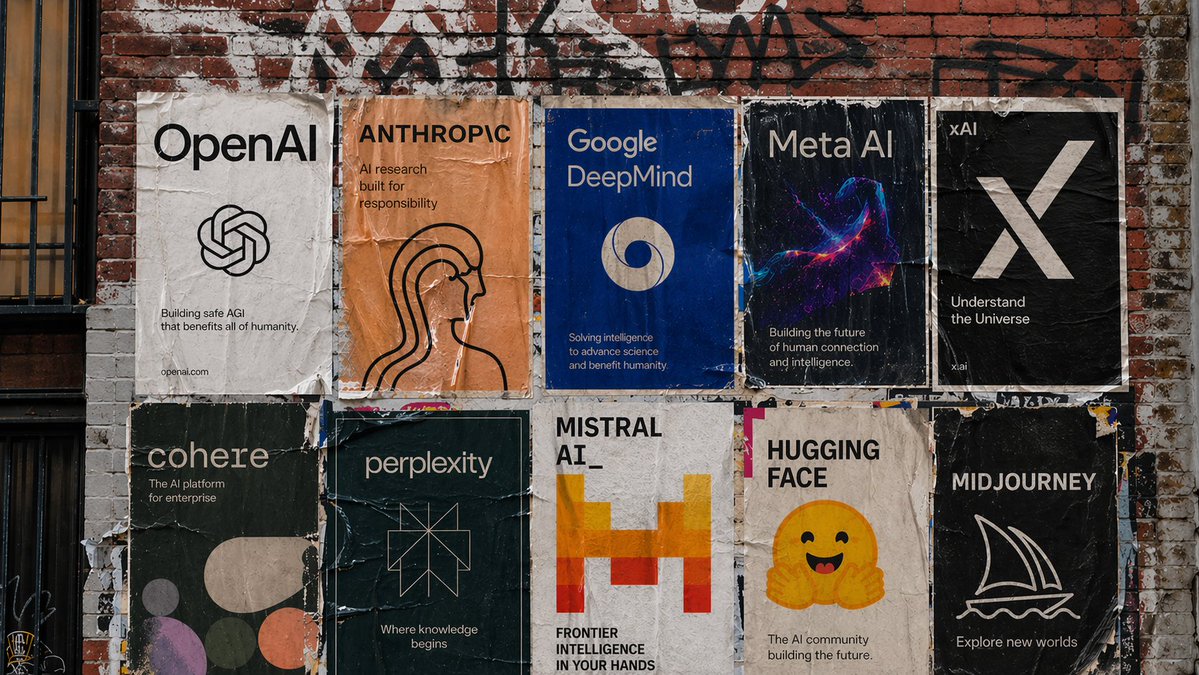
Strong typography and poster layouts. Handles dense in-image text at 1K and 2K.
Anyone can put a subject on a new backdrop. The hard part is making the light, the shadows, and the edges agree with it. These points are about that.
Write the background first, then a locked clause for everything else: "keep the subject, their edges, pose, and clothing exactly as they are". Without it the model is free to redraw the person too.
A subject lit from the left dropped into a scene lit from the right is the giveaway of a bad swap. Add "light from the left, warm, low sun" so the new scene and the subject agree.
A photo taken from eye level will not sit convincingly in a scene drawn from above. Describe the new setting from the same height and distance as the original shot.
For a specific place, upload it as a second photo and write "image 1 is the subject, image 2 is the new background". That beats describing a room in words when you already have the room.
Fine edges and see-through objects are where a swap fails first. If a strand of hair or a wine glass comes out wrong, re-run with the edge named in the prompt, or draft on a second model.
For a product shot, ask for a contact shadow and a surface: "on a pale oak table, soft shadow beneath". A product with no shadow looks like it is floating.
The frame is redrawn around your subject rather than masked and composited. Identity and shape carry over, but labels, small print, and fine jewellery should be checked at full size.
Same generator, pointed at a neighbouring job.
Keep the new setting and change what the person is wearing.
Turn one product photo into a set of listing images on different scenes.
The prompt pattern behind every contained edit on this site.
The general reference-image workspace for edits of any kind.
Upgrade for larger monthly credits, faster generation, and commercial-ready output.
Practical details for this generator page.
Use the prompt panel above with the same account, credits, and history workflow.