

GPT-IMG
Instructions, not re-descriptions
Write what should change — "make the jacket red", "remove the sign", "put this on a marble counter" — instead of re-describing the whole scene and hoping the model reconstructs it.
 GPT-IMG
Alibaba built this model for instruction-based editing rather than generation from scratch. Upload a picture, say what should be different, and keep the rest intact.
Upload an image and describe the change. Alibaba's Qwen Image Edit rewrites objects, backgrounds, and styling in place for 15 credits, no install required.
Upload at least one reference image before generating.
Three ways to change an existing image, differing in reference count, resolution ceiling, and how literally they follow instructions.
Qwen Image Edit only runs with an image attached. That constraint is what makes it good at leaving the rest of the frame alone.
Write what should change — "make the jacket red", "remove the sign", "put this on a marble counter" — instead of re-describing the whole scene and hoping the model reconstructs it.

Because it starts from your pixels rather than from noise, faces, poses, and layout survive edits that would drift on a text-to-image model.
It takes exactly one input. For multi-reference composition — a subject from one photo into a scene from another — use FLUX 2 Pro or Nano Banana Pro.

Square, 4:3, 3:4, 16:9, and 9:16. There is no 2:3 or 3:2 here, and no 2K or 4K tier.
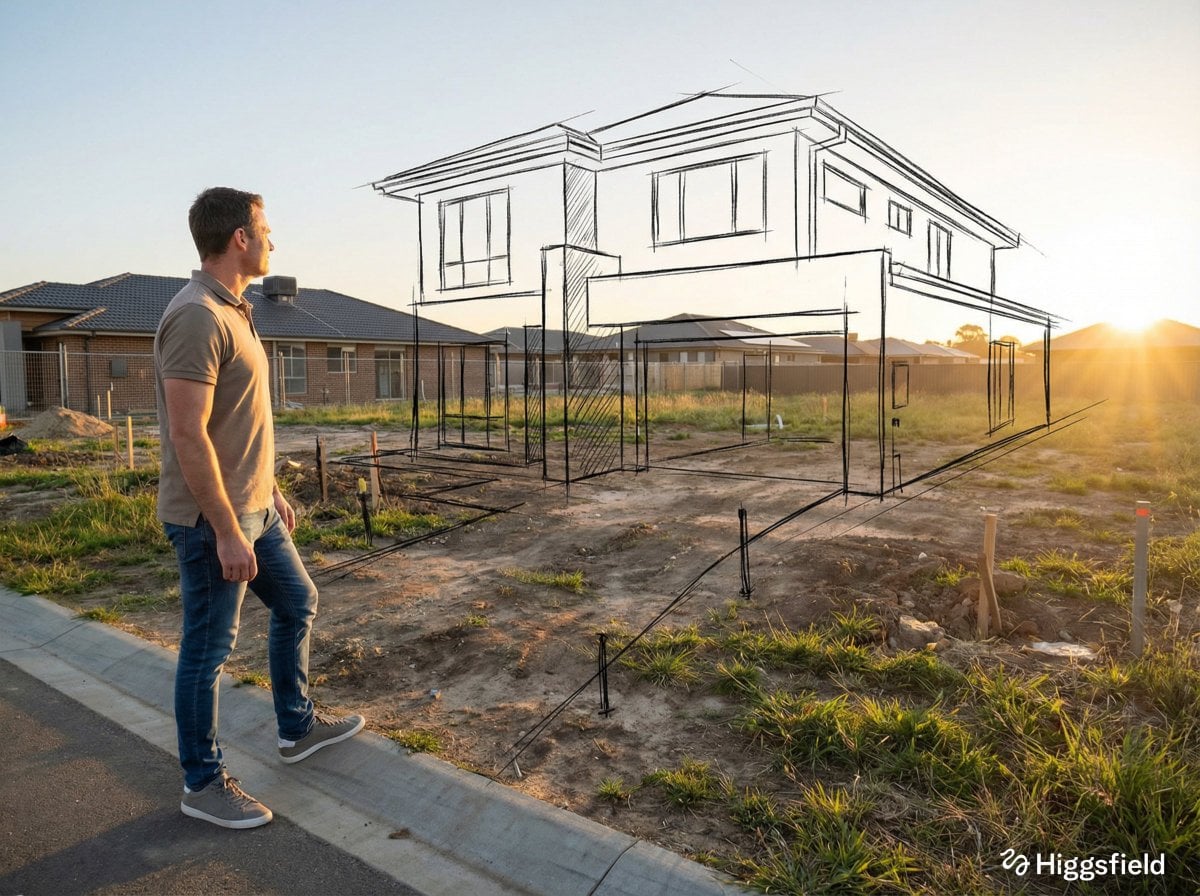
Swap a cluttered room for a clean studio backdrop while the subject keeps its original lighting and edges.

Take out a stray sign, a cable, or a bystander, or add an object that has to sit correctly in the existing perspective.
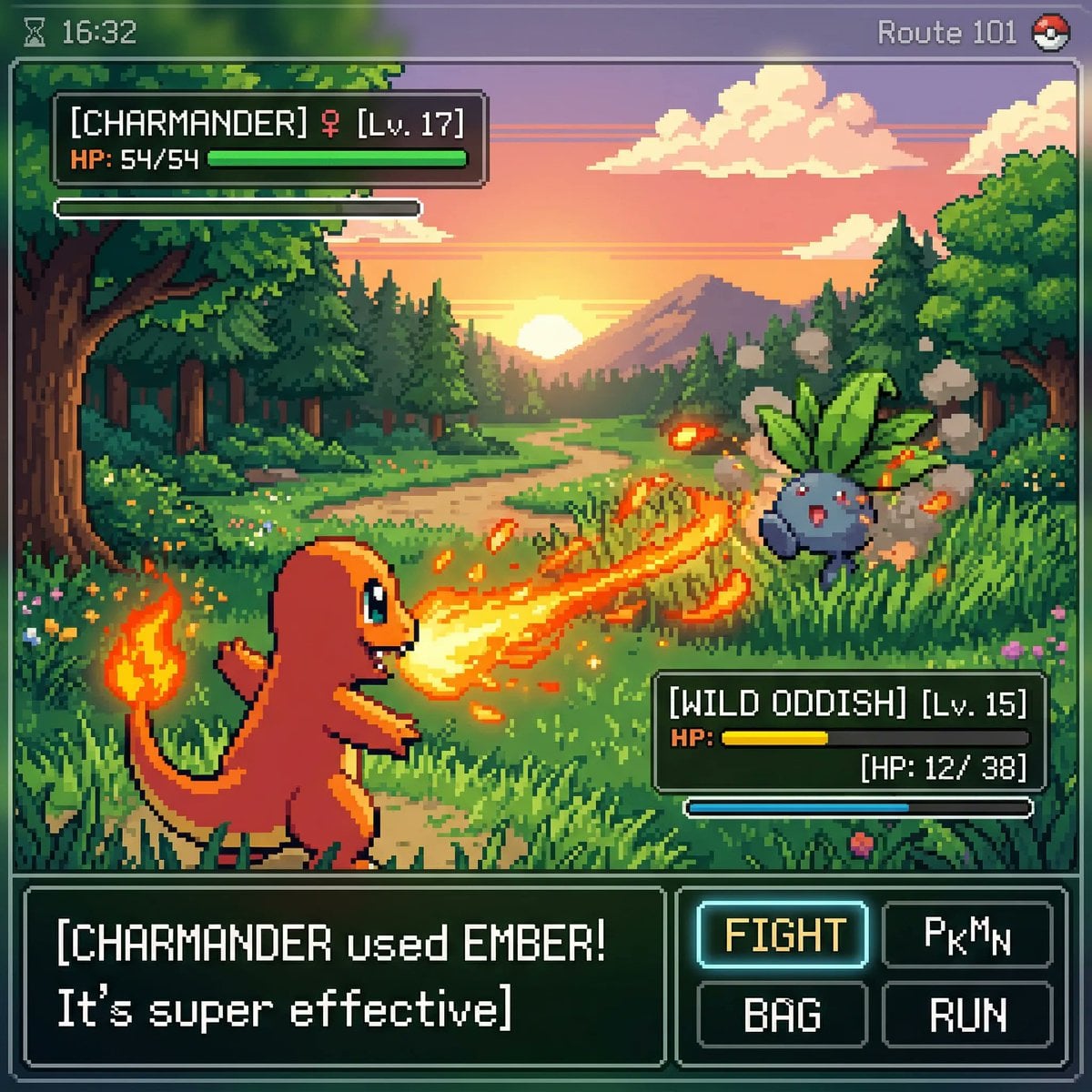
Restyle a garment, repaint a wall, or change a surface finish without redrawing the composition around it.

Describe the damage — scratches, fading, a torn corner — and let the model reconstruct the affected regions.
One account, the full image generation workflow.
Upgrade for larger monthly credits, faster generation, and commercial-ready output.
Buy credits once and use them whenever you need. Purchased credits never expire.
Practical details for this generator page.
Use the prompt panel above with the same account, credits, and history workflow.