
GPT-IMG
Say which text, and where
Point at it: "the caption across the bottom", "the price sticker on the box". If there are several pieces of text, list each one so none is missed.
 GPT-IMG
Upload an image, say which text to take out, and get it back with the background rebuilt behind where the letters were.
Remove text from an image with AI: take captions, labels, and overlay lettering off your own pictures and rebuild the background behind them. First run free.
Upload at least one reference image before generating.
All four accept your image and redraw what the lettering covered. Gradients and fine textures are where they differ, so test a textured background on two.
OpenAI latest image model. Sharper instruction following, cleaner in-image text, up to 4K.
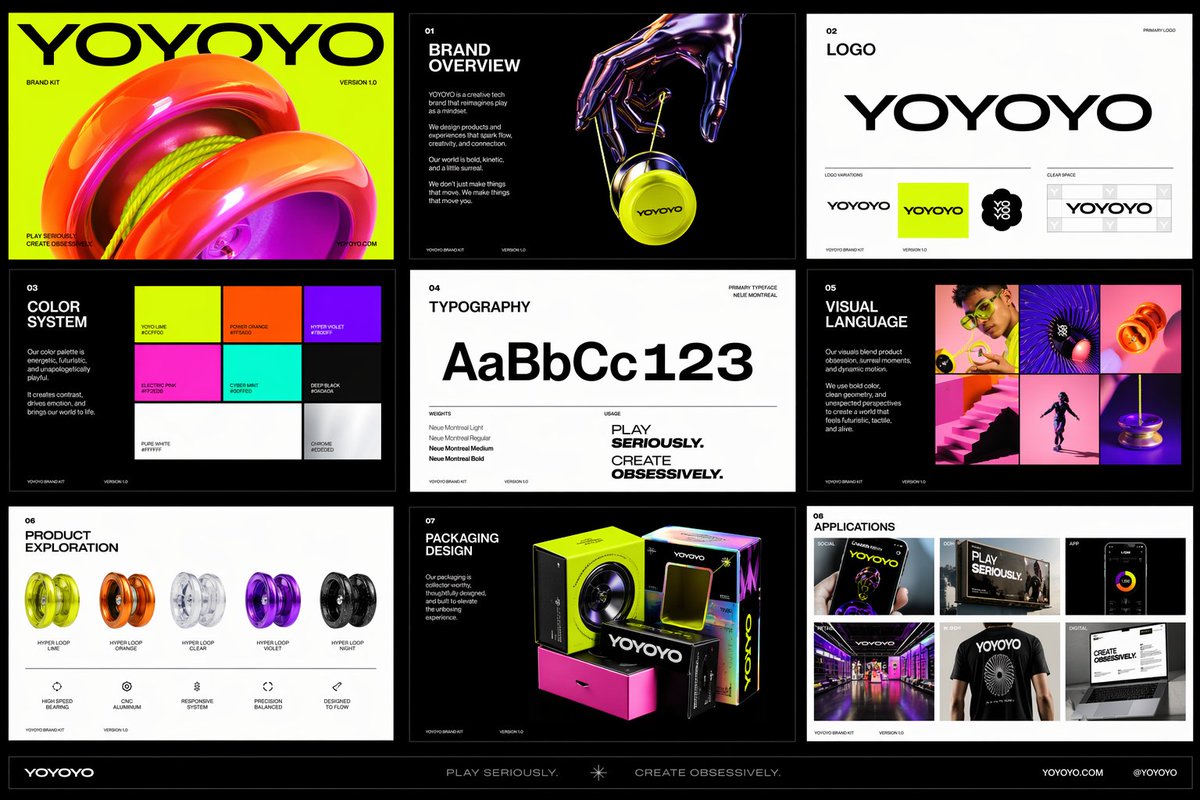
Photorealistic detail with tight prompt control. Accepts up to 8 reference images.
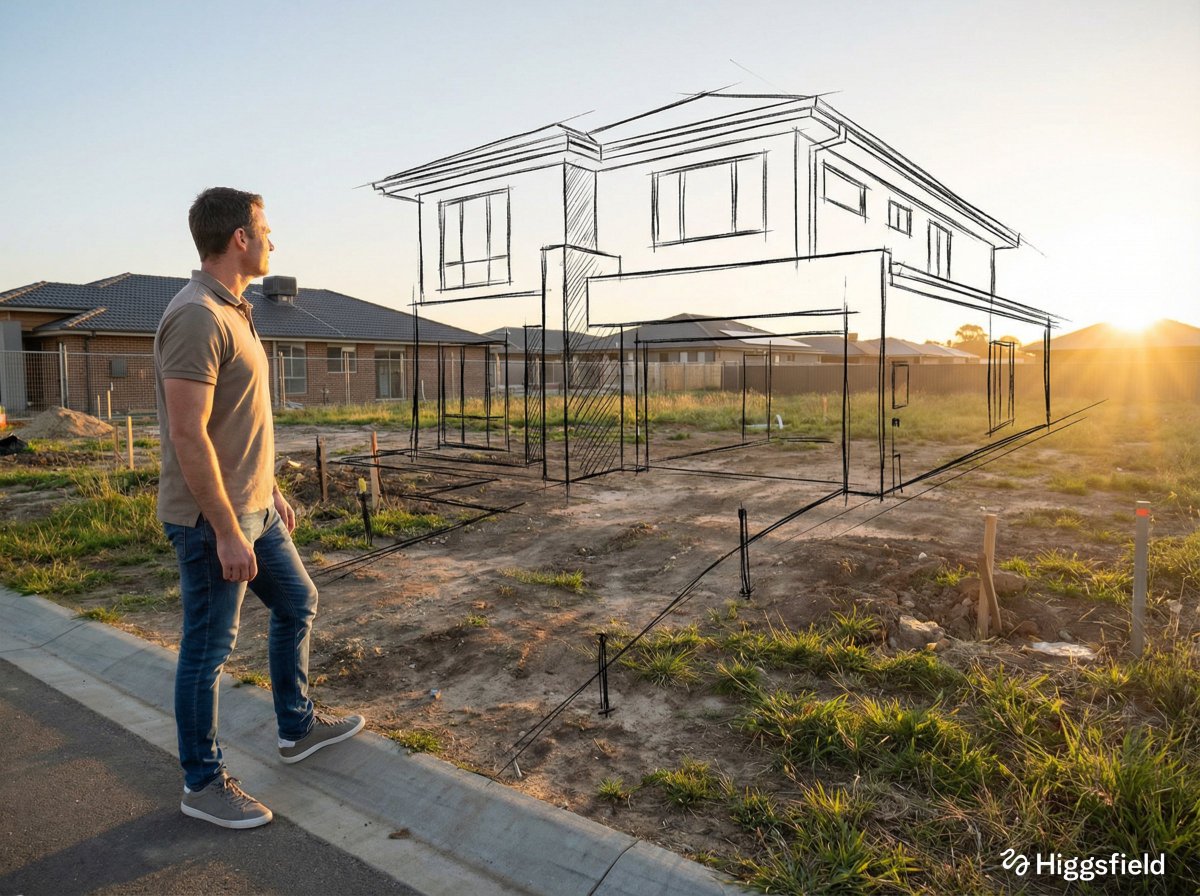
Highest quality Google model. Supports up to 4K resolution.
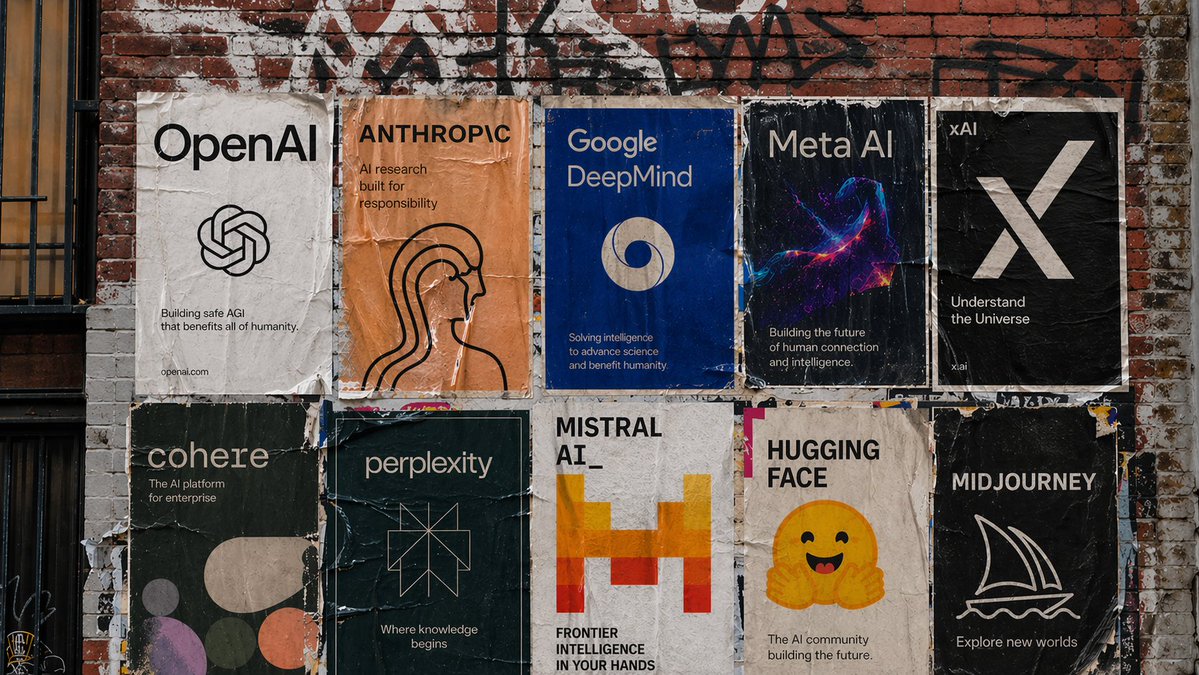
Strong typography and poster layouts. Handles dense in-image text at 1K and 2K.
Lettering sits on top of something. The edit works when the model knows what was under it.
Point at it: "the caption across the bottom", "the price sticker on the box". If there are several pieces of text, list each one so none is missed.
Sky, wall, fabric, skin. "Rebuild the plain blue wall behind it" gives the model a target instead of a guess.
Add "keep every other part of the picture unchanged". It is the clause that stops nearby details from being redrawn.
Lettering on sky, wall, or a smooth gradient disappears easily. Text over faces, fine patterns, or busy scenes is harder and may need two runs.
Use this on your own photos, screenshots, and designs. Do not use it to strip someone else’s credit line or copyright mark from their work.
To change the words rather than remove them, use the text editing workflow, which redraws the lettering in the original style.
Same generator, pointed at a neighbouring job.
Change the words instead of removing them, in the same style.
The same approach, for people and objects.
The prompt pattern behind every contained edit on this site.
The general reference-image workspace for edits of any kind.
Upgrade for larger monthly credits, faster generation, and commercial-ready output.
Practical details for this generator page.
Use the prompt panel above with the same account, credits, and history workflow.