
GPT-IMG
Preserve the subject, rewrite the scene
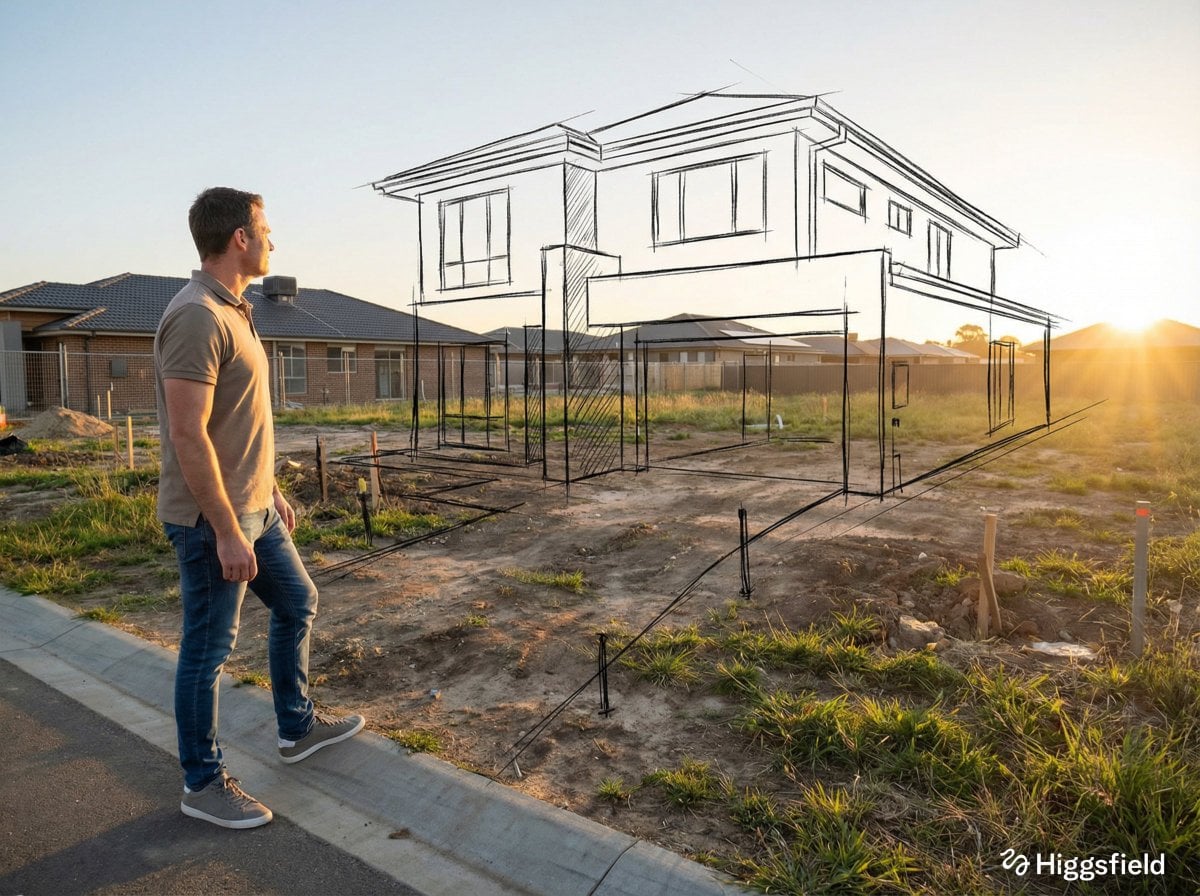
Keep a product, person, object, or layout recognizable while changing the lighting, setting, surface material, background, or mood.
 GPT-IMG
Start from a picture you already have. Upload it, describe the change in a sentence, and get a version back with the parts you did not mention left alone.
Upload a photo and say what should change. The GPT image editor runs GPT Image 2.5, Nano Banana, and more, with the credit cost shown per edit.
Upload at least one reference image before generating.
Updated
Not every model here reads an upload. These do, and each one interprets "change this, keep that" a little differently.
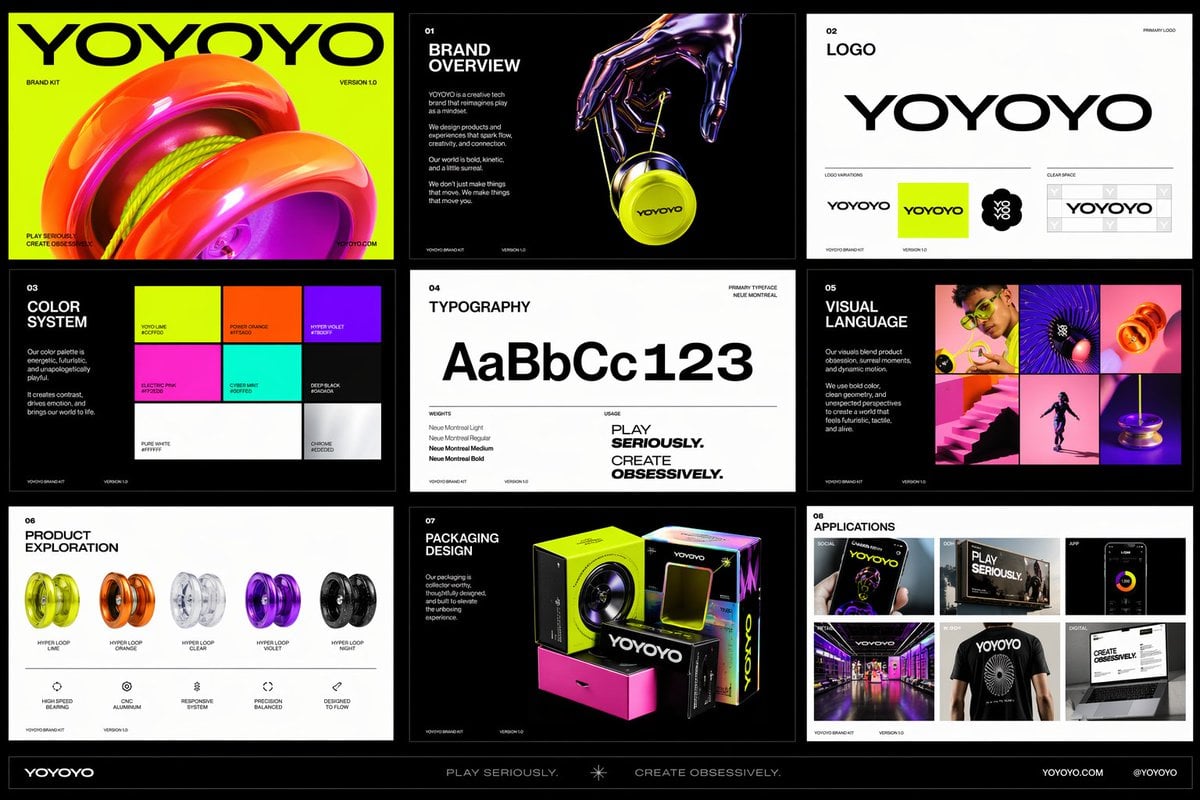
OpenAI latest image model. Sharper instruction following, cleaner in-image text, up to 4K.
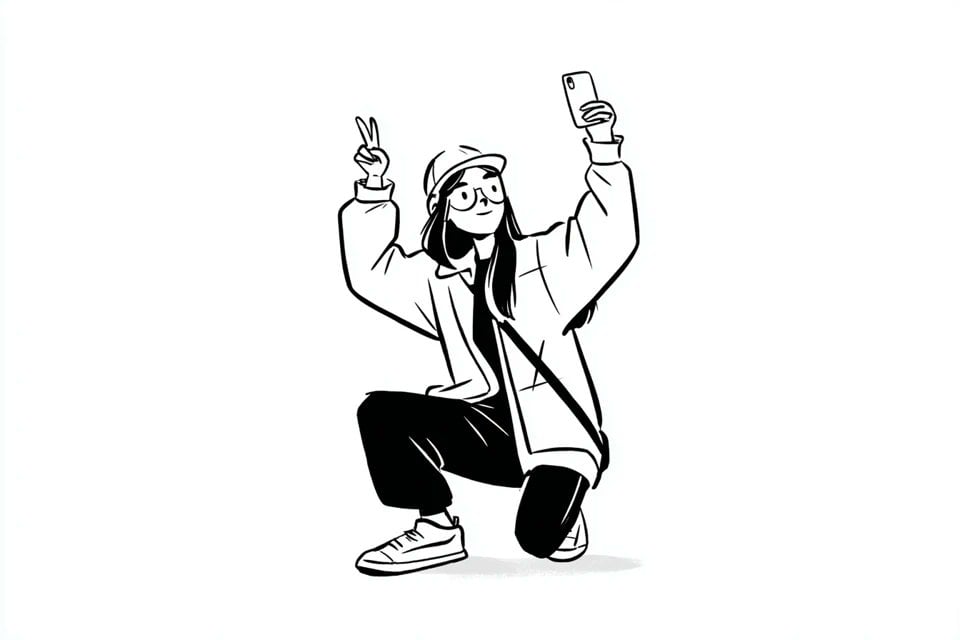
Google latest image model. Sharper edits, cleaner in-image text, steadier subject consistency, up to 4K.
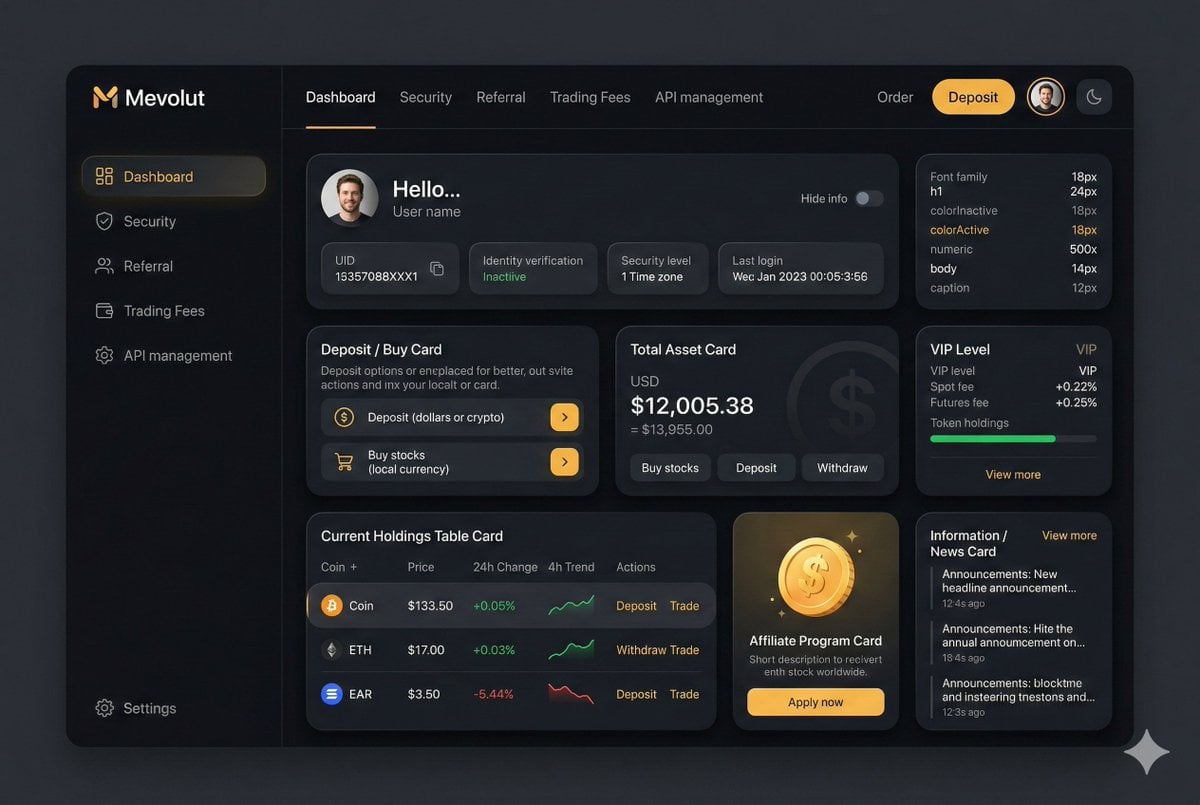
Highest quality Google model. Supports up to 4K resolution.
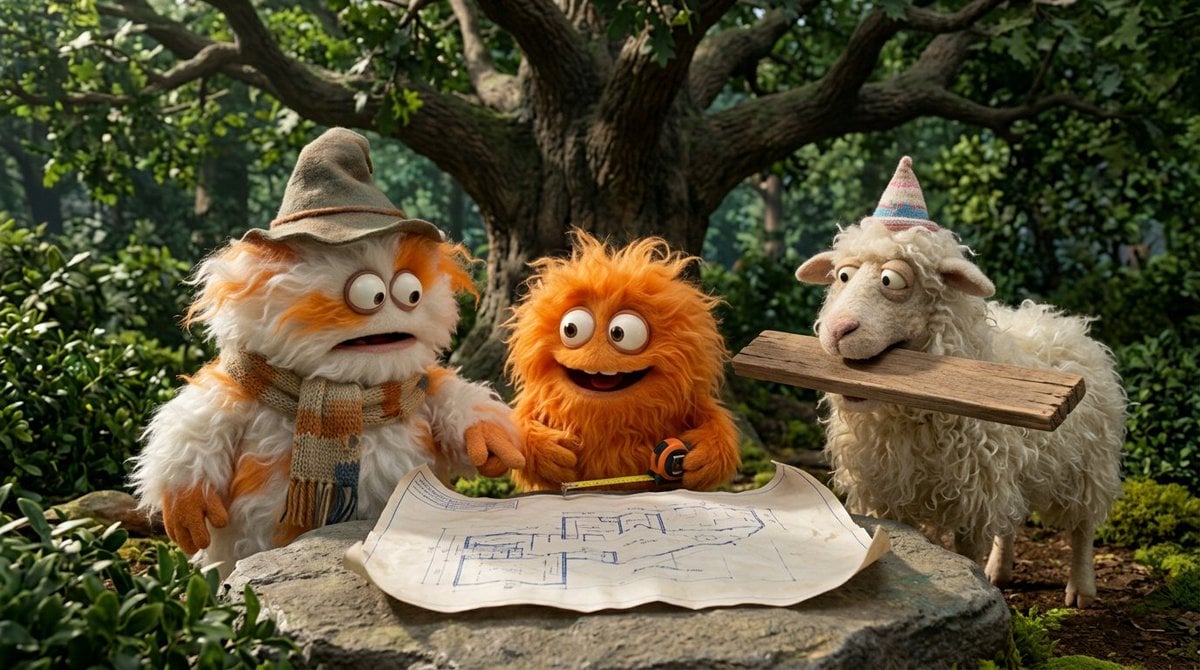
Most capable OpenAI model. Supports all quality tiers and up to 4K.
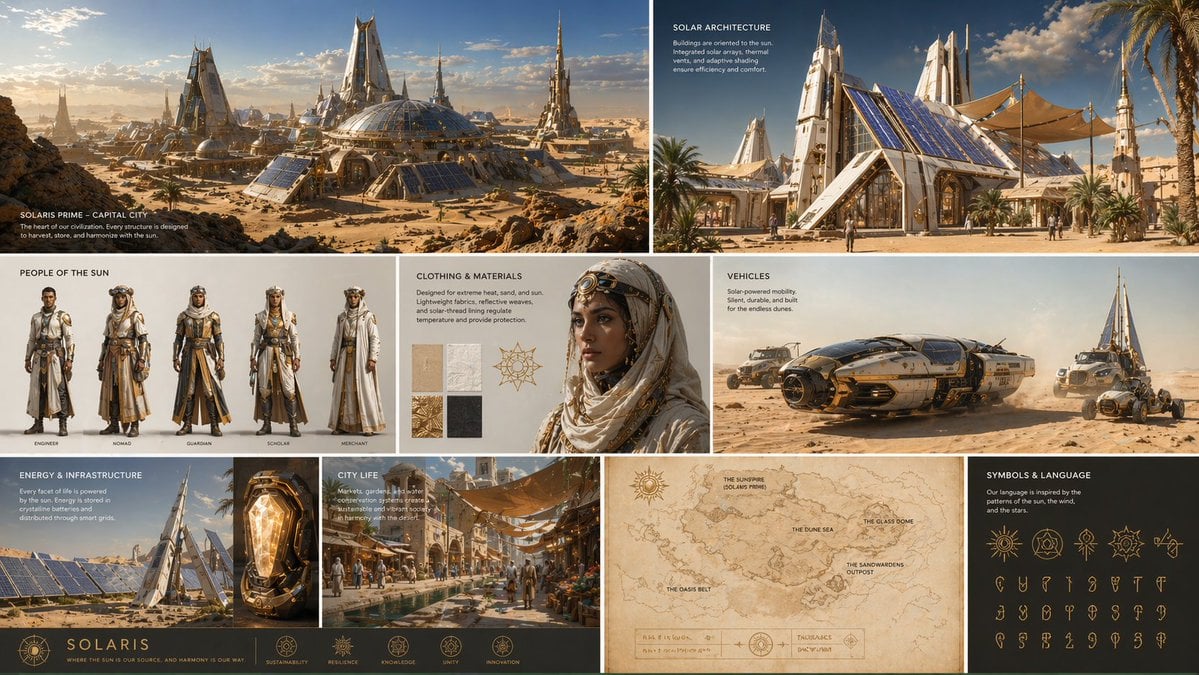
Strong typography and poster layouts. Handles dense in-image text at 1K and 2K.
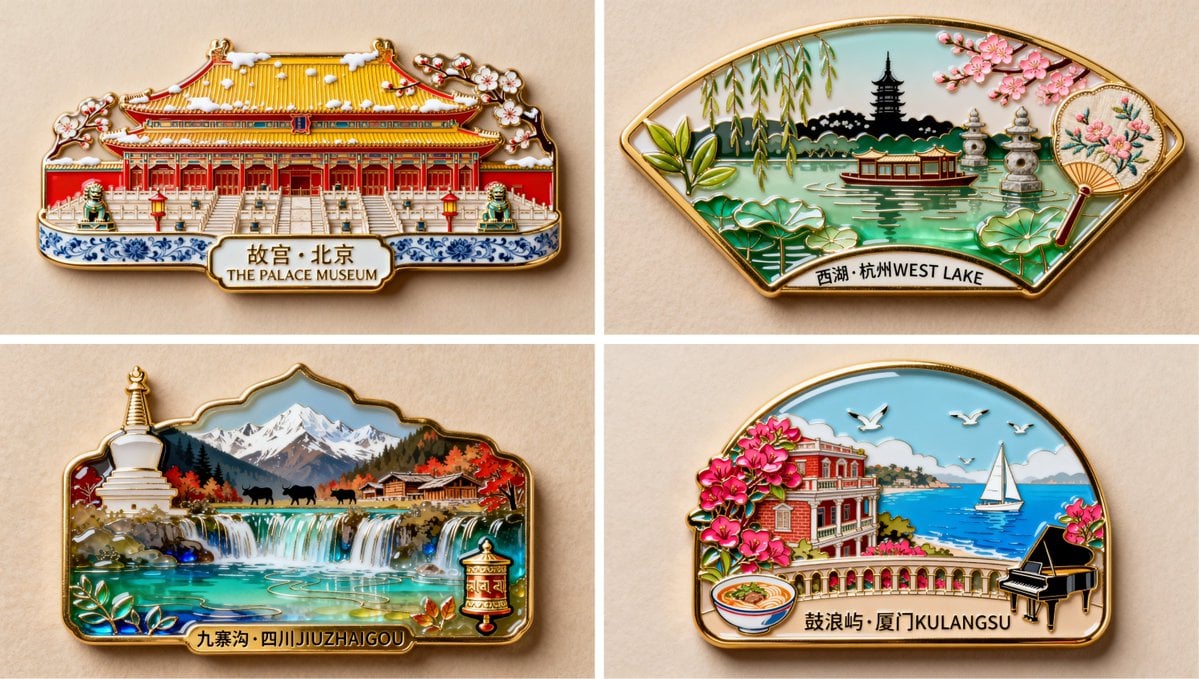
Photorealistic detail with tight prompt control. Accepts up to 8 reference images.

Edit an existing image by describing the change. Requires a reference image.
Image-to-image generation is useful when a text prompt alone is not enough. The uploaded image supplies structure, subject context, style direction, or edit constraints.
Keep a product, person, object, or layout recognizable while changing the lighting, setting, surface material, background, or mood.
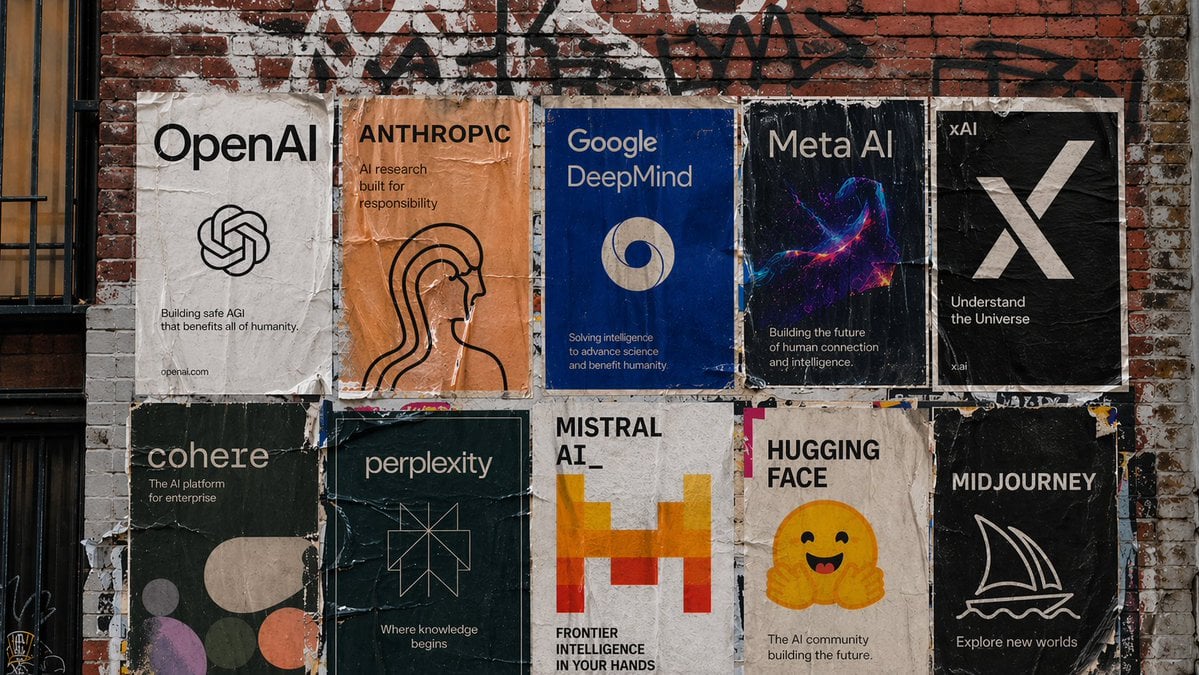
Start from gallery prompt patterns for common work such as ecommerce photos, professional headshots, thumbnails, and room redesign concepts.
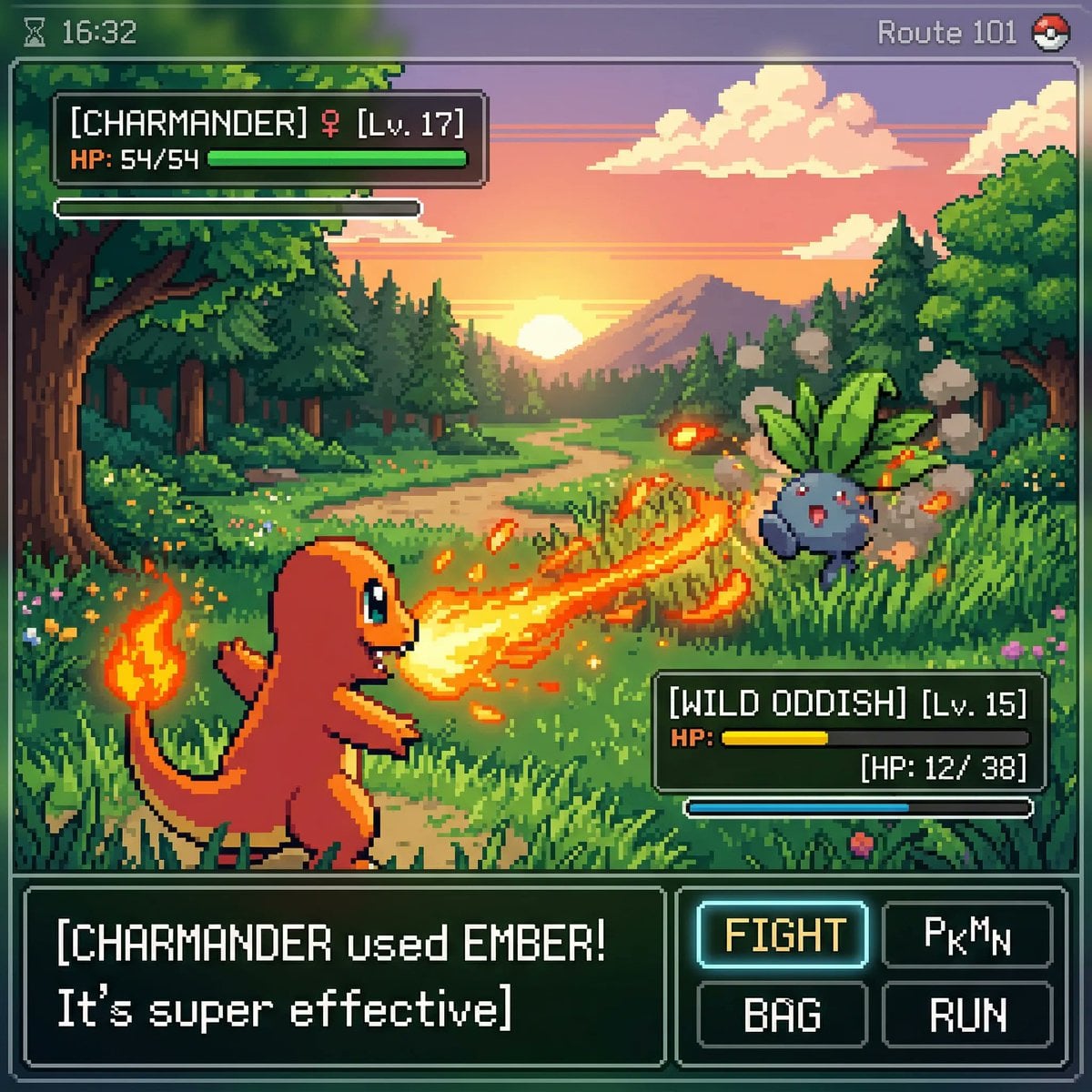
Use the prompt to define what should change and the reference image to define what should remain consistent.
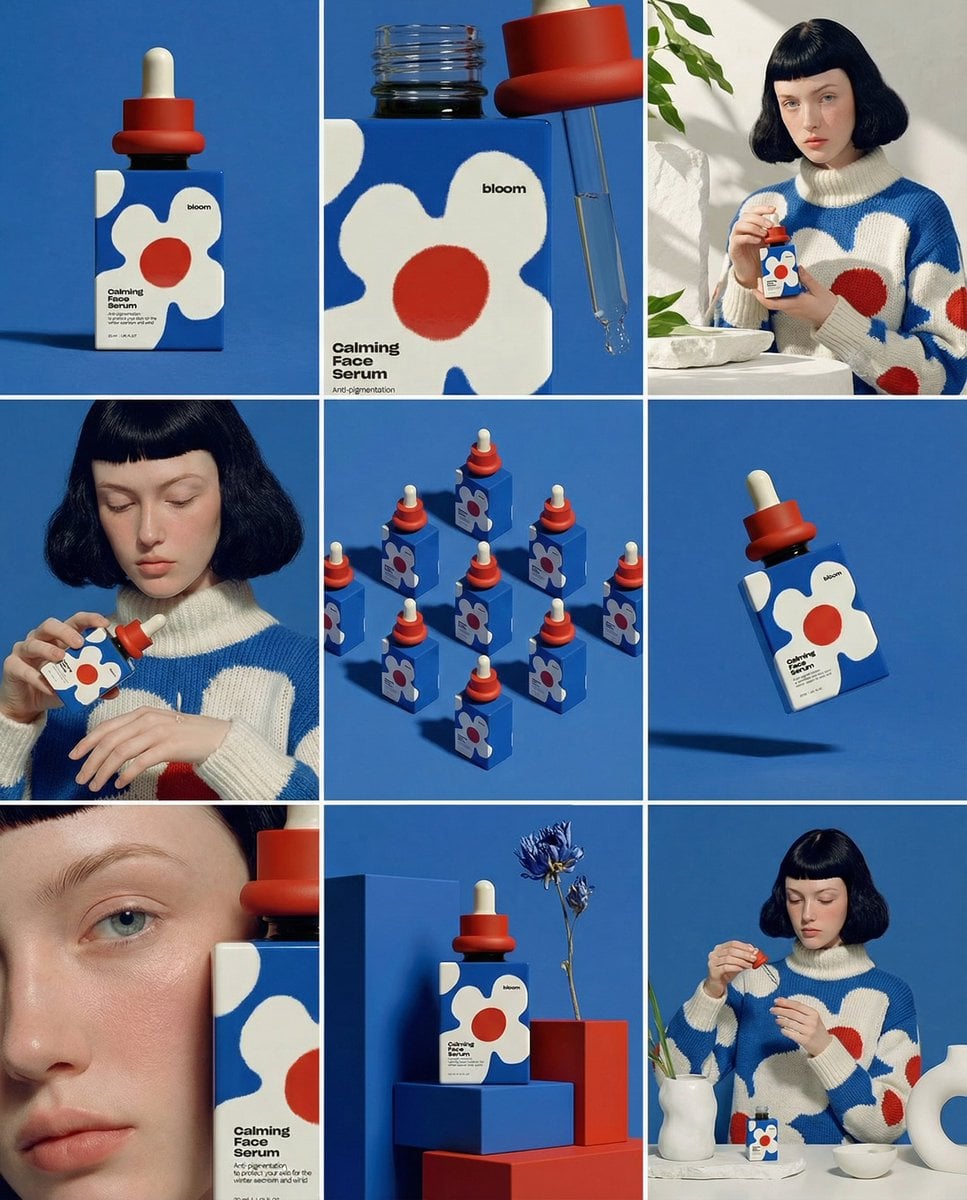
Reference-image jobs use the same login, credits, pending state, history, and refund chain as prompt-only generation.
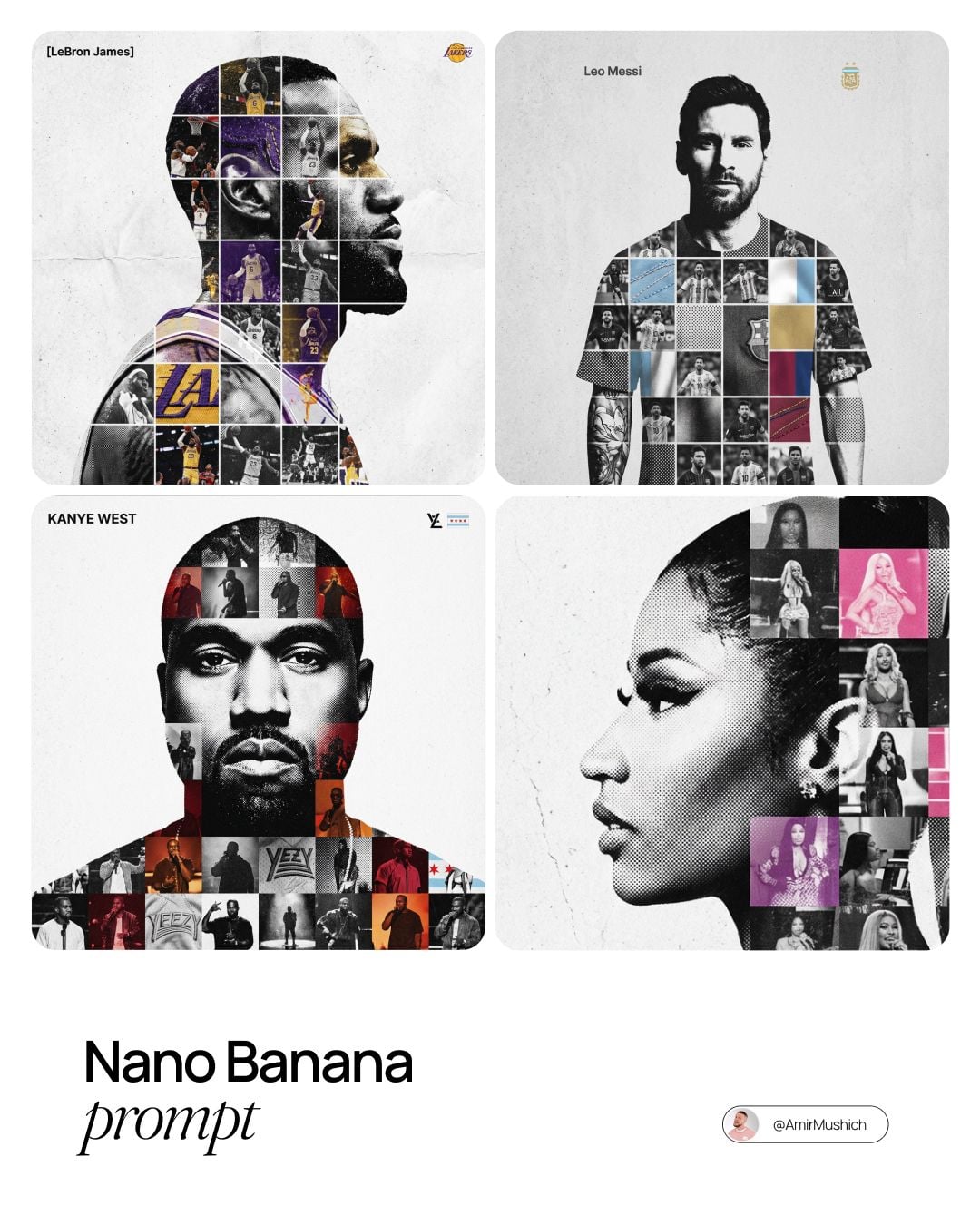
Move a product onto a different surface, change the season outside the window, or relight a portrait, without redrawing the thing itself.
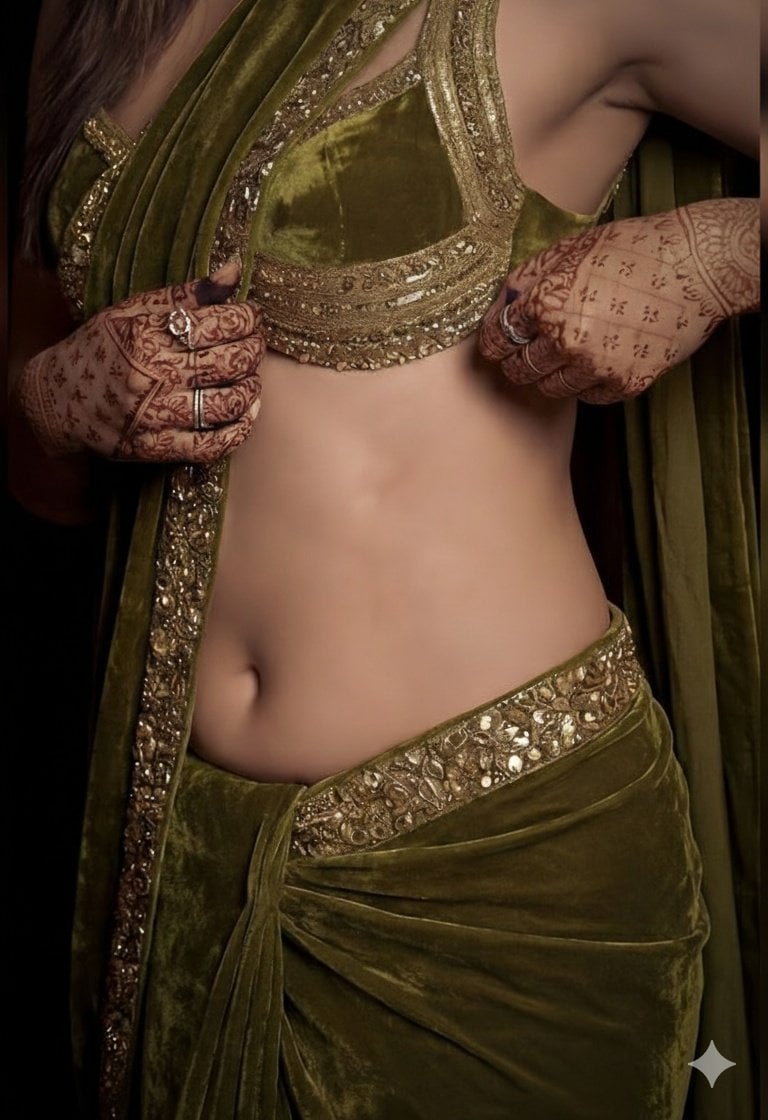
Change art direction, material, or palette while the subject stays recognizable across the whole set of variants.
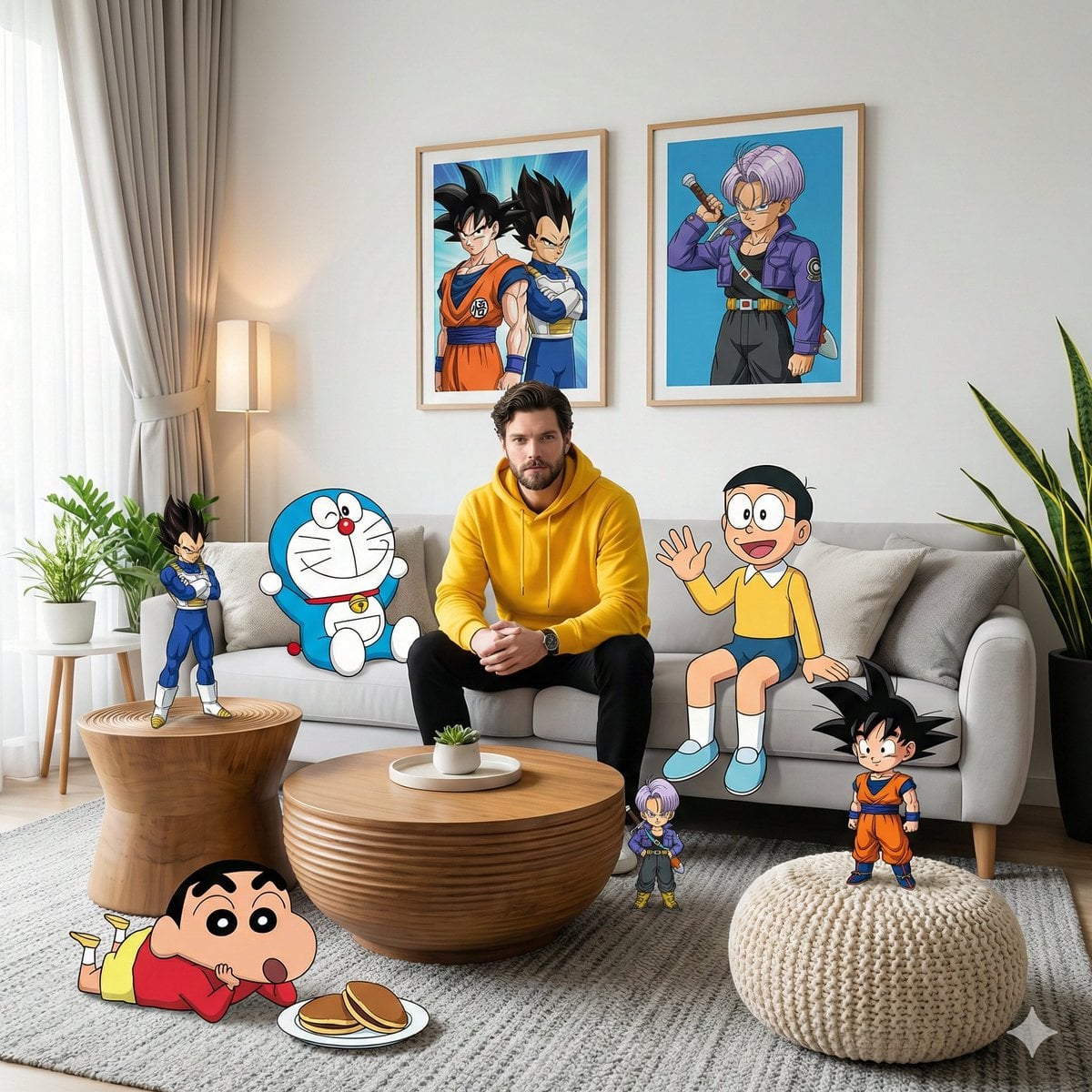
Feed an output back in as the next input. GPT Image 2.5 in particular holds the subject steady across repeated passes.
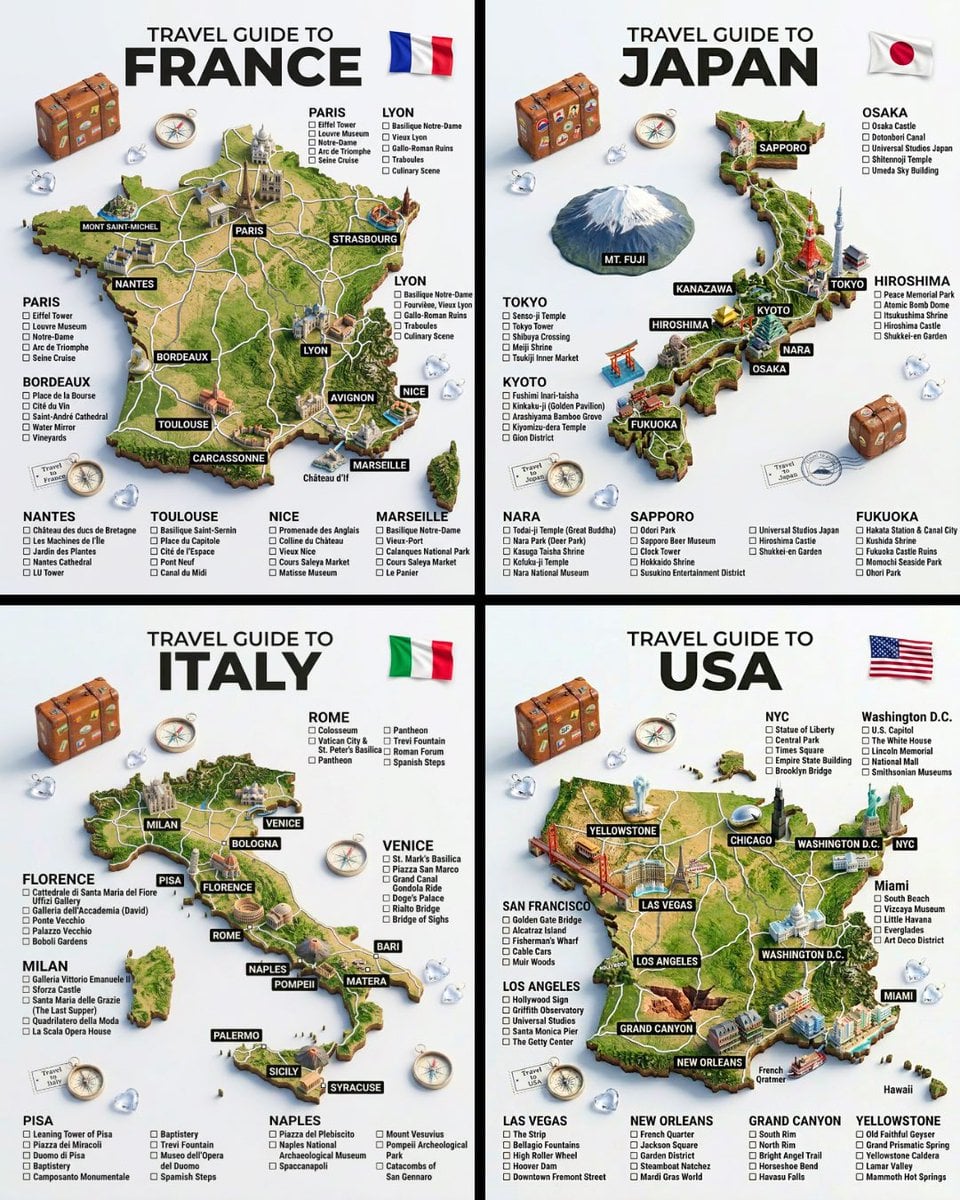
Every version is a separate entry in History with its own file, so a bad round costs credits but never overwrites the good one.
Move between prompt-only generation, reference edits, gallery templates, and model-specific pages without changing the underlying workflow.
Start from words only when you do not need an uploaded image to guide subject, structure, or style.
The narrower version of this page: name the words to swap and leave the rest of the shot alone.
The default editing model, and the one that holds a subject steady across several rounds of revision.
The multi-photo version of this page: give each of up to five references a job, such as person, product, or style.
A three-edit chain on Ideogram 4.5 and Nano Banana 2.1, with prompts, credit cost, and a drift measurement.
Upgrade for larger monthly credits, faster generation, and commercial-ready output.
Buy credits once and use them whenever you need. Purchased credits never expire.
Practical details for this generator page.
Use the prompt panel above with the same account, credits, and history workflow.