
GPT-IMG
Start from a sharp selfie
Face the window, keep the camera at eye level, and use the back camera if you can. A blurry or heavily filtered selfie gives the model little to hold on to.
 GPT-IMG
Upload a selfie, choose the outfit and backdrop, and get a clean headshot that still looks like you. Add more photos of yourself for a closer likeness.
Turn a selfie into a professional headshot with AI. Pick the outfit and backdrop, keep your own face, and generate in minutes. First run free, no studio.
Upload at least one reference image before generating.
All four accept your selfie as a reference. They differ in how closely they keep a face, so run the same selfie through two and compare.
OpenAI latest image model. Sharper instruction following, cleaner in-image text, up to 4K.
Photorealistic detail with tight prompt control. Accepts up to 8 reference images.
Highest quality Google model. Supports up to 4K resolution.
Strong typography and poster layouts. Handles dense in-image text at 1K and 2K.
The risk with AI headshots is a polished stranger. These points keep your face in the picture while the rest gets the studio treatment.
Face the window, keep the camera at eye level, and use the back camera if you can. A blurry or heavily filtered selfie gives the model little to hold on to.
End the prompt with "keep my face, hair, and likeness exactly the same". It is the clause that does the most for a recognisable result.
Upload up to five shots of yourself from different angles and say "images 1 to 3 are the same person". More angles give the model a better idea of your face.
A single clear brief, such as "navy blazer, white shirt, light grey backdrop", is far more reliable than a list of options. Run it again for the next one.
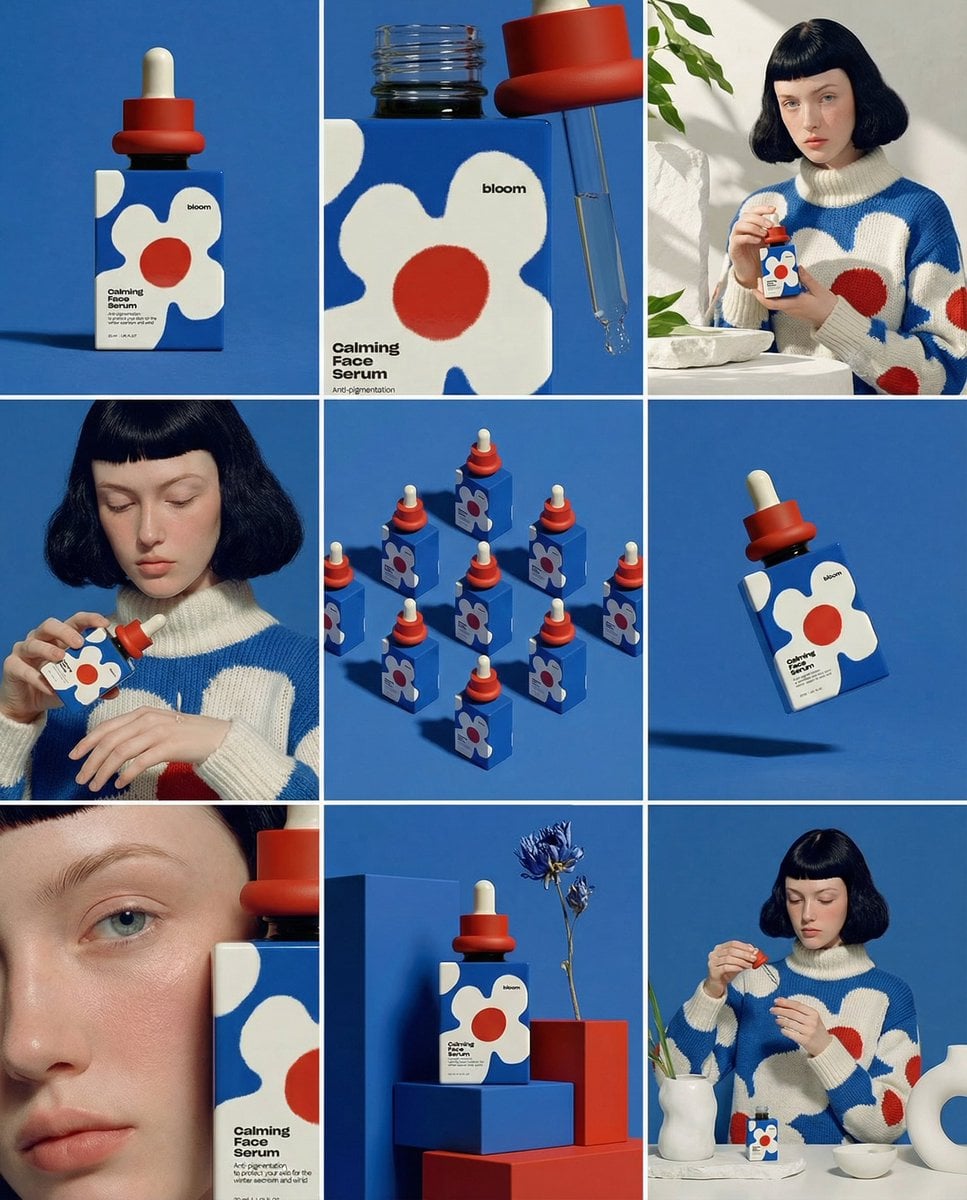
Warm, softly lit portraits suit most professional profiles. For a formal site, ask for a neutral expression and a plain backdrop; for a creative one, loosen up the clothing.
Heavy smoothing and slimming make the photo look unlike you in person. Ask for natural skin and keep it honest, since people will meet you after seeing it.
Zoom in on the eyes, teeth, ears, and any jewellery. The picture is redrawn, so small details can drift, and a few platforms have rules on edited profile photos.
Same generator, pointed at a neighbouring job.
Upgrade for larger monthly credits, faster generation, and commercial-ready output.
Buy credits once and use them whenever you need. Purchased credits never expire.
Practical details for this generator page.
Upload a sharp, front-facing selfie, describe the outfit, backdrop, and lighting, and end with a clause that keeps your face and likeness unchanged. Generate and compare a few runs.
Often, especially with several photos of you as references. The picture is a redraw, so compare it with your face before you use it anywhere that matters.
One works. Up to five from different angles, in the same light, gives a closer likeness. Say in the prompt that they are the same person.
Paid plans include a commercial license. Keep it a fair likeness of you, and check the platform’s rules on edited or AI-assisted profile photos.
New accounts start with 30 signup credits. A 1K Standard edit on GPT Image 2.5 is 15 credits, so your first two headshot runs are covered. Images made on free signup credits carry a watermark.
Start with GPT Image 2.5, the default. FLUX 2 Pro costs the same 15 credits for a 1K Standard run, so you can compare the two on one brief. Likeness is the deciding factor, so run your selfie through two models and keep the one that looks most like you.
Use the prompt panel above with the same account, credits, and history workflow.