
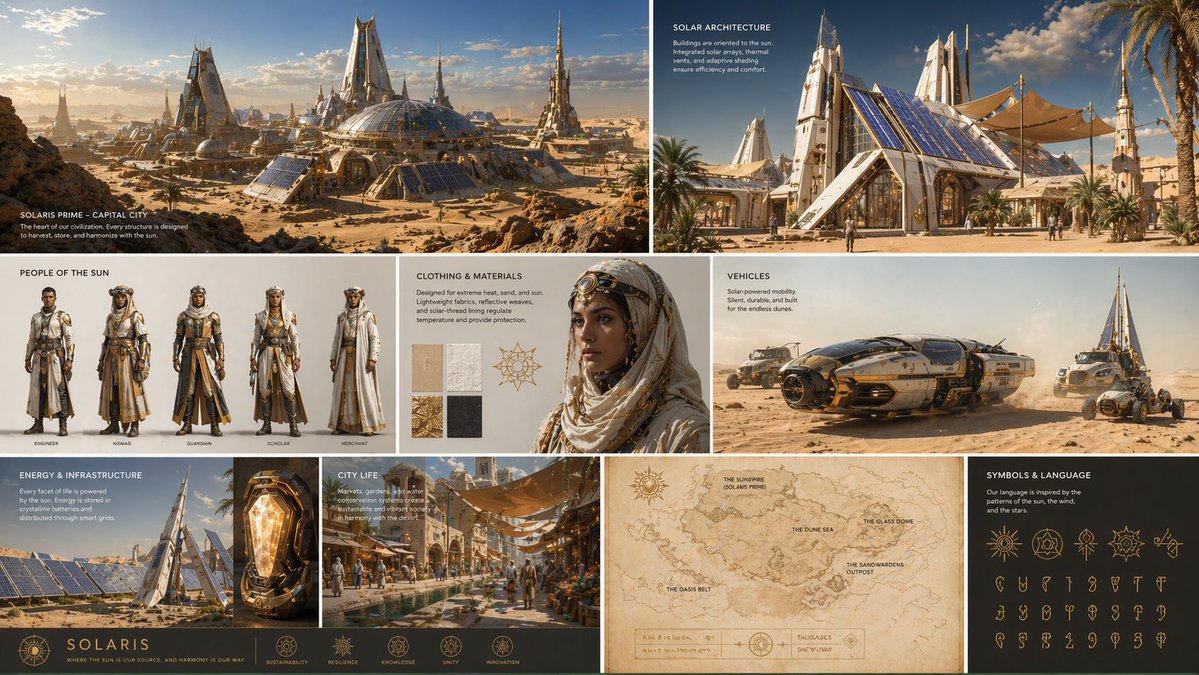
GPT-IMG
Choose the new shape before you write the prompt
Set the aspect ratio first: 16:9 for a banner, 3:2 for a print, 9:16 for a story. The prompt then describes what fills the extra space, not the shape itself.
 GPT-IMG
Turn a tight crop into a wider frame. Pick the new shape, say what should appear past the edges, and the scene is continued around your original.
Extend an image beyond its borders with AI. Pick a wider frame, describe what continues at the edges, and the scene grows around your original. First run free.
Upload at least one reference image before generating.
All four take your photo and draw beyond it. They differ in how well they hold perspective and lighting as the frame grows, so test a hard scene on two.
OpenAI latest image model. Sharper instruction following, cleaner in-image text, up to 4K.
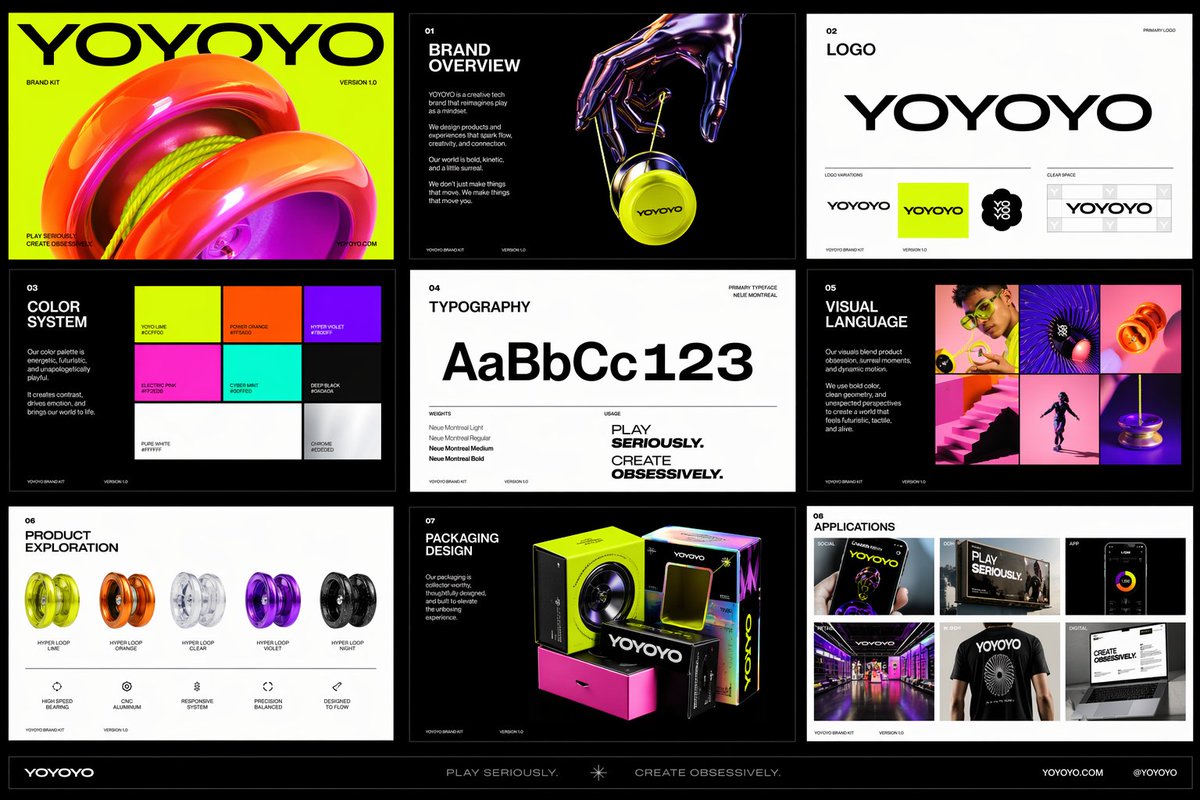
Photorealistic detail with tight prompt control. Accepts up to 8 reference images.
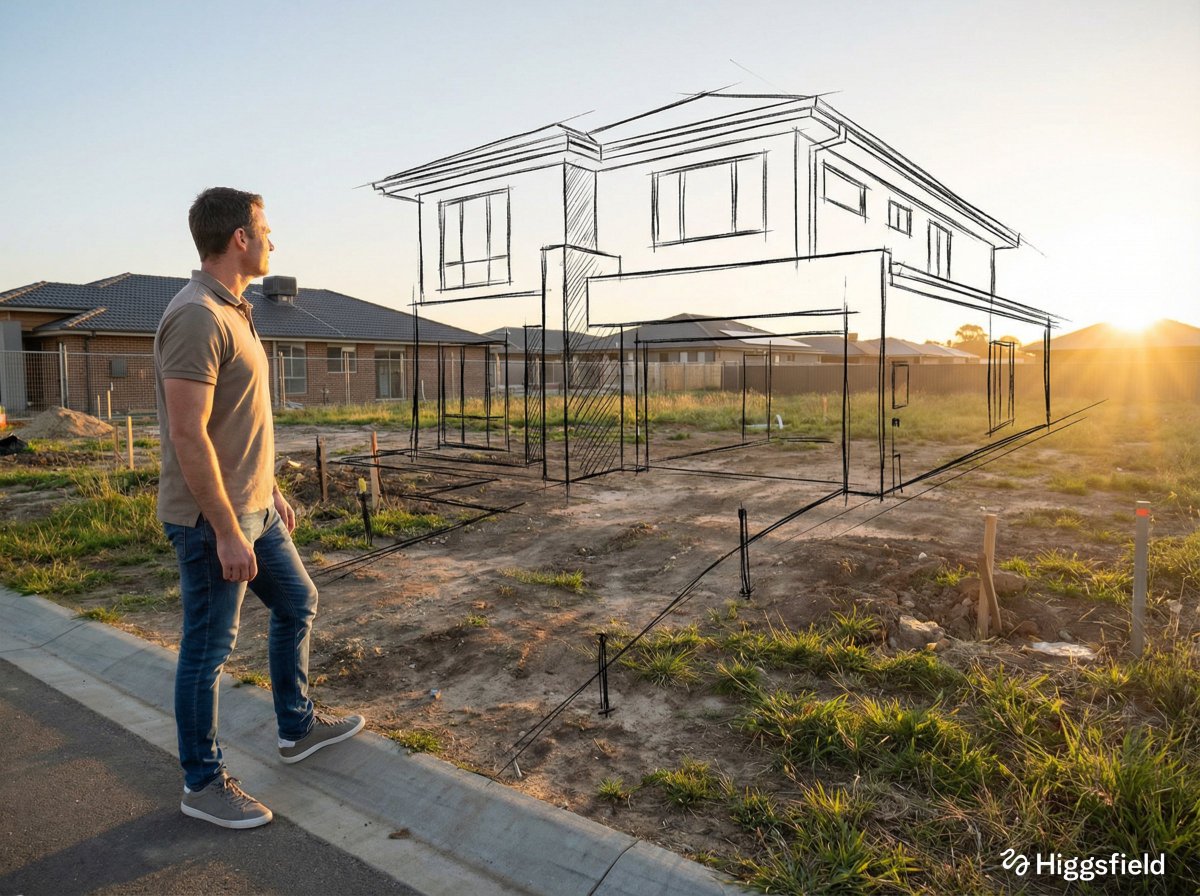
Highest quality Google model. Supports up to 4K resolution.
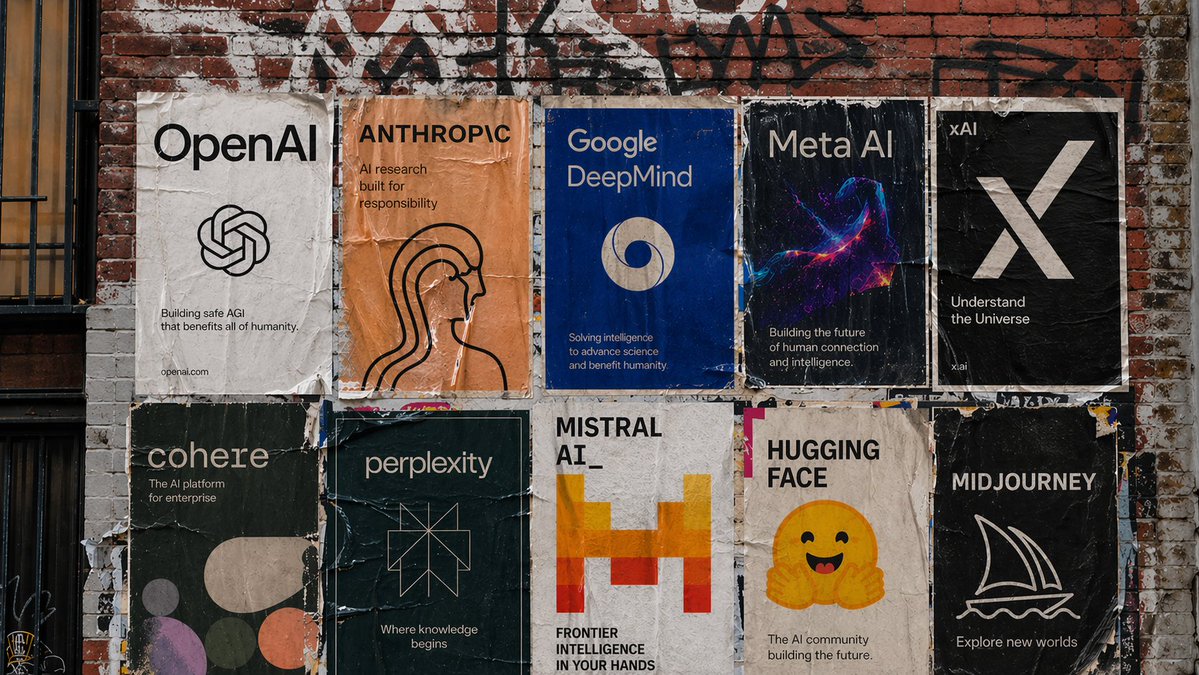
Strong typography and poster layouts. Handles dense in-image text at 1K and 2K.
Extending a picture means the model invents what the camera never saw. These points keep that invention believable.
Set the aspect ratio first: 16:9 for a banner, 3:2 for a print, 9:16 for a story. The prompt then describes what fills the extra space, not the shape itself.
The model needs a hint. "More sky above, shoreline continuing left and right" beats "extend the photo", because it names the things that would plausibly be there.
Add "keep the original centre exactly as it is". The frame is redrawn rather than pasted, so this clause is what keeps your subject recognisable.
Skies, water, fields, walls, and interiors continue easily. A person cut off at the edge or text running past the border is much harder to invent.
Doubling the width in one go asks a lot. Extend once, keep the best result, then extend again from it.
Look at where old meets new: horizon lines, a floor edge, a wall corner. If the line bends, re-run with the line named in the prompt.
Fine detail in the original can shift a little. If you need the original pixels untouched, extend, then lay your own file back over the centre in an editor.
Same generator, pointed at a neighbouring job.
Keep the subject and put it in a different, larger setting.
Clear the frame first, then extend it for a cleaner result.
The prompt pattern behind every contained edit on this site.
The general reference-image workspace for edits of any kind.
Upgrade for larger monthly credits, faster generation, and commercial-ready output.
Practical details for this generator page.
Use the prompt panel above with the same account, credits, and history workflow.