
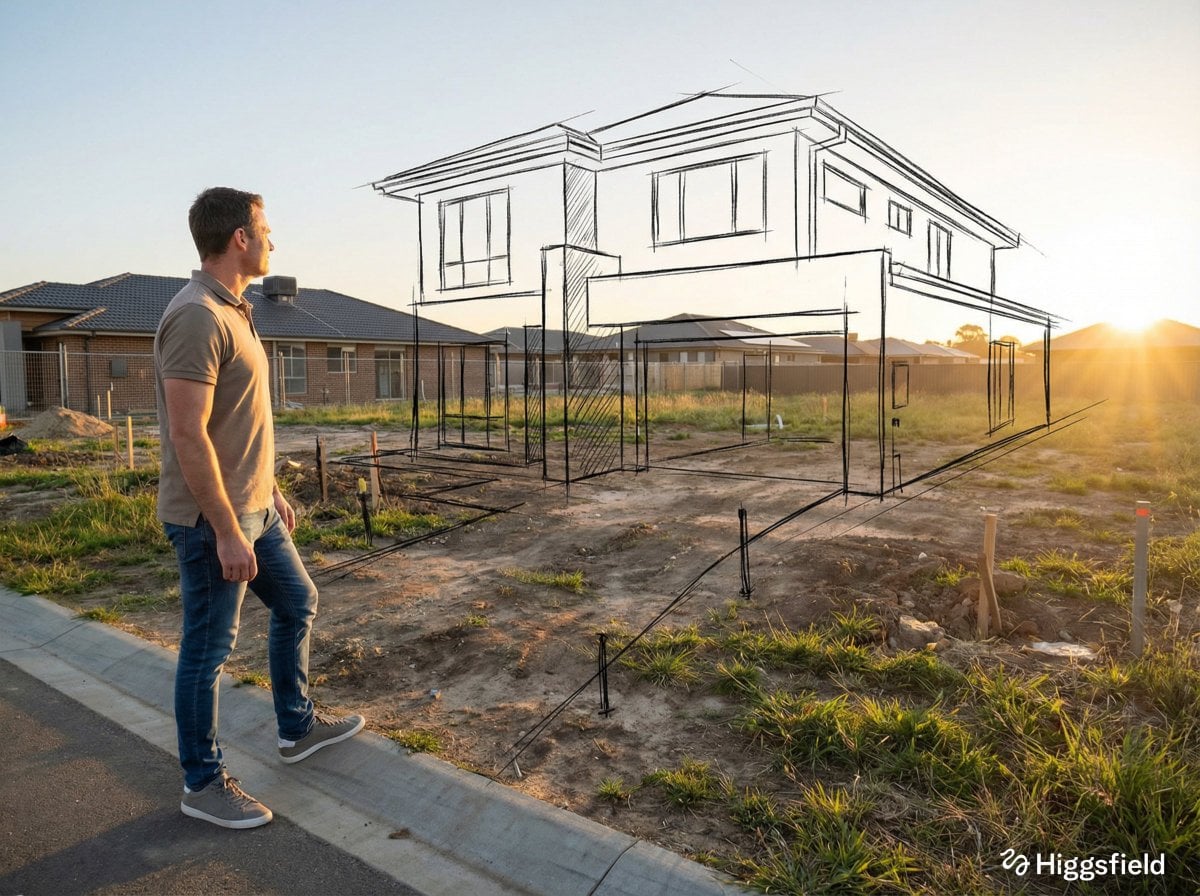
GPT-IMG
Subject first, with something to do
Models give the most weight to whatever comes first. The generator leads with the subject and an action, "a fox reading a newspaper", rather than opening on mood words.
 GPT-IMG
Type the picture in your head, however rough. You get back a full prompt with subject, setting, framing, light, and style spelled out, ready to copy anywhere or to render right below.
Turn a rough idea into a detailed AI image prompt: pick a style, choose sentences or keywords, then copy it or generate the image here. No sign-up to write prompts.
Then render it with any model
Sentence prompts suit models that read whole instructions, keyword lists suit the comma-tag habit of older diffusion tools. Every model below takes either; run the same prompt through two and compare.
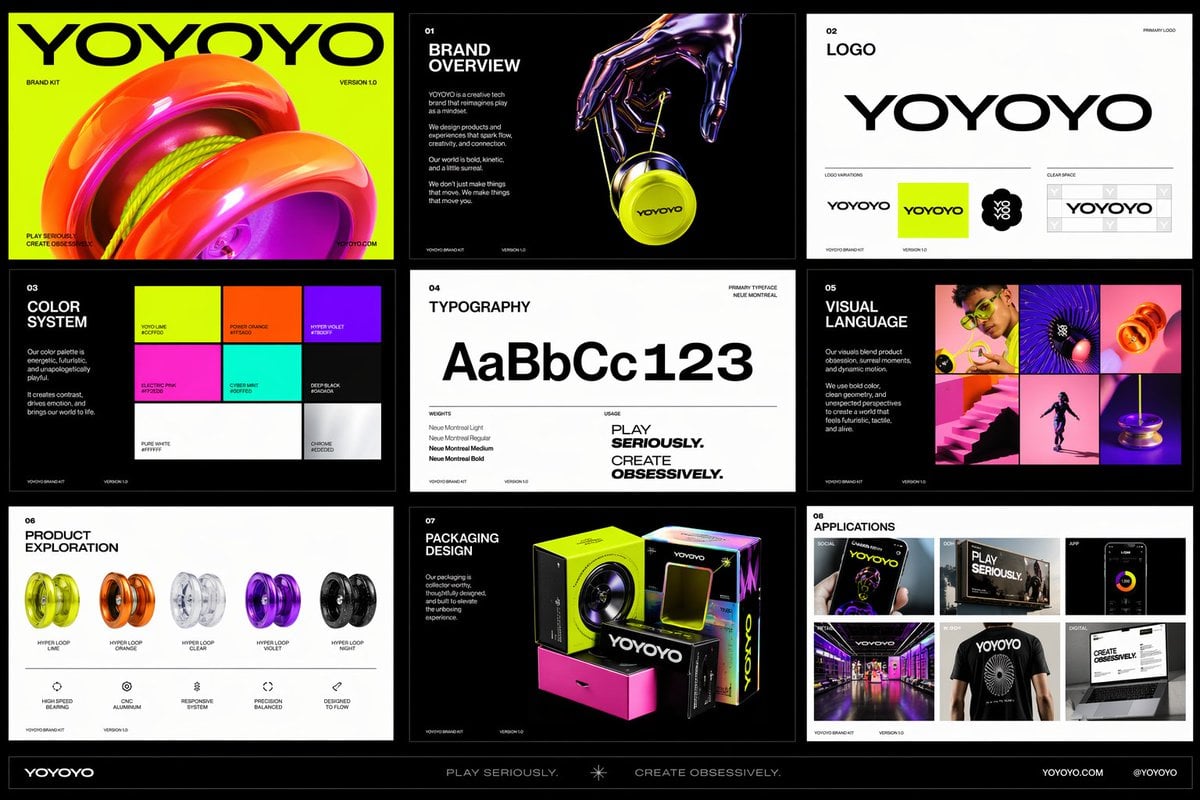
OpenAI latest image model. Sharper instruction following, cleaner in-image text, up to 4K.
Most capable OpenAI model. Supports all quality tiers and up to 4K.
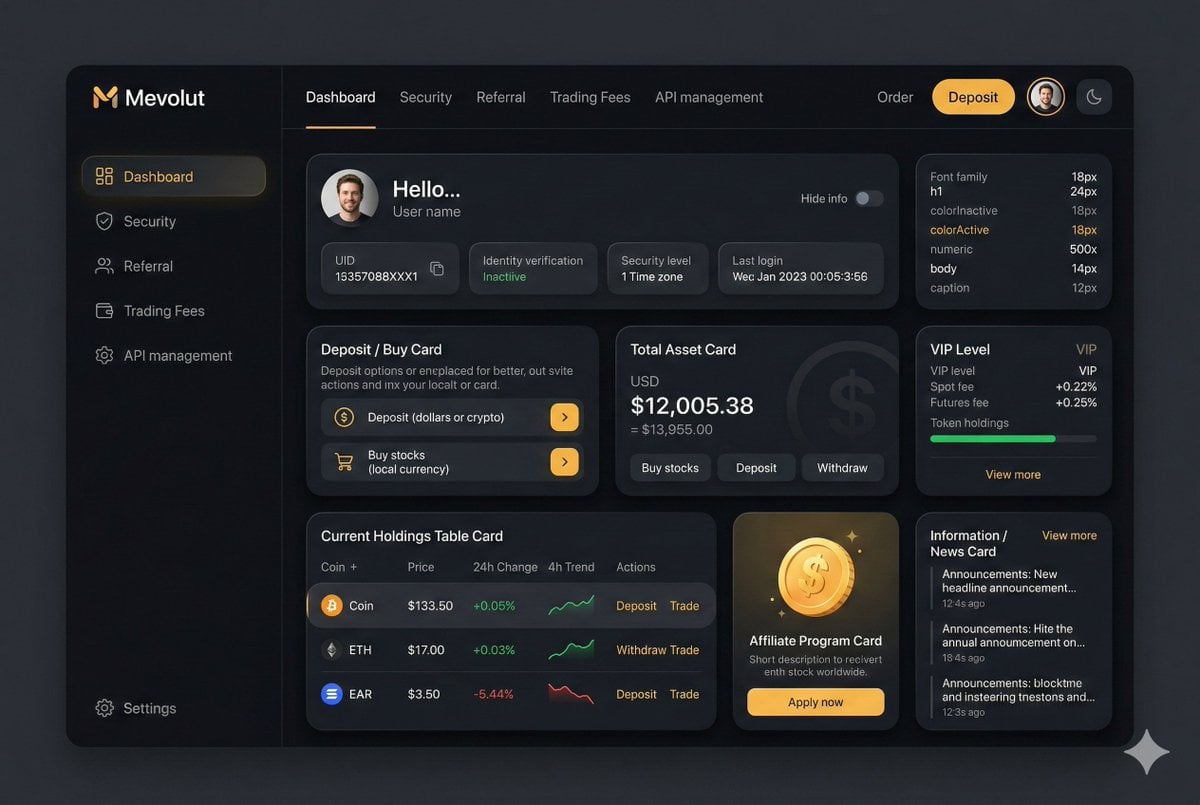
Google latest image model. Sharper edits, cleaner in-image text, steadier subject consistency, up to 4K.
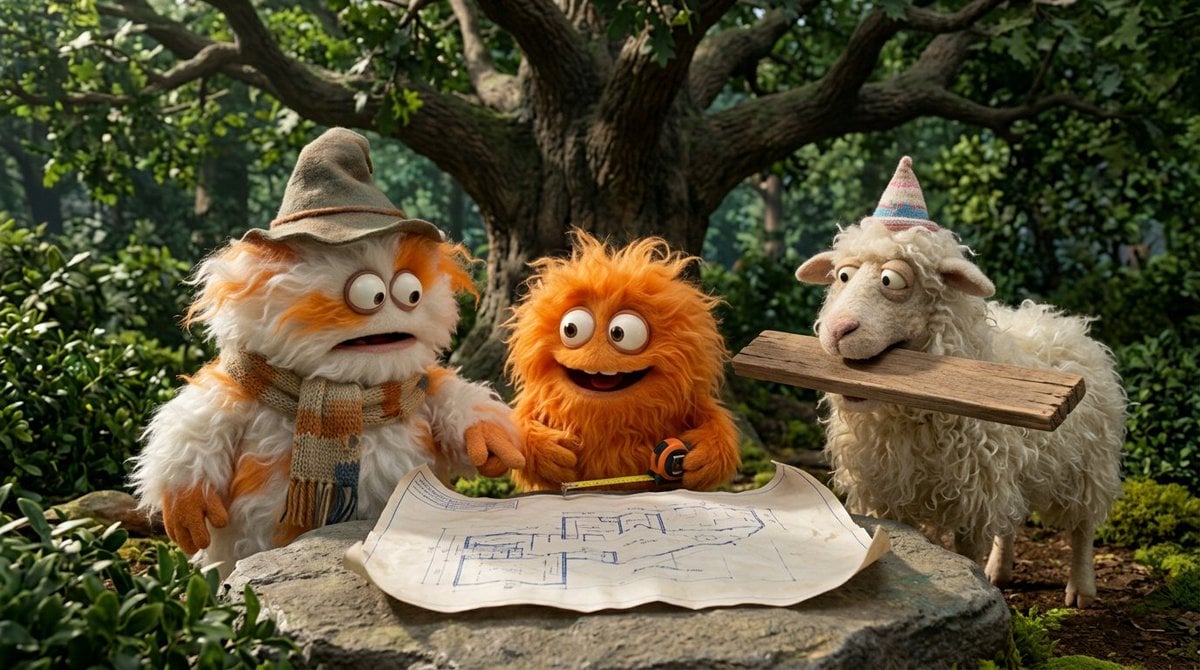
Highest quality Google model. Supports up to 4K resolution.
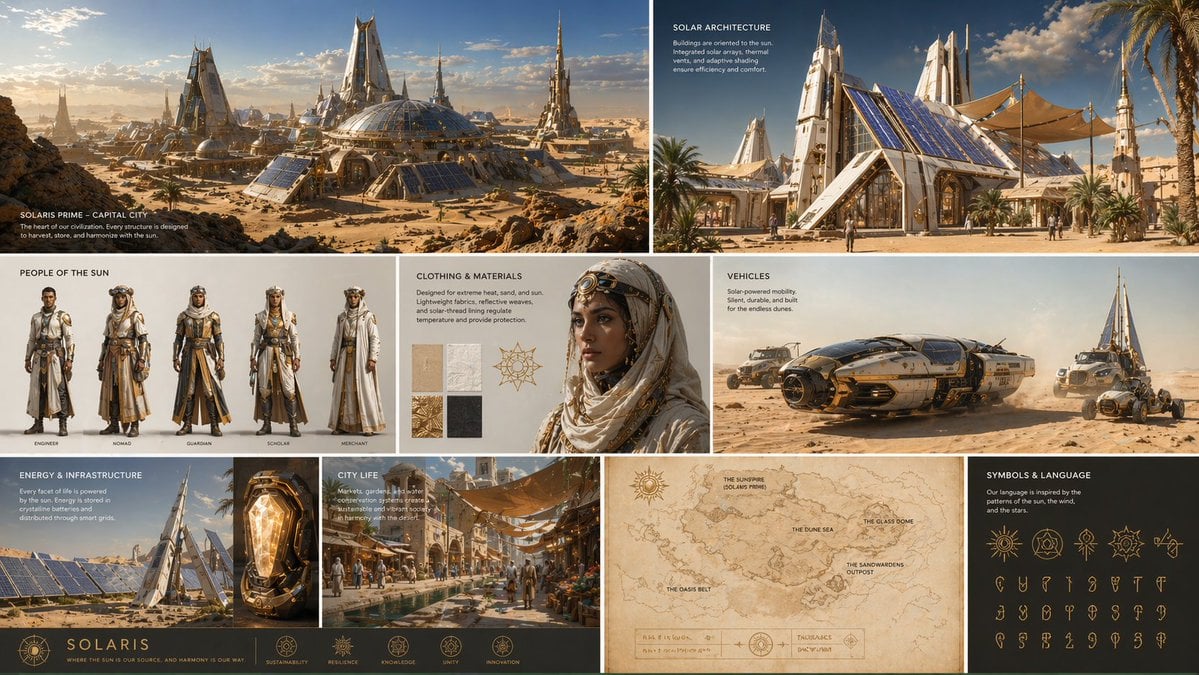
Strong typography and poster layouts. Handles dense in-image text at 1K and 2K.
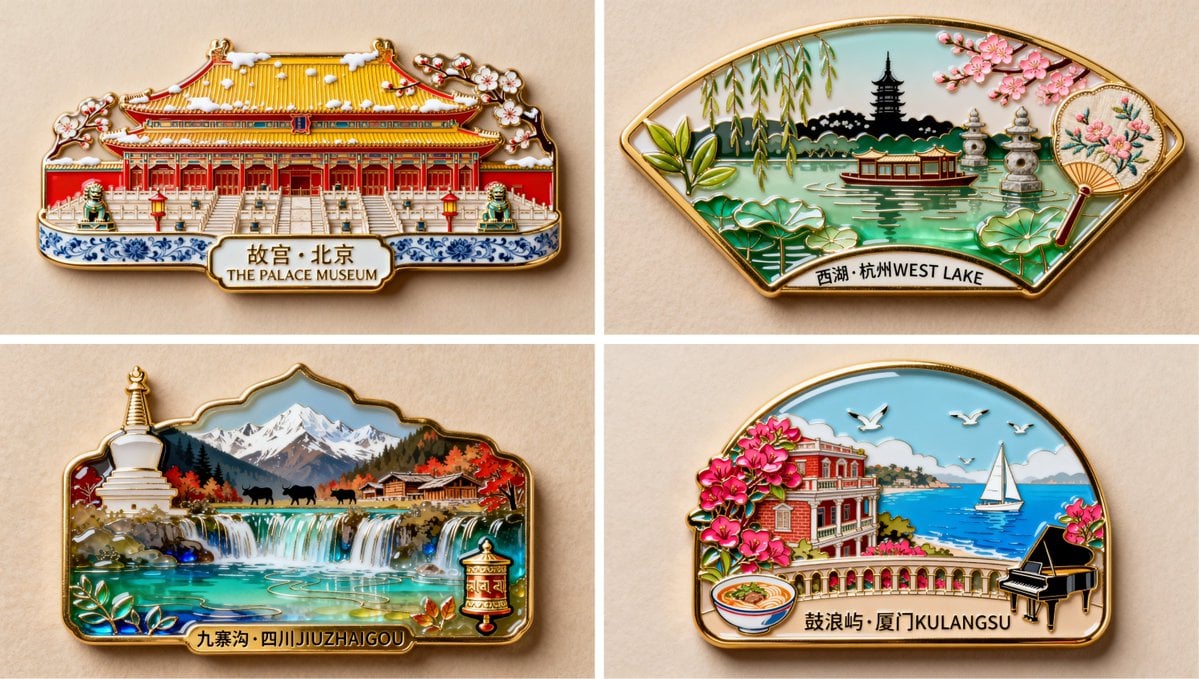
The cheapest way to explore an idea. Sub-second generation at 5 credits per image.
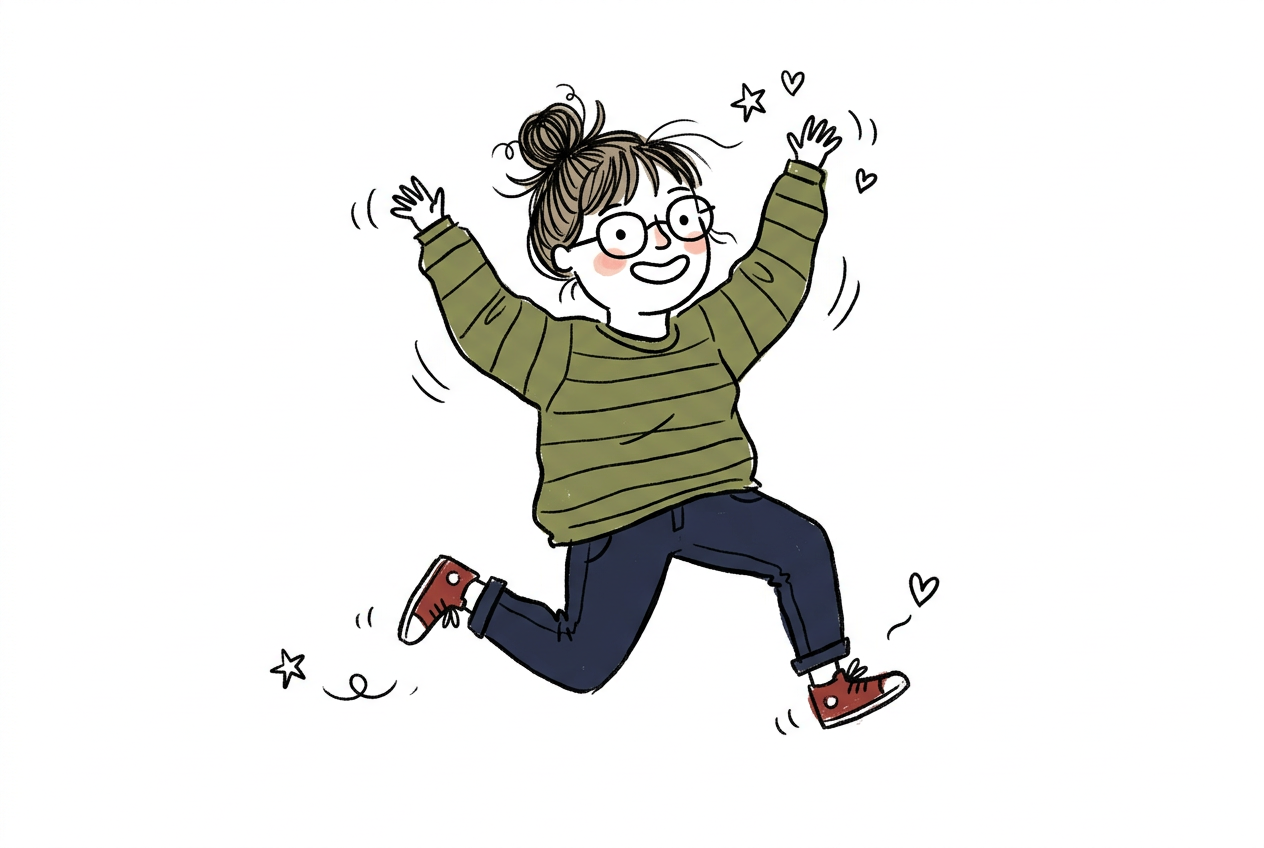
Speed-optimized Krea 2 with a wide stylistic range. Good for stylized ideation and typography-led art.
The tool fills in what a short idea leaves out. These are the parts it writes, and the parts only you can fix.
Models give the most weight to whatever comes first. The generator leads with the subject and an action, "a fox reading a newspaper", rather than opening on mood words.
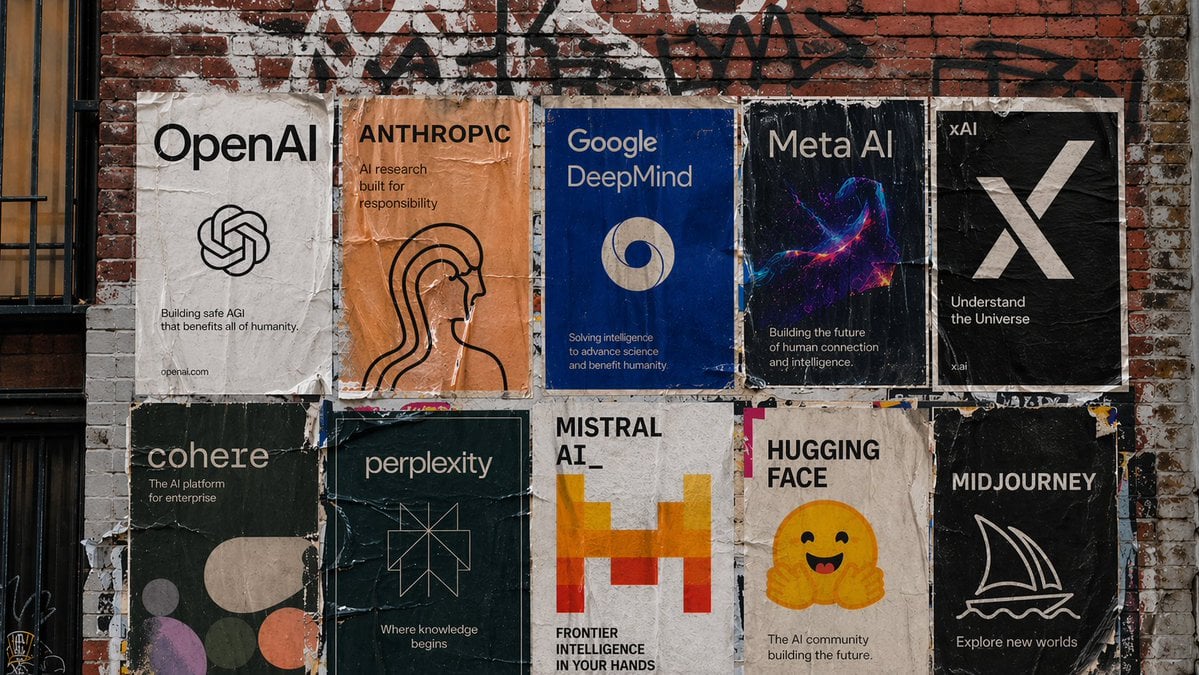
A short idea rarely says where the camera is or where the light comes from, and those two decide most of the look. The prompt always names a shot type and a light source so the result is not left to chance.
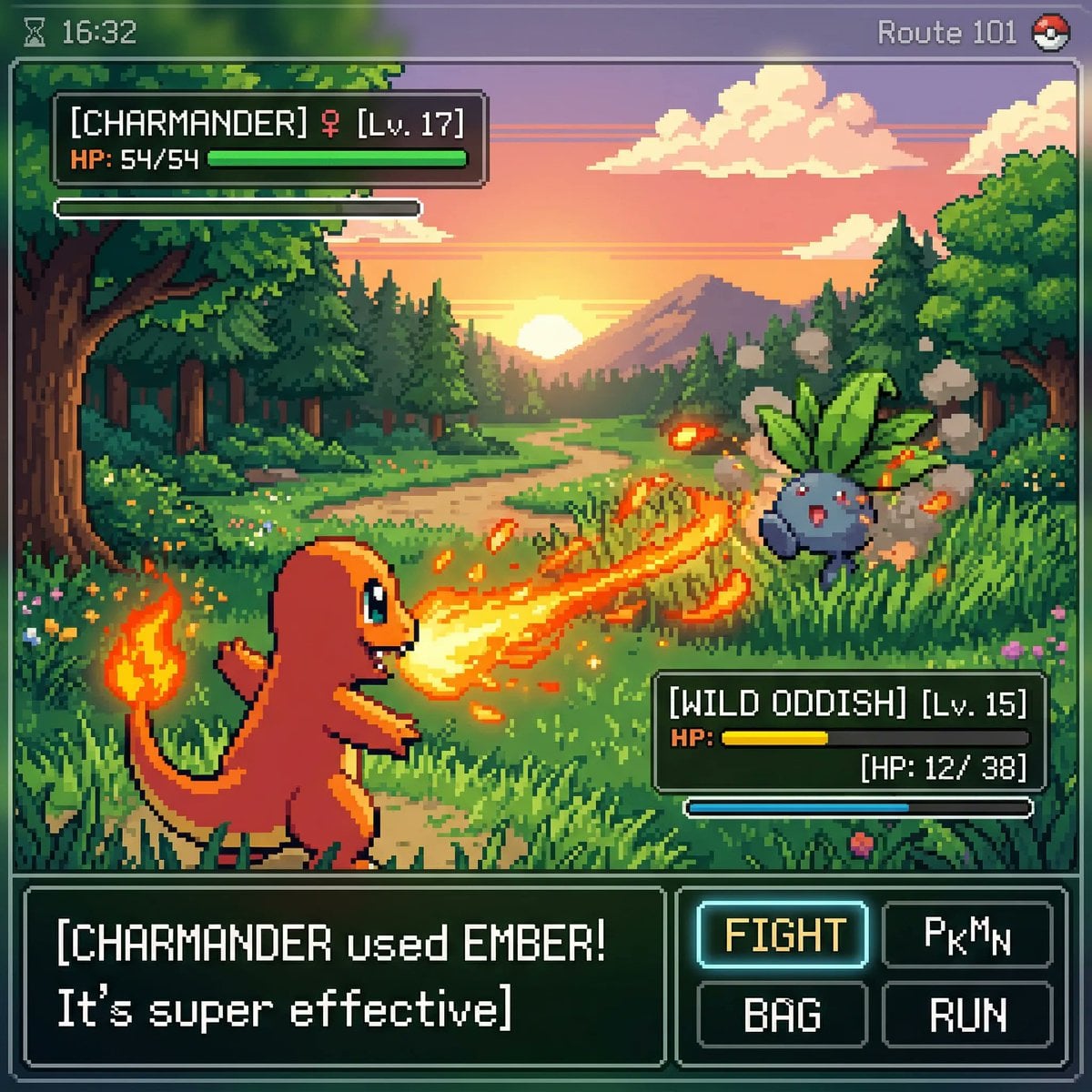
Colours, counts, named objects, and anything in quotes stay as you typed them. The tool only invents detail where the idea was vague, so check that it guessed the way you meant.
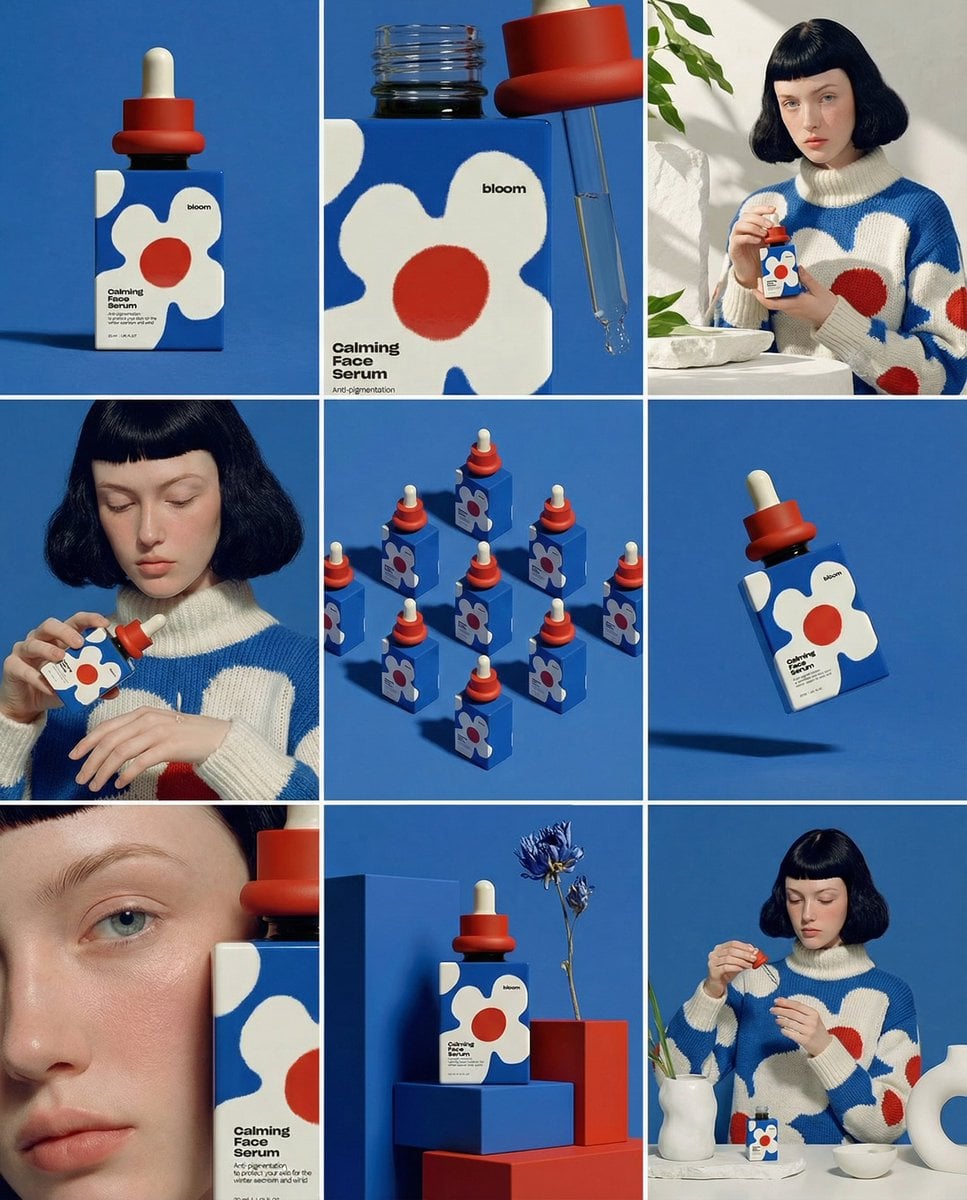
Full sentences work best for GPT Image and Nano Banana, which follow written instructions. Comma keywords match how many Stable Diffusion and Midjourney users write, so switch the format before you copy it there.
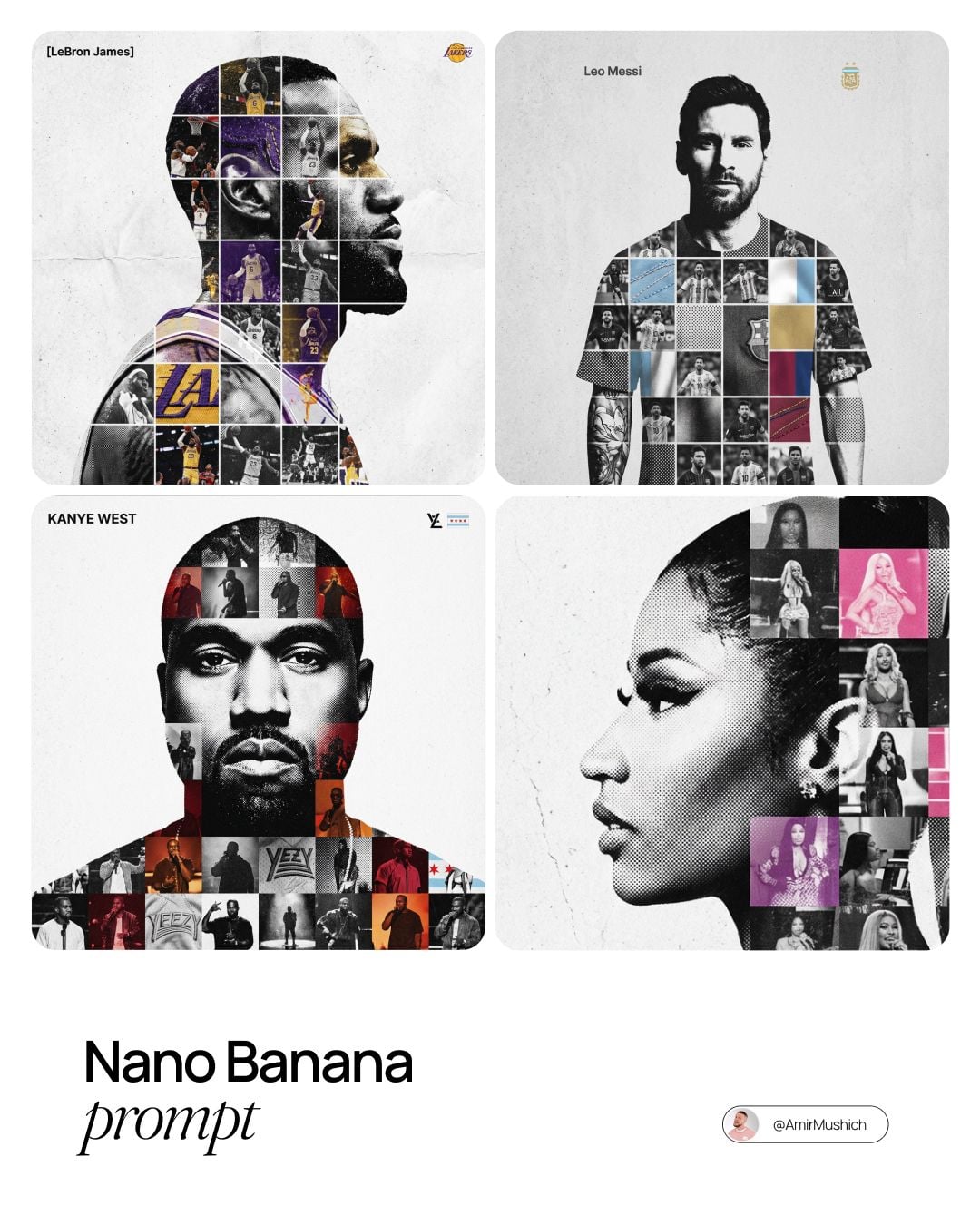
If the picture needs a sign, a label, or a title, put the exact wording in quotes in your idea. The prompt keeps it quoted, which is how image models know to render those letters rather than paraphrase them.
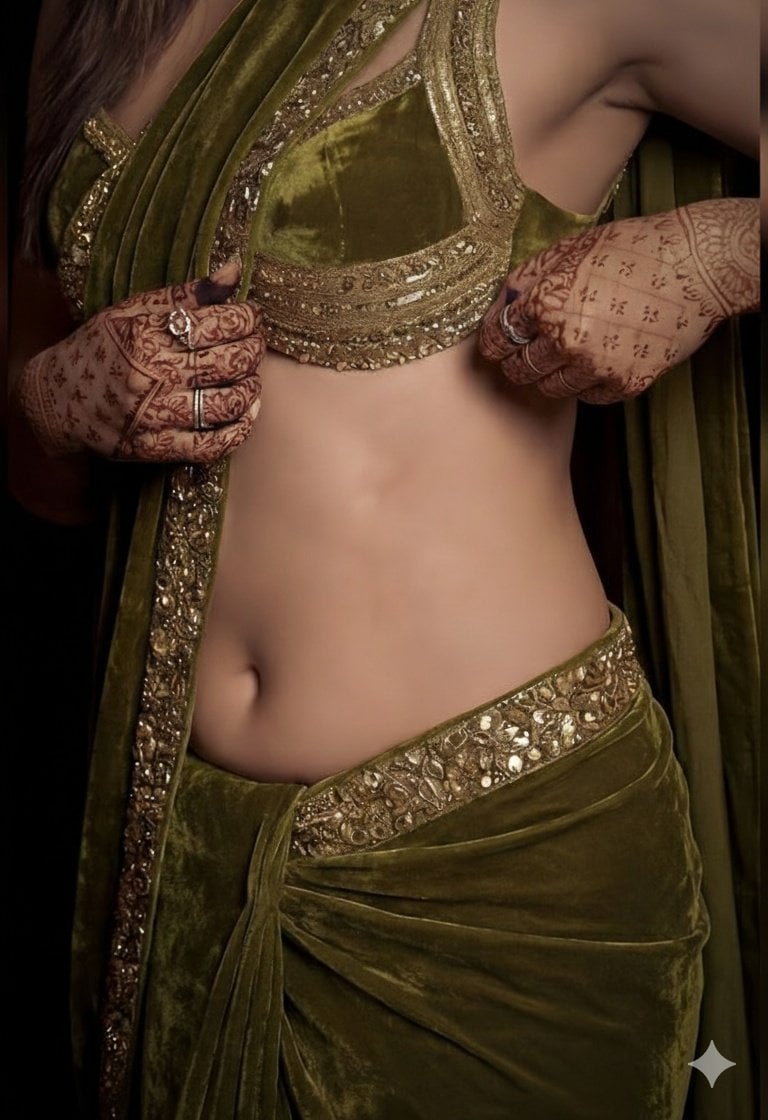
The output is a draft. Delete the part you do not want, sharpen the one detail that matters, then send it to the generator below. A one-word change is cheaper than a second render.
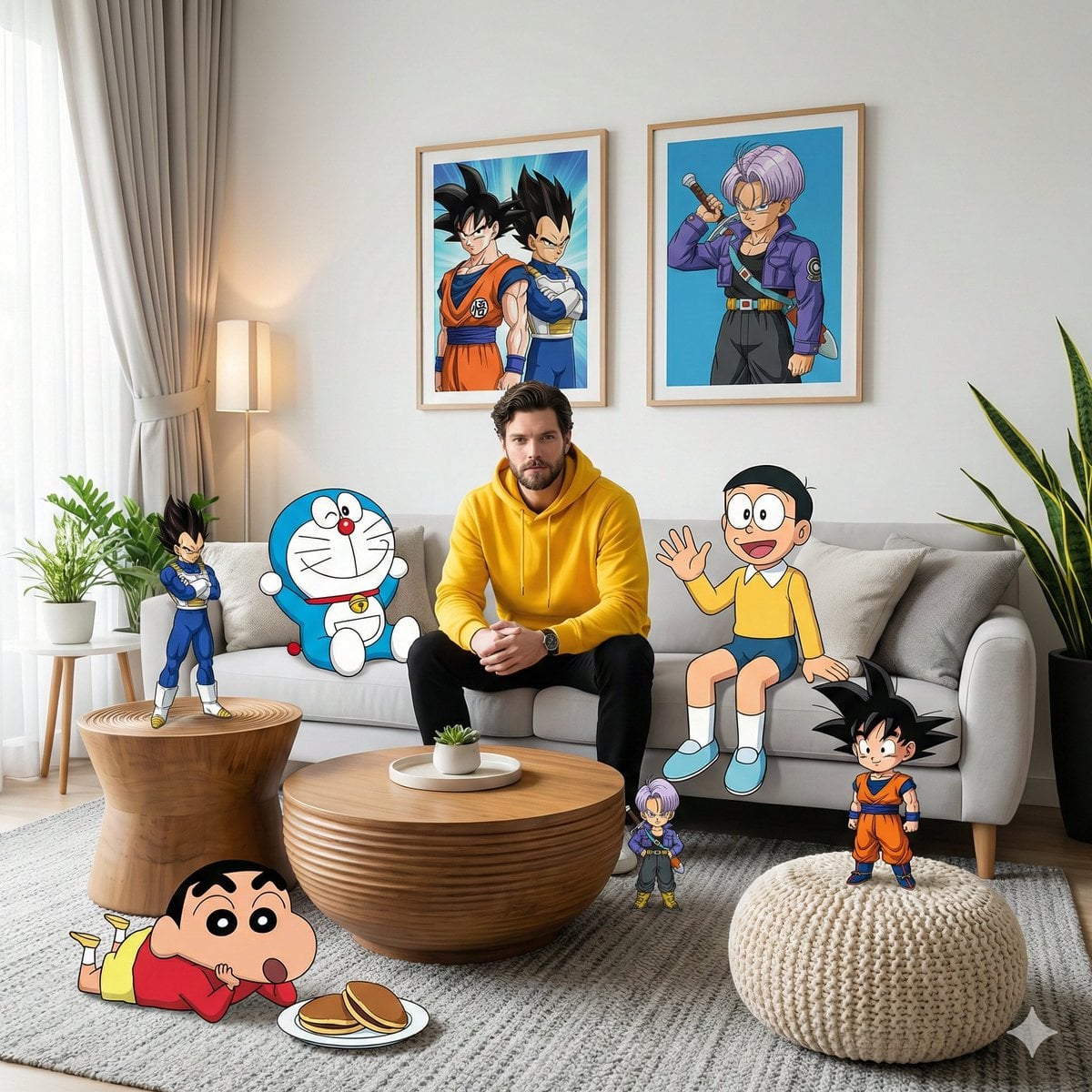
Each run is written fresh, so "Another version" gives a different angle on the same idea. Two or three versions side by side make it obvious which direction to keep.
Where a finished prompt usually goes next.
Upgrade for larger monthly credits, faster generation, and commercial-ready output.
Buy credits once and use them whenever you need. Purchased credits never expire.
Practical details for this generator page.
Use the prompt panel above with the same account, credits, and history workflow.