
GPT-IMG
Quote the new wording exactly
Put the replacement text in quotes and name the surface it sits on. "Change the sign to READ ROOM" beats "make the sign say something else" by a wide margin.
 GPT-IMG
Upload a photo, say what the wording should be instead, and get it back with the letters swapped and the original typeface, angle, and lighting carried over.
Change text in an image with AI: swap the words on a sign, poster, label or menu inside your photo. Describe the replacement and the lettering is redrawn in style.
Upload at least one reference image before generating.
Updated
Text inside a picture is the one job where the choice of model changes the result most. These are the ones worth trying first.
OpenAI latest image model. Sharper instruction following, cleaner in-image text, up to 4K.
Strong typography and poster layouts. Handles dense in-image text at 1K and 2K.
Most capable OpenAI model. Supports all quality tiers and up to 4K.
Edit an existing image by describing the change. Requires a reference image.
Worth knowing before you upload, because it explains both what this does well and where it is the wrong tool.
Put the replacement text in quotes and name the surface it sits on. "Change the sign to READ ROOM" beats "make the sign say something else" by a wide margin.
A short exclusion list, such as the people, the background, and the lighting, measurably reduces drift. The newer models weigh those clauses heavily.
The model regenerates the frame rather than pasting pixels over the old letters. Composition and detail hold up, but the output is a new rendering of your photo, not the original file with an edit applied.
Secondary lettering, such as a chalkboard, a door number, or a street sign, generally comes back readable and unchanged. Check it anyway before you publish.
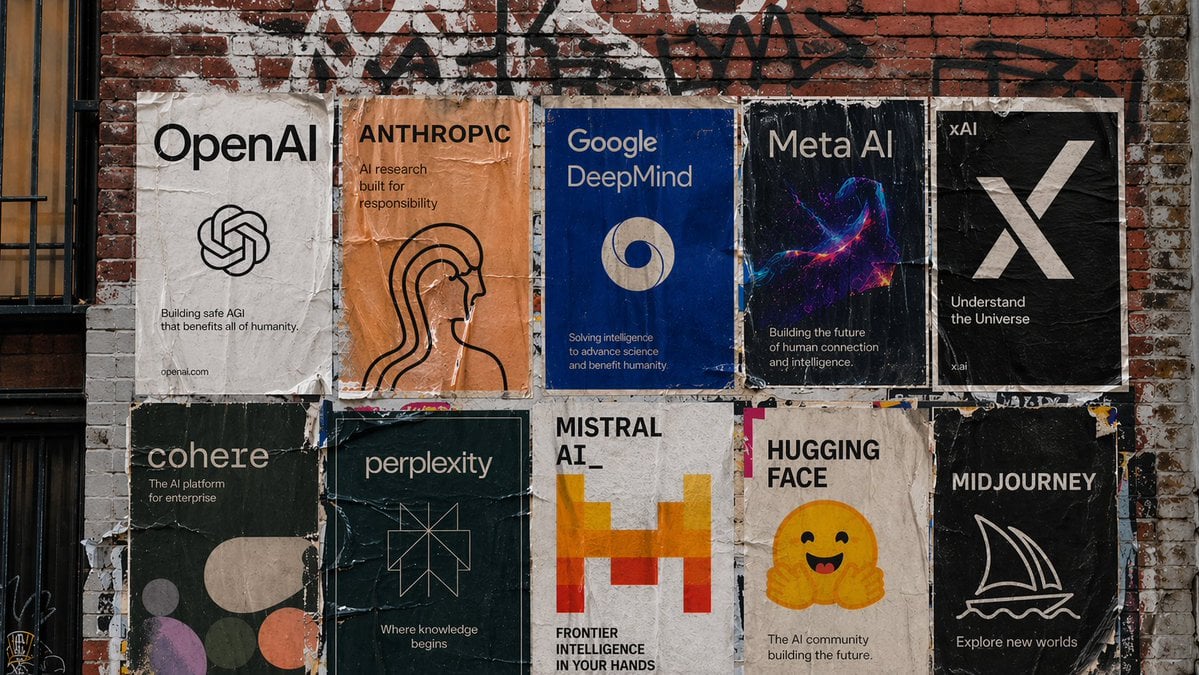
Rename a shop, change a street sign, or swap the wording on a banner while the building, weather, and angle stay put.
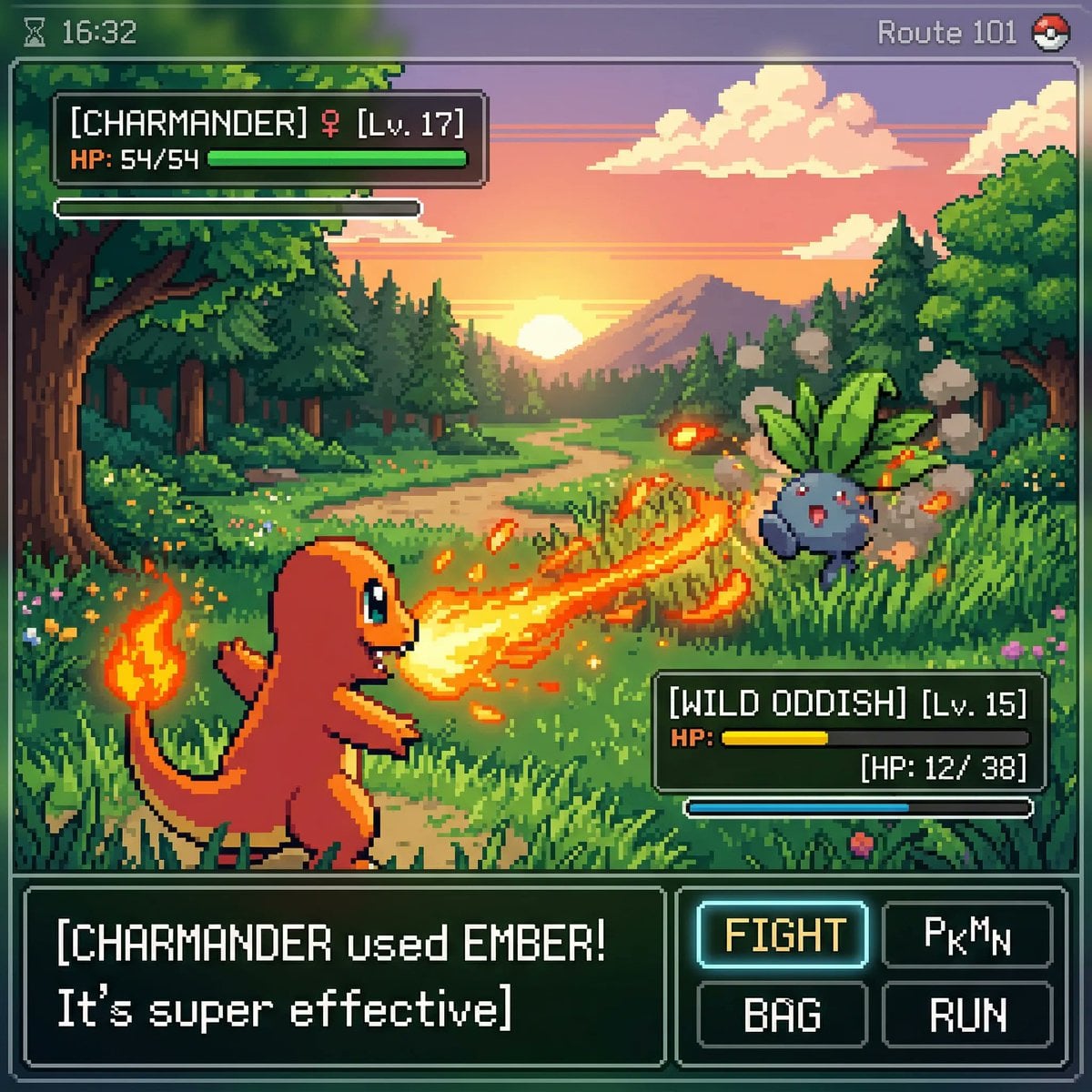
Try a different product name or claim on a bottle, box, or bag without rebuilding the studio shot around it.
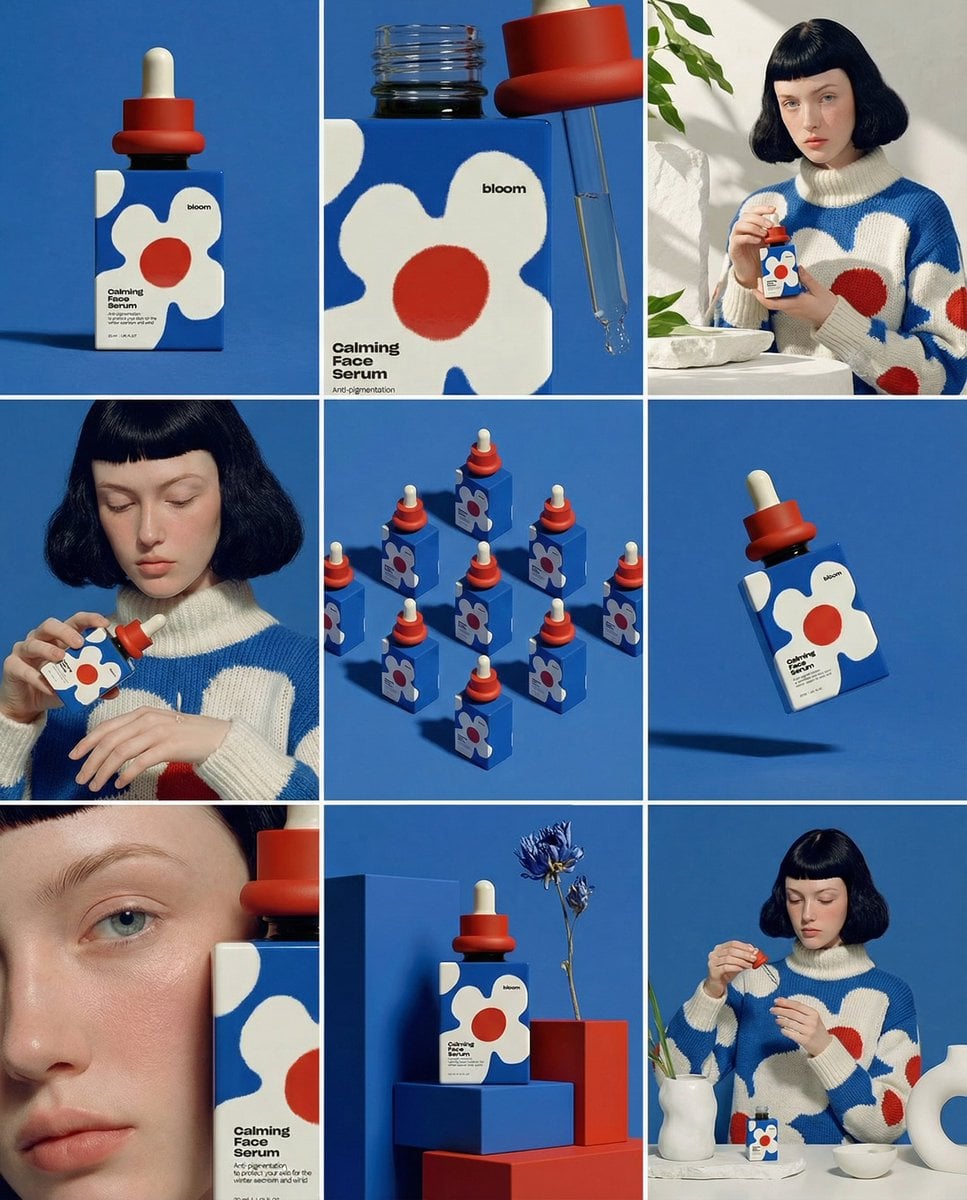
Update a menu board, a poster headline, or the copy on a device screen inside an existing photograph.
Same generator, pointed at a different kind of job.
Broader edits to an uploaded photo: background, lighting, styling, and material changes rather than wording.
The default model here, and the strongest of the set at rendering legible letterforms.
Worth a second attempt when the layout is dense, such as a full menu board or a packed poster.
Upgrade for larger monthly credits, faster generation, and commercial-ready output.
Buy credits once and use them whenever you need. Purchased credits never expire.
Practical details for this generator page.
Yes. Upload it, quote the new wording, and name the surface it belongs on. That is the whole workflow.
Signing up gives you 30 credits and a 1K sign or label swap on GPT Image 2.5 uses 15 of them, so your first two edits cost nothing. More credits come as one-time packs, $4.99 for 300 or $26.99 for 1,800, with no monthly plan needed.
Lettering is where models differ most, and here you can switch between them on the same upload: GPT Image 2.5 first, then Seedream 5.0 Pro for a crowded menu or poster. Each attempt is saved as its own file in History, so an earlier version is never buried in a long chat thread.
Close, but not byte for byte. The model redraws the whole frame rather than patching the letters, so composition, objects, and other text are preserved while fine detail is re-rendered. For a photograph this is invisible; for anything needing the untouched original file, it is the wrong tool.
Usually not. In testing, a menu board, a door number, and a street sign all came back unchanged when only the main sign was named. Look them over before publishing anyway.
Not recommended. Contracts, forms, invoices, and UI screenshots need exact pixels and a font match, which is a document editor job rather than an image model one. Use this for photographs.
Start with GPT Image 2.5. If the layout is dense, such as a full menu or a poster with several blocks of copy, try Seedream 5.0 Pro as a second pass.
A 1K reference edit starts at 15 credits and the exact number appears on the button before you submit. Failed jobs are refunded.
Upload the poster, put the new wording in quotes, and name where it sits, for example: change the price to "$9.90" and leave everything else unchanged. GPT Image 2.5 is the first model to try. If the poster is crowded, run the same upload through Seedream 5.0 Pro as a second pass.
It redraws the lettering to match the typeface, colour, angle, and lighting around it, so a short swap usually looks native. Long or dense text is where results vary, so check every character in the output before using it.
Use the prompt panel above with the same account, credits, and history workflow.