
GPT-IMG
Describe the person, not "a beautiful face"
Age range, build, hair, expression, and clothing give the model something specific. Adjectives like "beautiful" or "stunning" push every face towards the same look.
 GPT-IMG
Describe the person, the light, and the lens, and get a portrait in seconds. Add a reference photo when you want it to look like someone specific.
Generate realistic AI portraits from a text prompt. Describe the person, lens, and light, or add a reference photo for likeness. Free credits on signup.
All four render convincing faces and skin. They differ in realism, in how they handle light, and in how many references they accept.
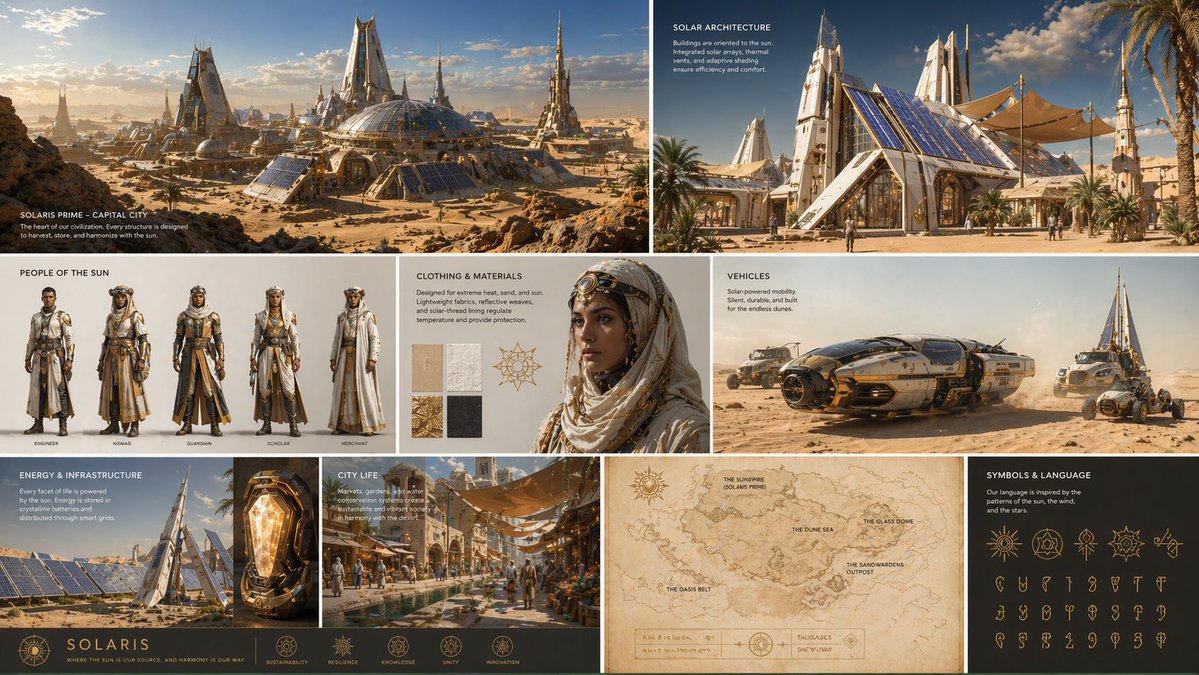
OpenAI latest image model. Sharper instruction following, cleaner in-image text, up to 4K.
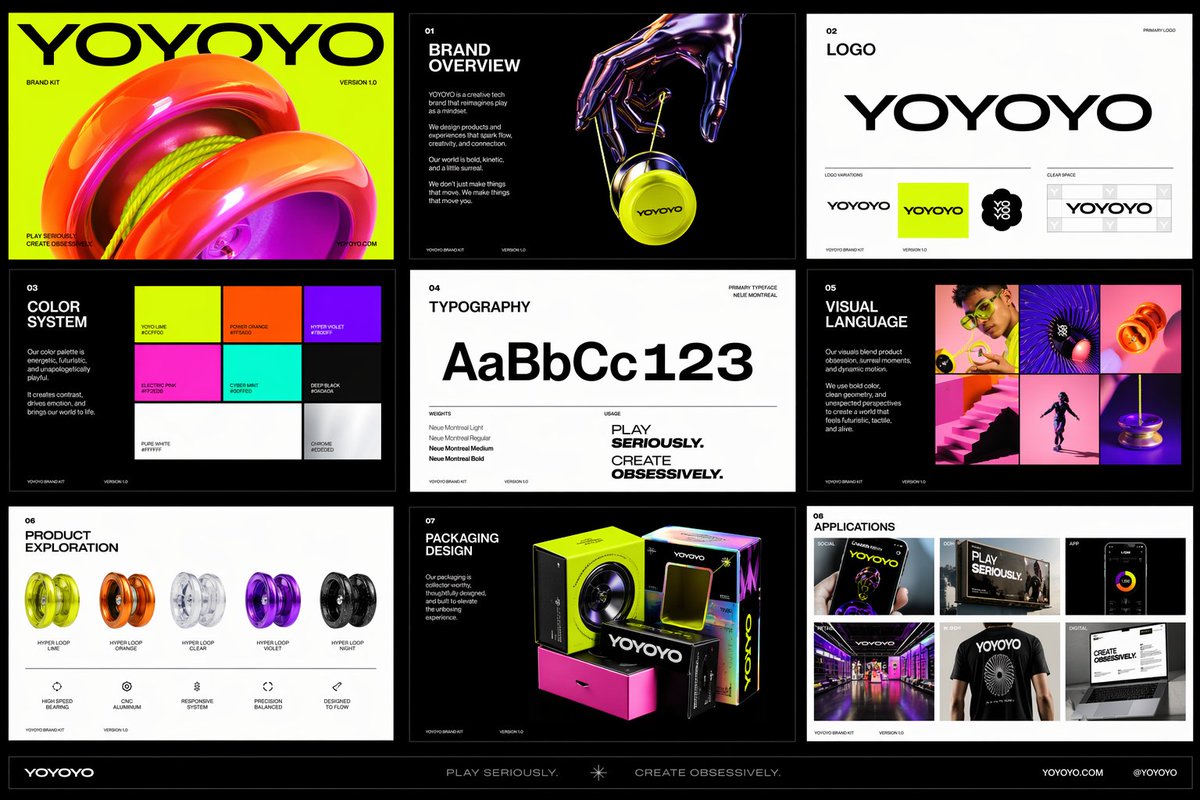
Photorealistic detail with tight prompt control. Accepts up to 8 reference images.
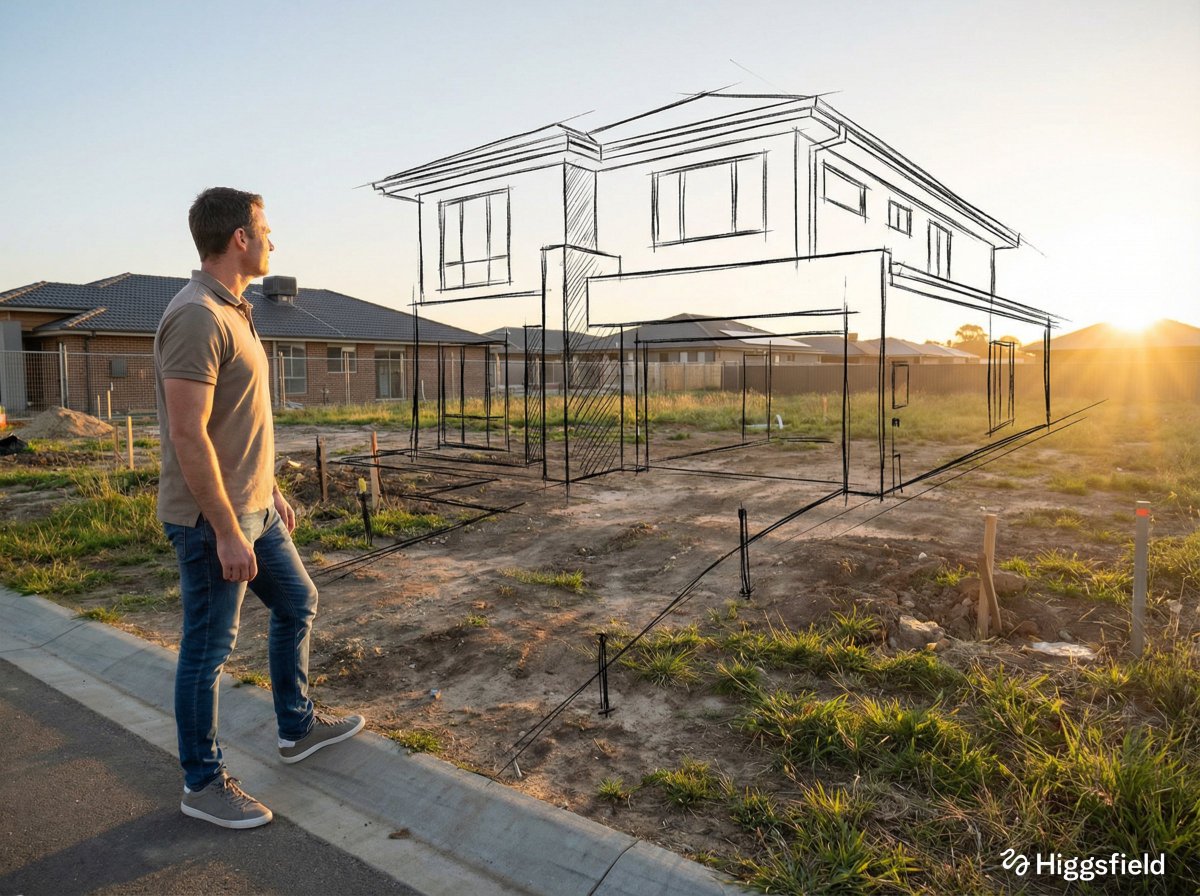
Highest quality Google model. Supports up to 4K resolution.
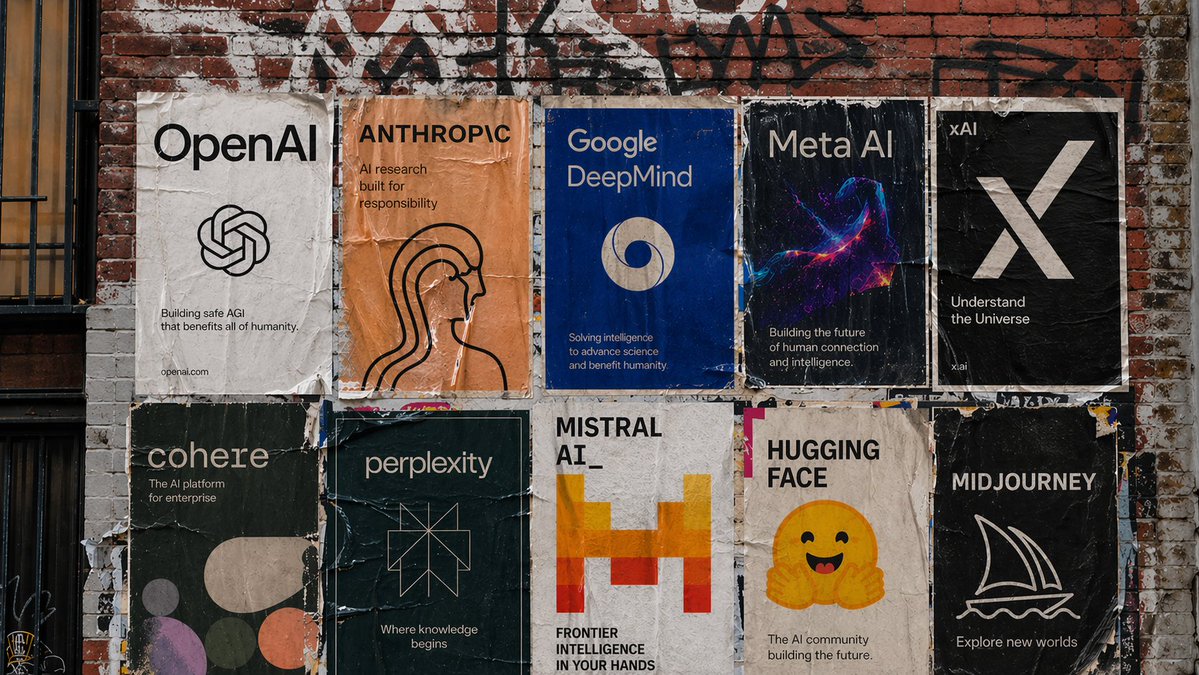
Strong typography and poster layouts. Handles dense in-image text at 1K and 2K.
Portraits expose weak prompts quickly. These points are what separate a stock-photo face from a believable one.
Age range, build, hair, expression, and clothing give the model something specific. Adjectives like "beautiful" or "stunning" push every face towards the same look.
"Soft window light from the left" or "low golden-hour sun behind, fill from a reflector" shapes the whole picture. Lighting does more for realism than any amount of detail words.
A focal length and aperture, such as "85mm, shallow depth of field", cues a portrait look: compressed features and a soft background.
"Visible skin texture, no retouching" counters the plastic smoothness these models drift towards. Say it when you want a documentary feel.
To get a particular person, upload their photo and say "keep the face exactly the same". Only do this with a photo of yourself or someone who has agreed.
These are where portraits still go wrong. Frame the shot head-and-shoulders if you can, and zoom in on the details before you use it.
Generate one portrait you like, then use it as a reference for the next ones: new outfit, new backdrop, same face.
Same generator, pointed at a neighbouring job.
Start from a selfie of yourself instead of a written description.
Lay one character out from several angles for a consistent set.
The general prompt-first workspace for any subject.
The general reference-image workspace for edits of any kind.
Upgrade for larger monthly credits, faster generation, and commercial-ready output.
Practical details for this generator page.
Use the prompt panel above with the same account, credits, and history workflow.