
GPT-IMG
Write a thought, get a visual direction
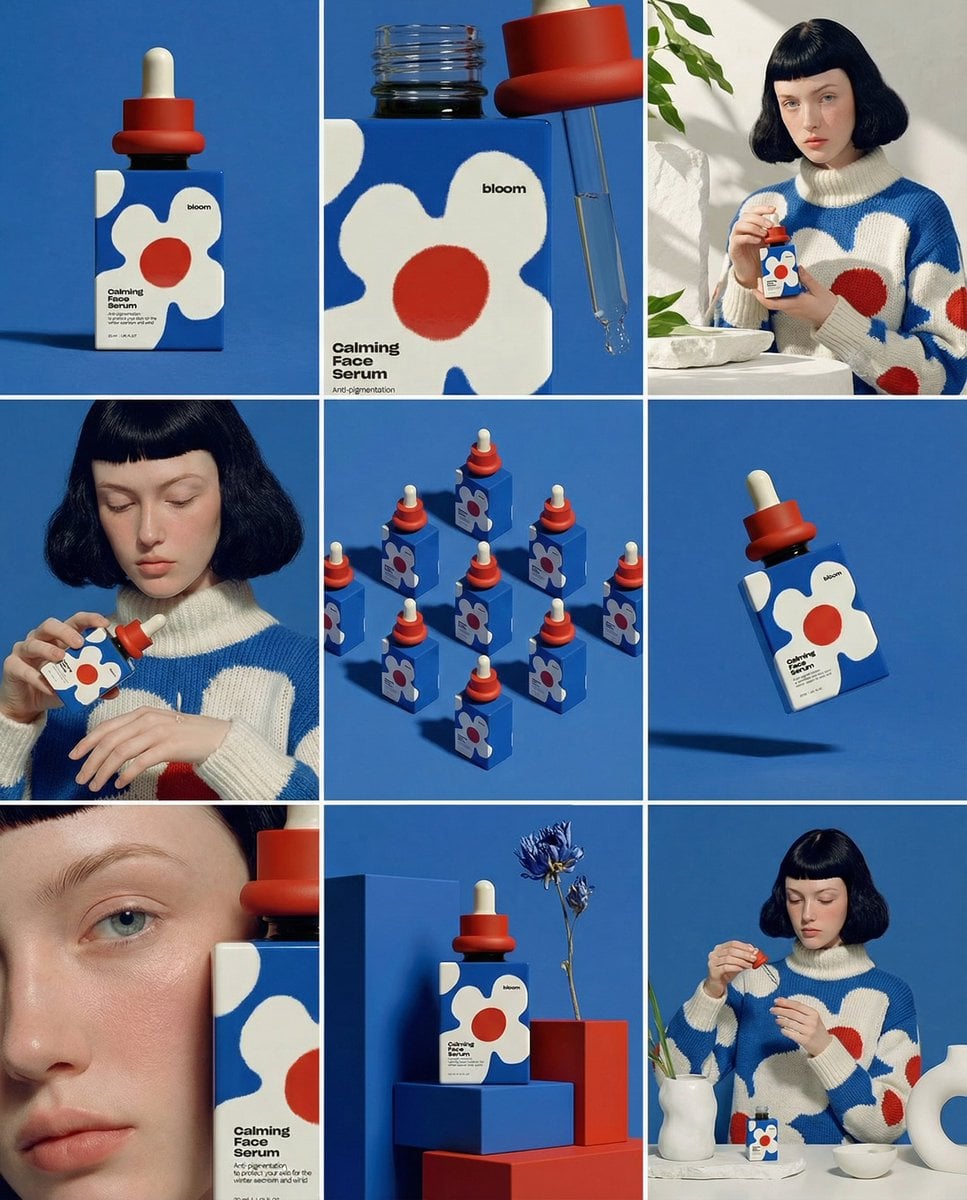
Describe the subject, environment, style, lighting, camera angle, and commercial context in natural language. The generator keeps the prompt editable before submission.
 GPT-IMG
Type what you want to see and get a finished picture back. Choose the model, set the aspect ratio and size, and the credit cost is on the button before you spend it.
Make a GPT image from text in the browser. Write the prompt, pick GPT Image 2.5 or another model, set the ratio, and download the result.
GPT Image 2.5 for instructions that have to land exactly, Nano Banana 2 for cheap iteration, Nano Banana Pro when detail decides it.
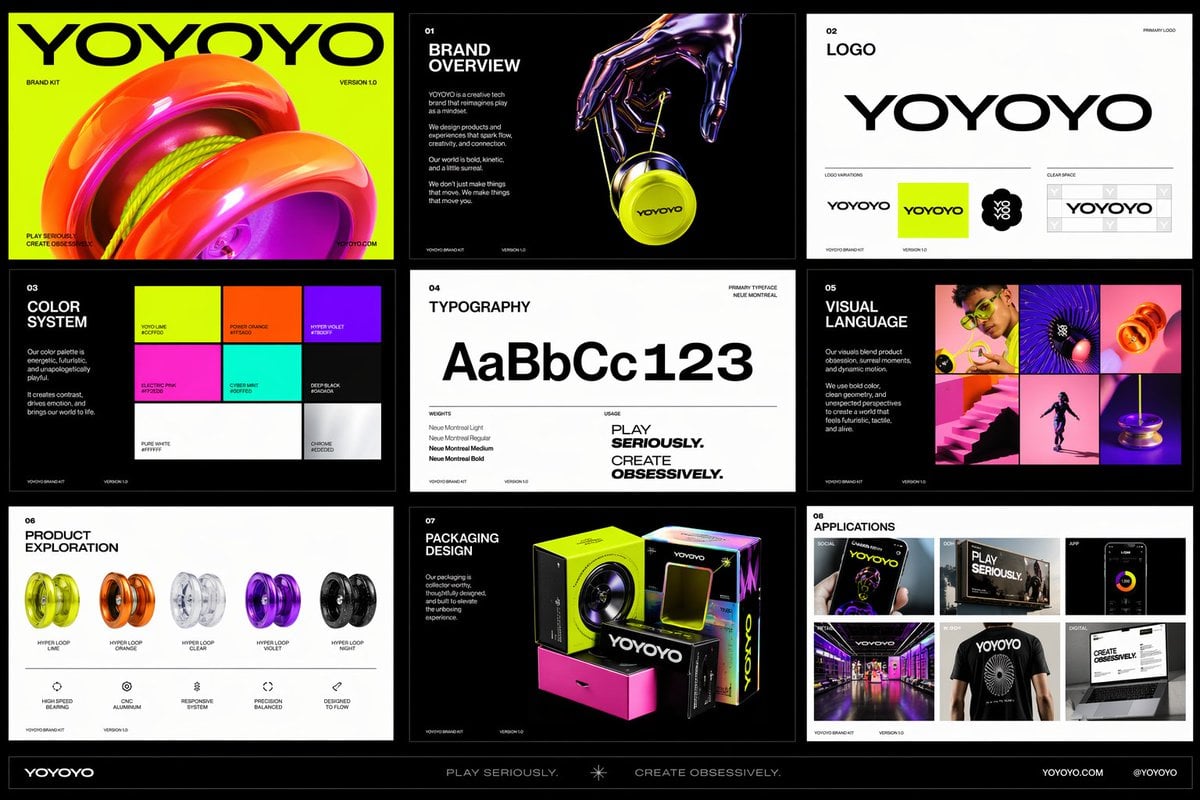
OpenAI latest image model. Sharper instruction following, cleaner in-image text, up to 4K.
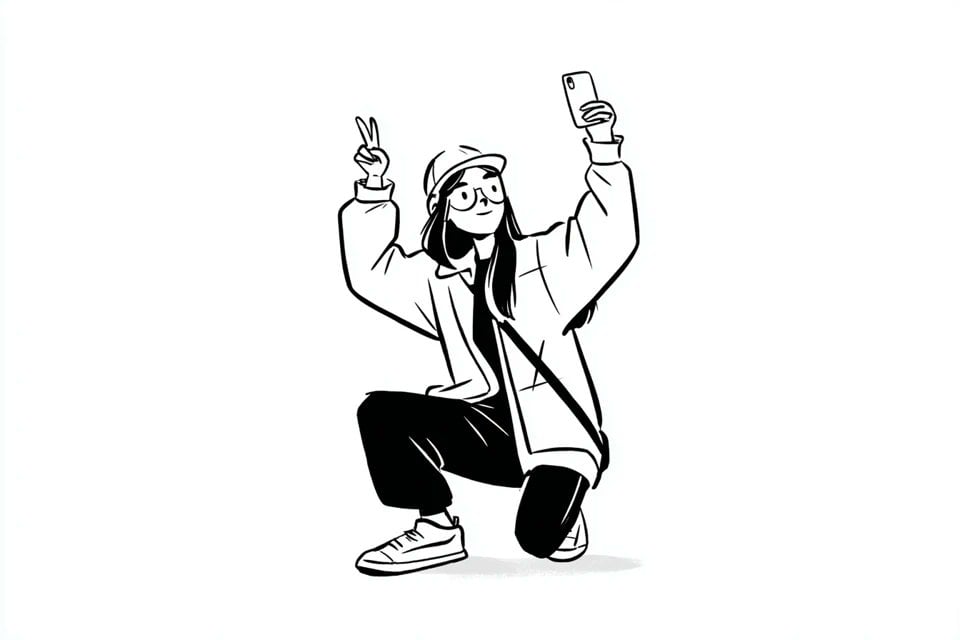
Most capable OpenAI model. Supports all quality tiers and up to 4K.
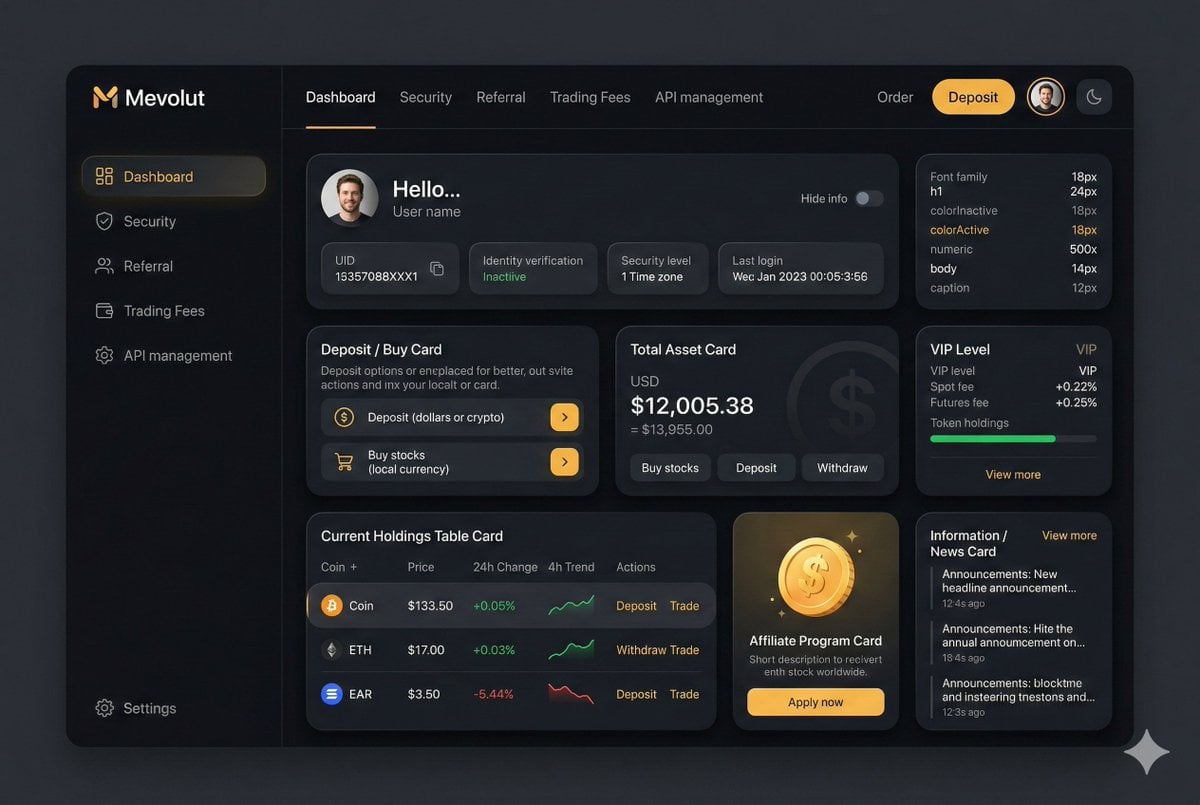
Google latest image model. Sharper edits, cleaner in-image text, steadier subject consistency, up to 4K.
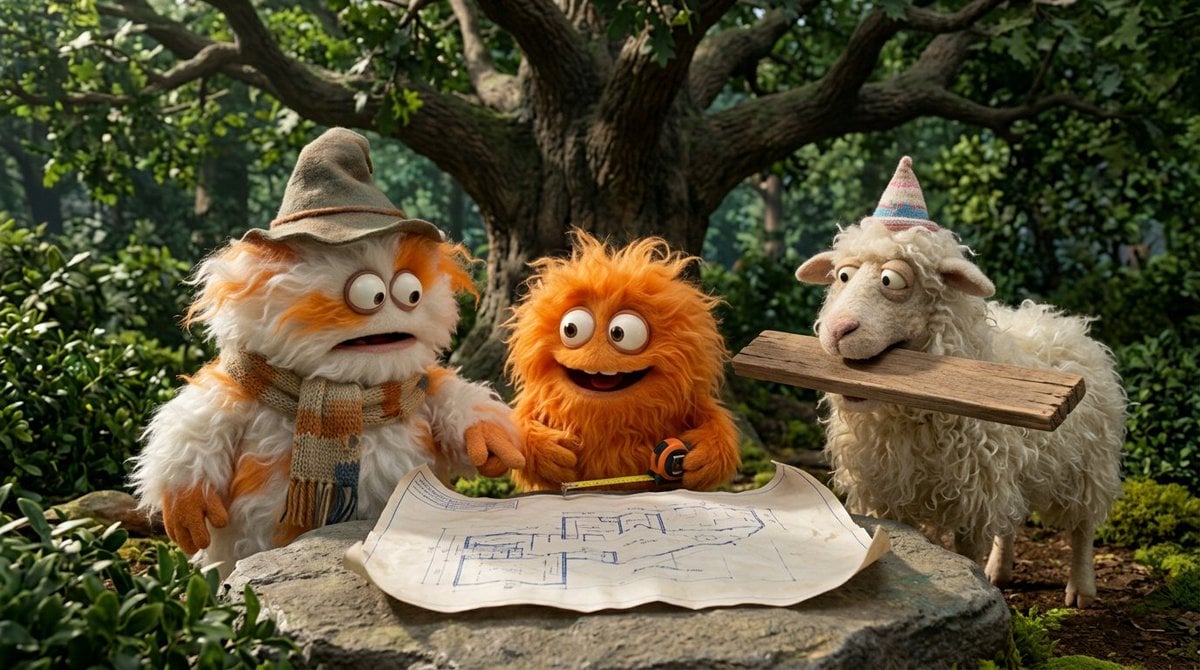
Highest quality Google model. Supports up to 4K resolution.
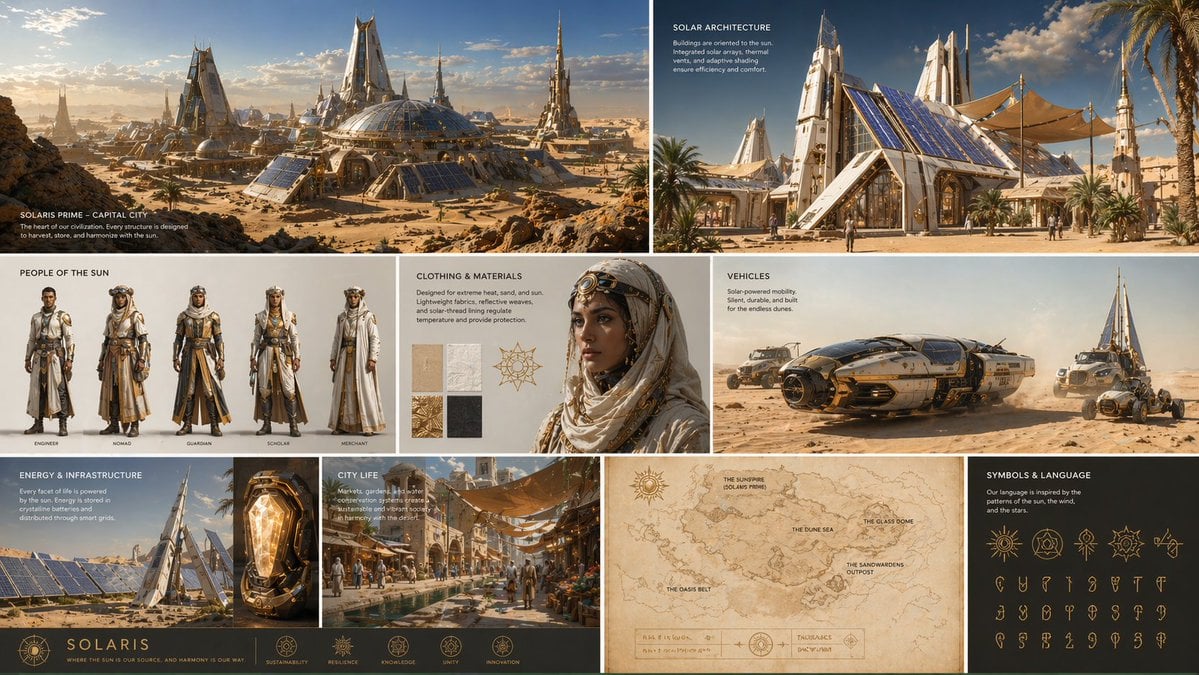
Strong typography and poster layouts. Handles dense in-image text at 1K and 2K.
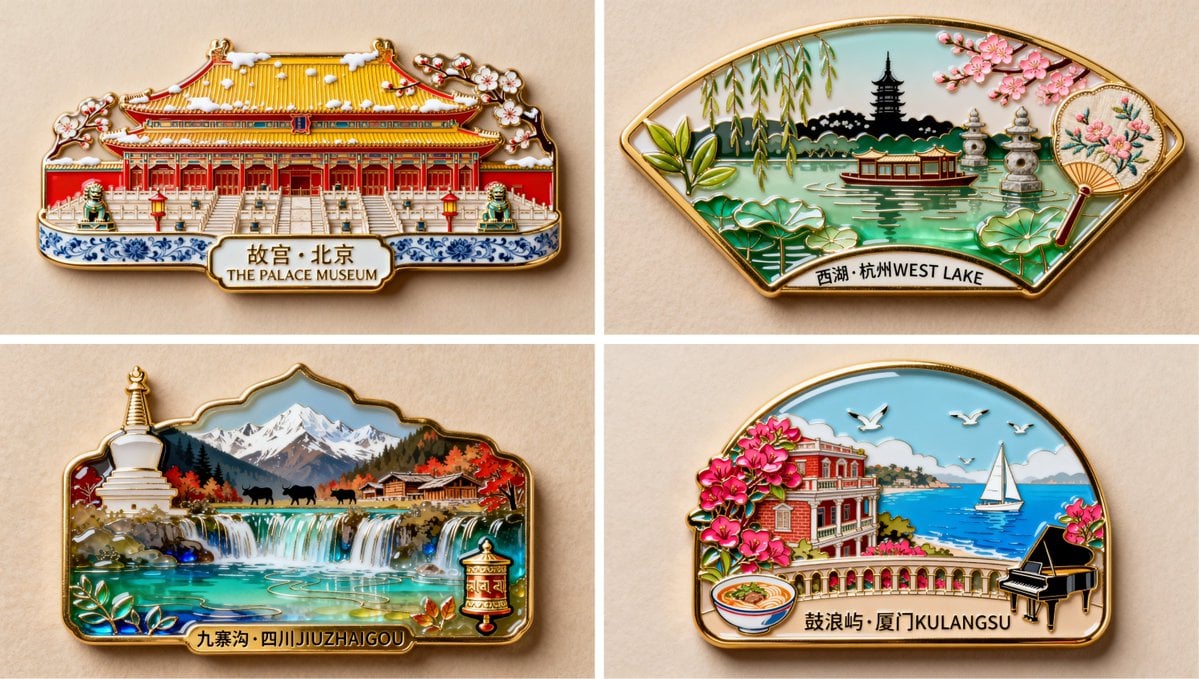
Photorealistic detail with tight prompt control. Accepts up to 8 reference images.
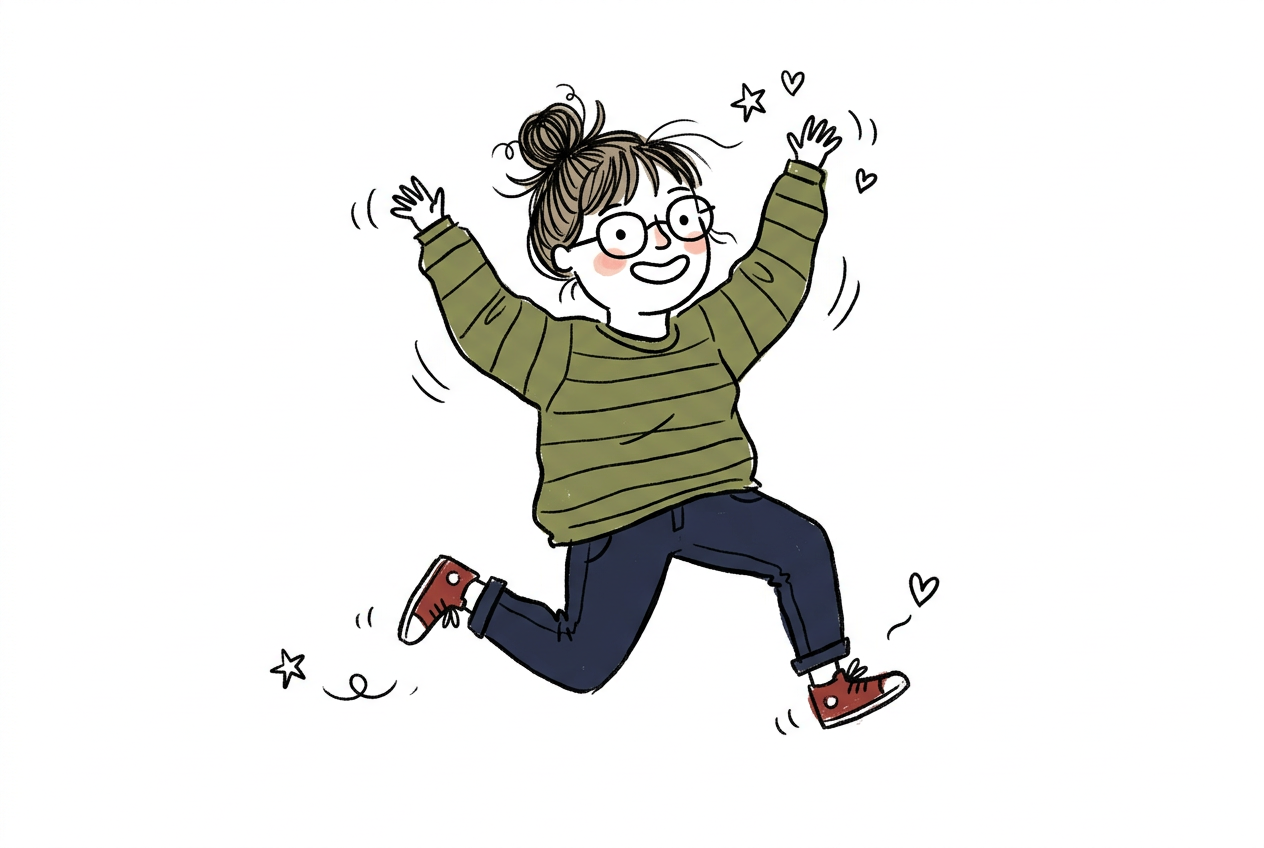
Fast and opinionated. Good for posters, memes, and stylized concept art.
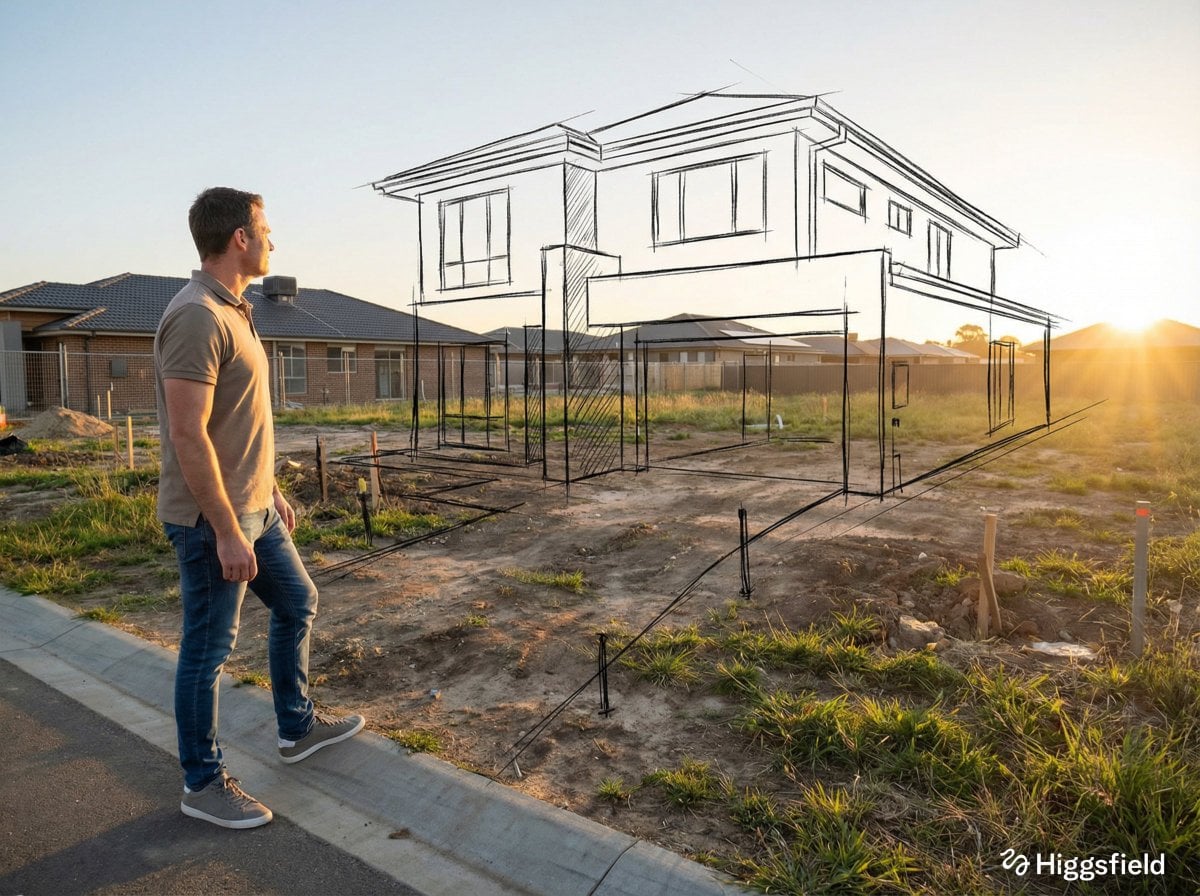
Edit an existing image by describing the change. Requires a reference image.
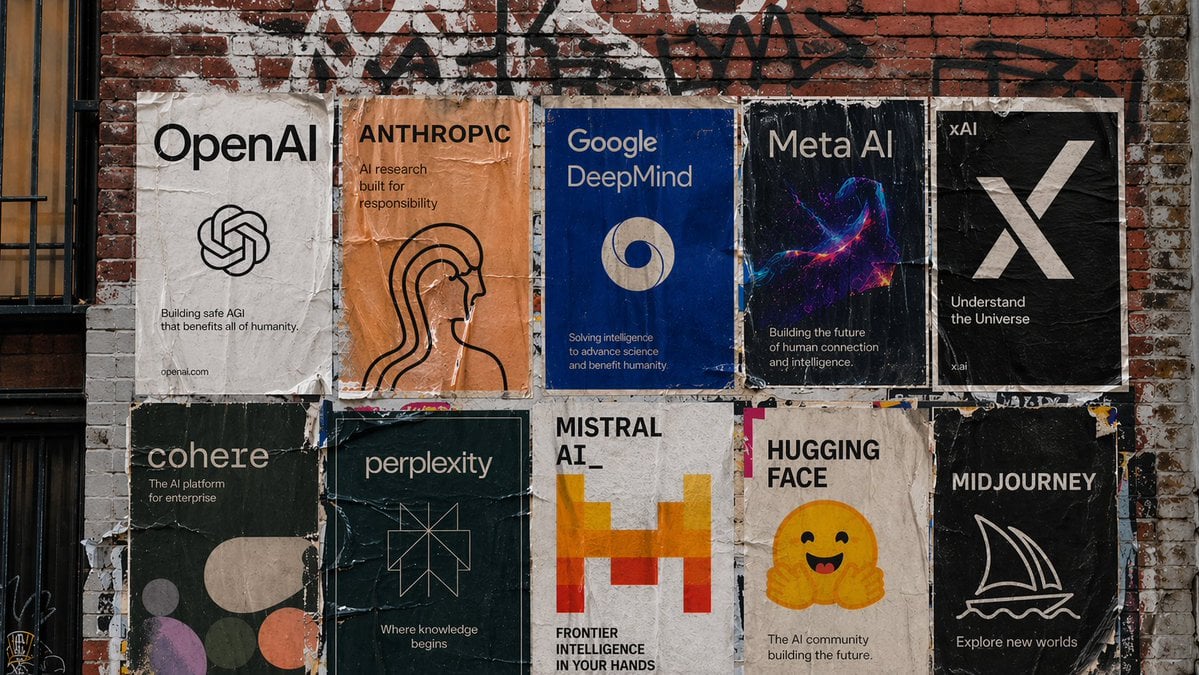
The cheapest way to explore an idea. Sub-second generation at 5 credits per image.
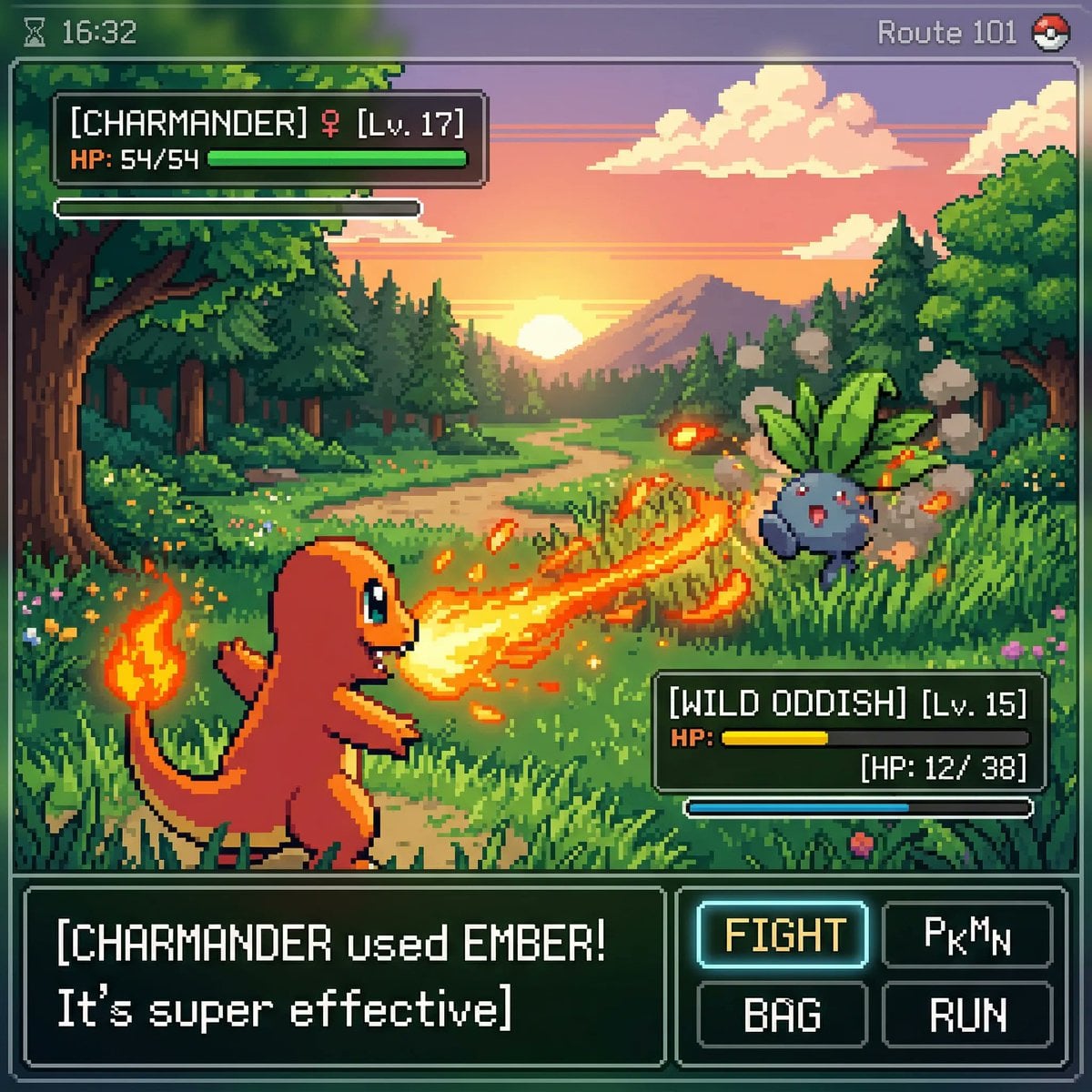
Speed-optimized Krea 2 with a wide stylistic range. Good for stylized ideation and typography-led art.
GPT-IMG keeps text-to-image generation practical: describe the result, choose the model, review the credit cost, and send the job through the same tracked workflow.
Describe the subject, environment, style, lighting, camera angle, and commercial context in natural language. The generator keeps the prompt editable before submission.
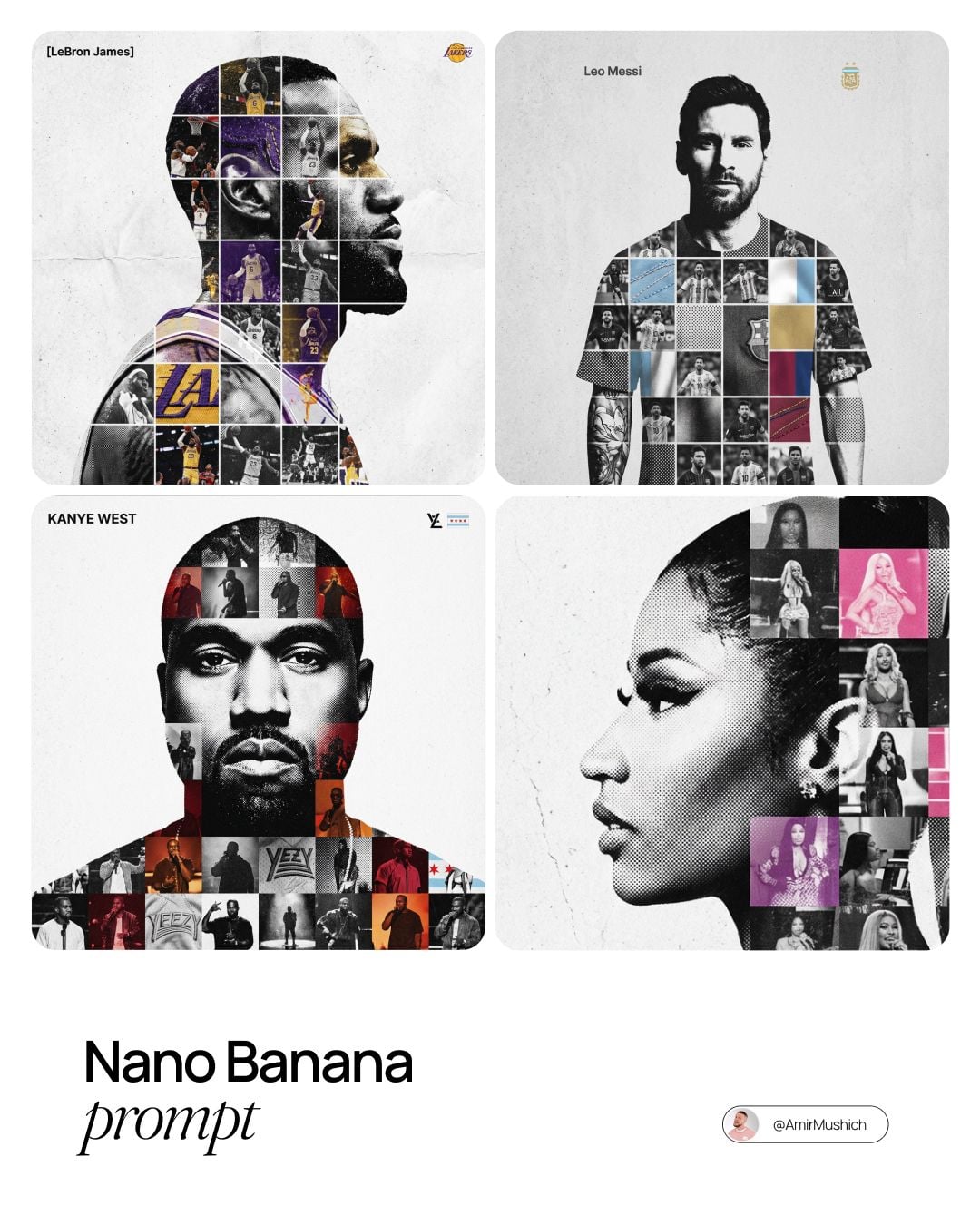
GPT Image 2.5 handles precision and clean visual structure, Nano Banana 2 suits quick variations, and Nano Banana Pro is there when detail decides the job.
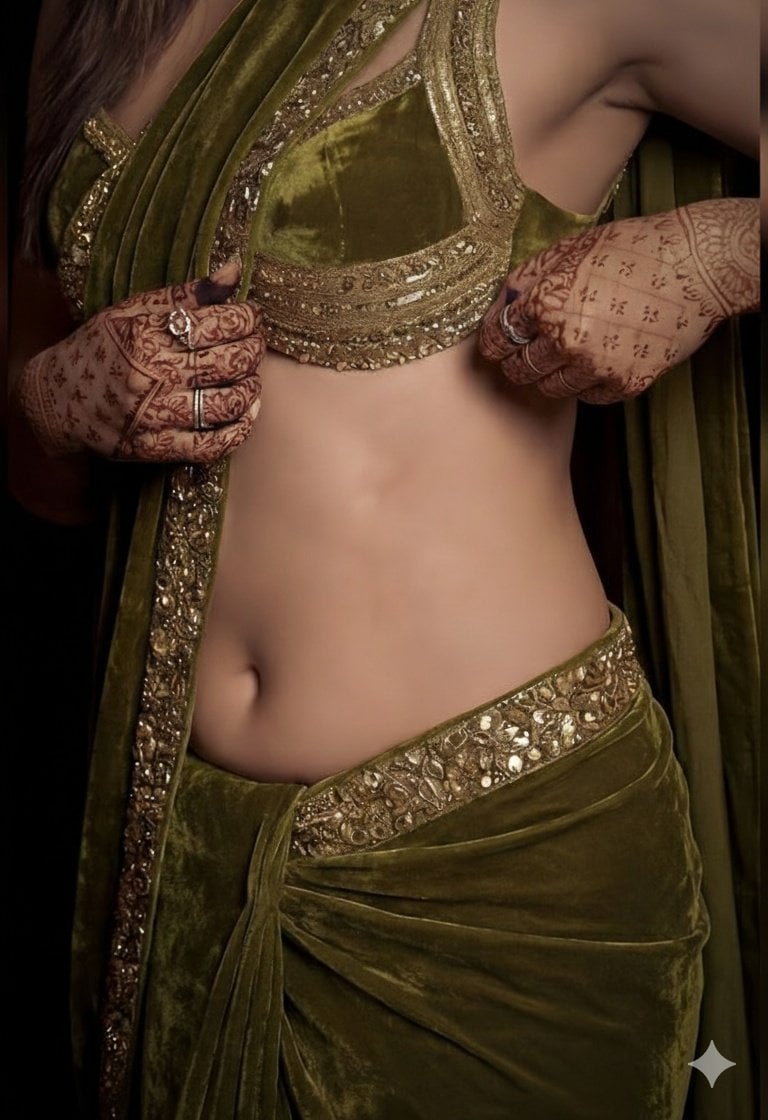
Save time by starting from proven prompt patterns for ecommerce photos, editorial portraits, ad creatives, thumbnails, and concept art.
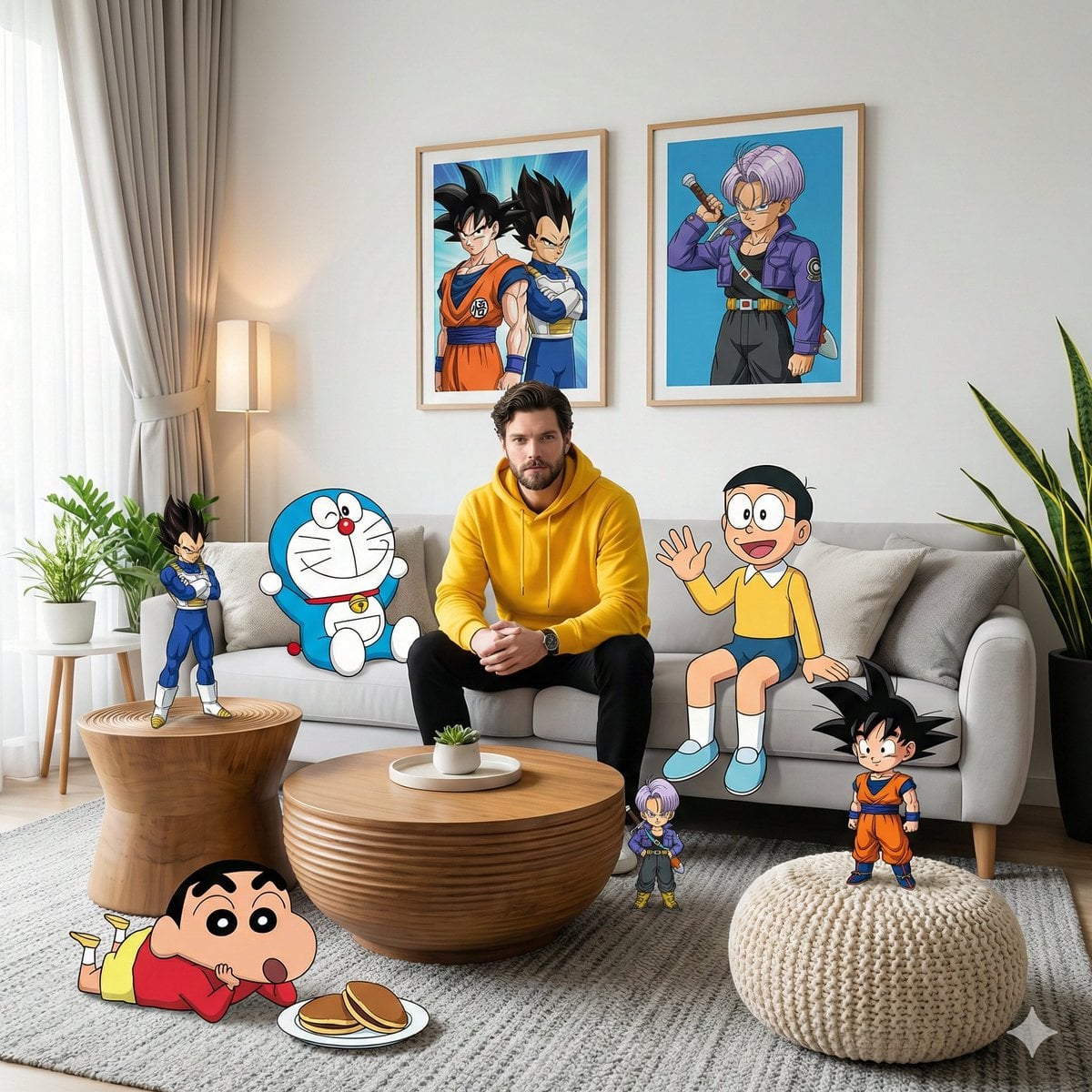
Generation requires login so credits, history, uploads, workflow status, and failed-job refunds stay attached to the correct account.
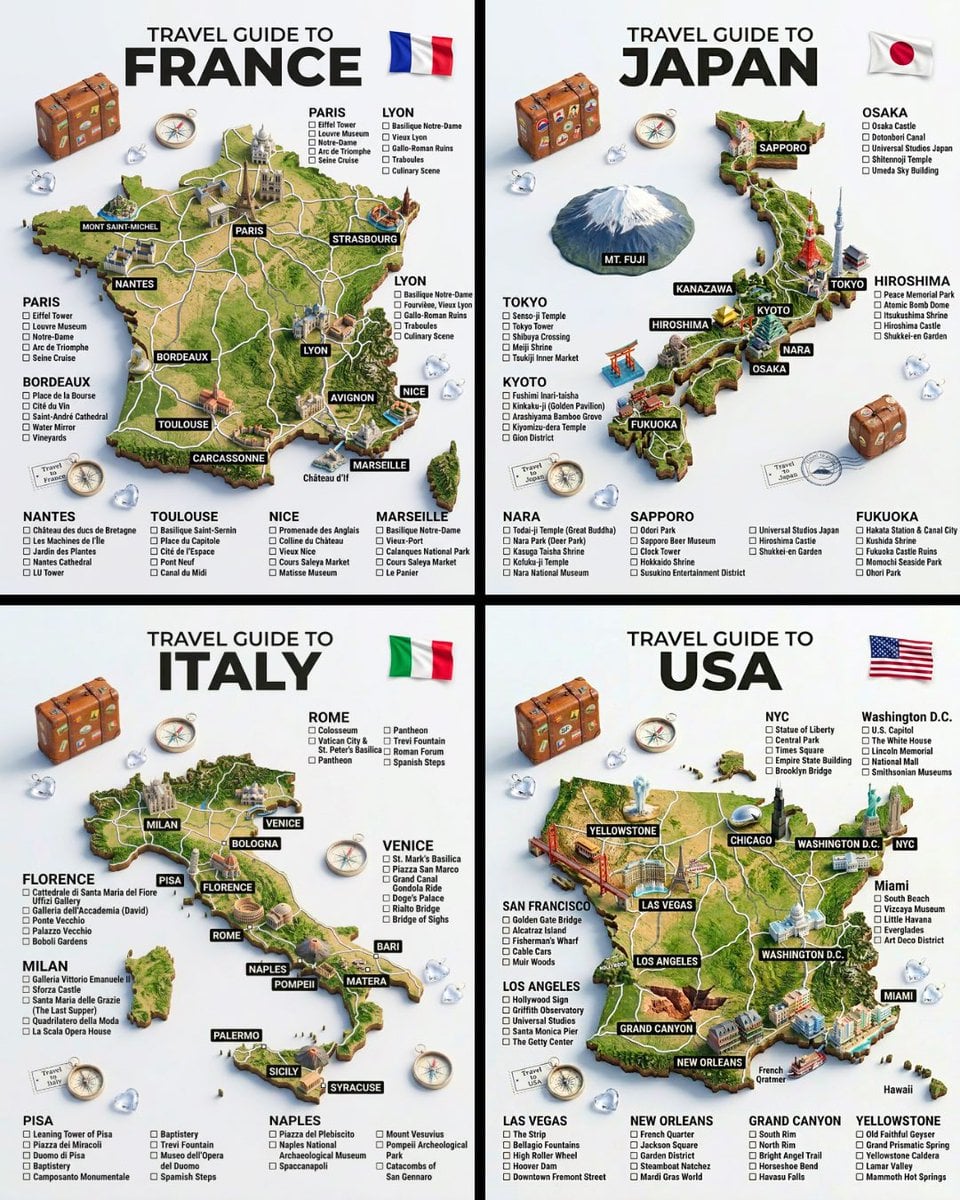
Subject, setting, lighting, lens, materials, mood, and what the picture is for. Adjectives alone produce generic results; concrete nouns do not.
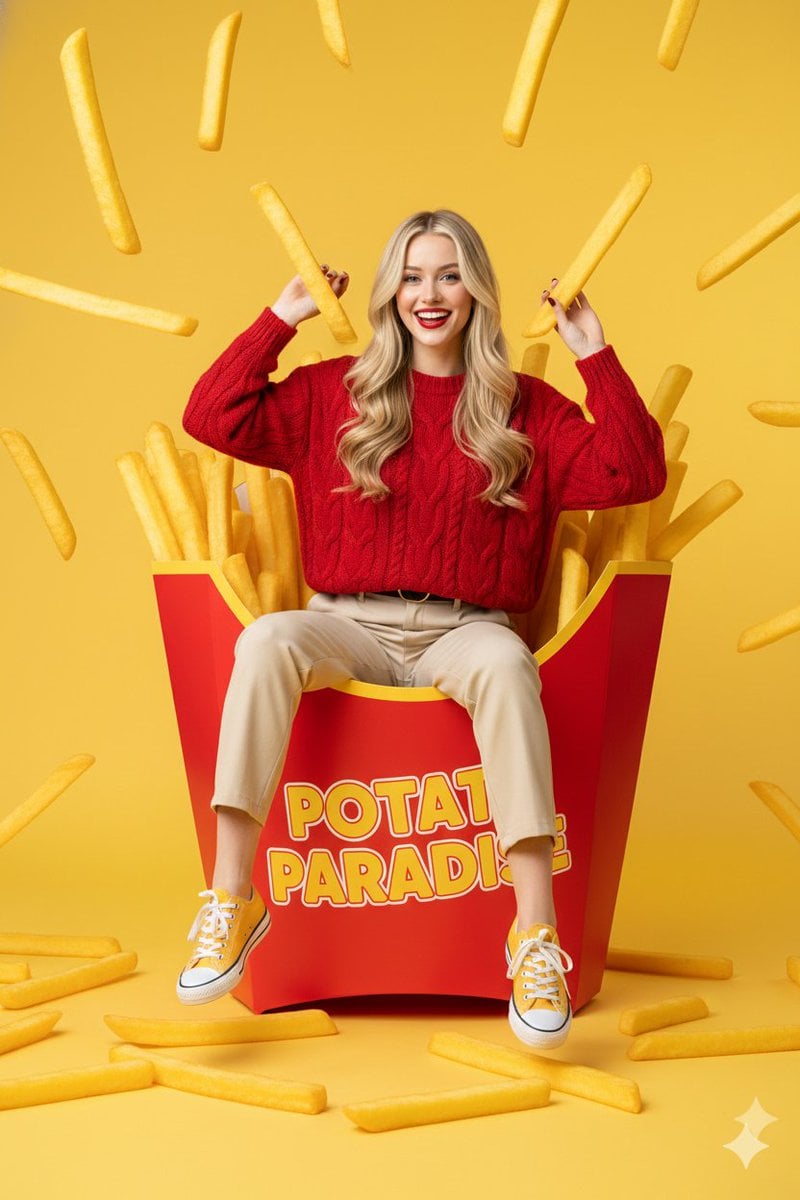
Exclusions carry real weight on the newer GPT image models. "No text", "no people", "nothing on the wall" are worth writing down.
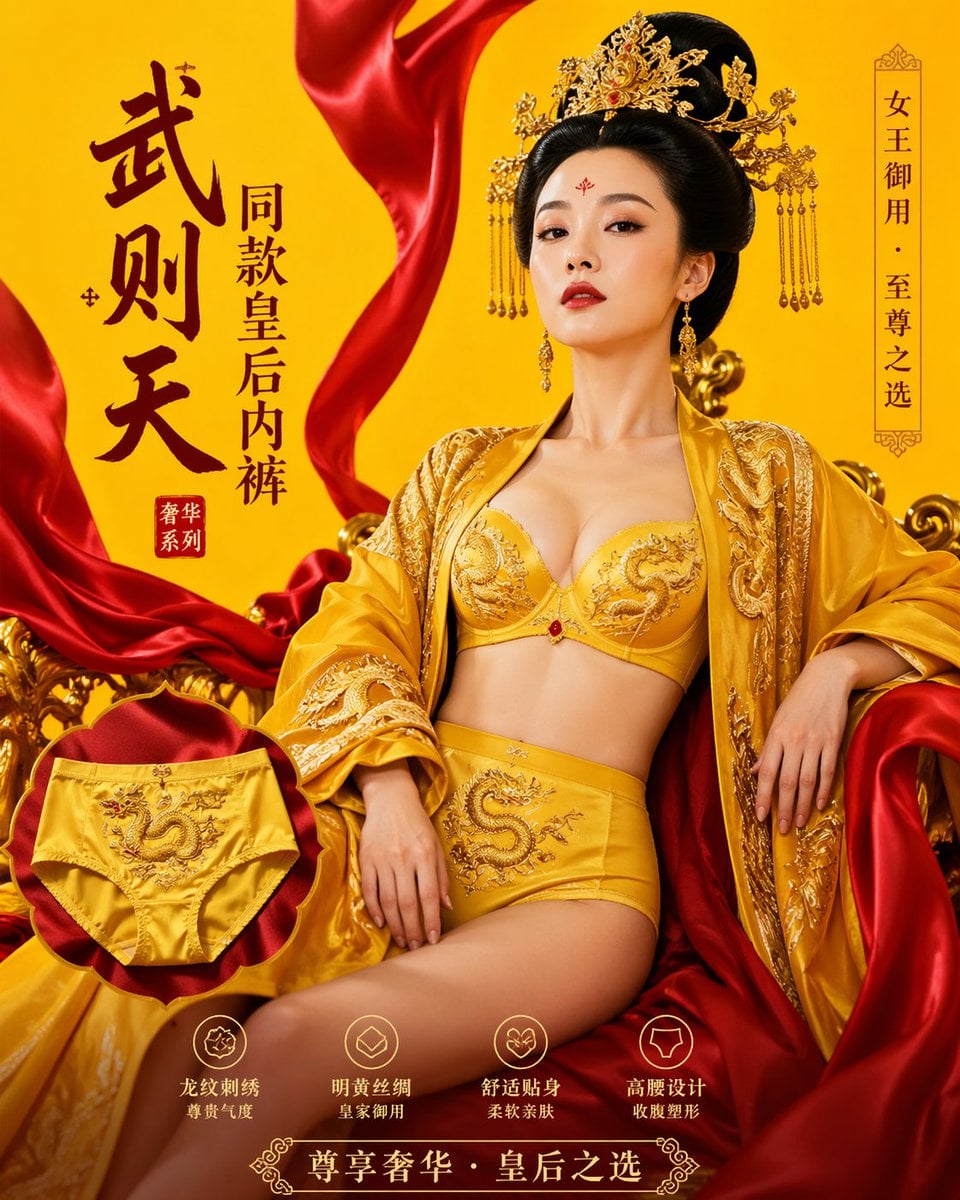
Iterate at 1K standard where a render costs 10 credits, then re-run the prompt you settled on at a higher size and quality.
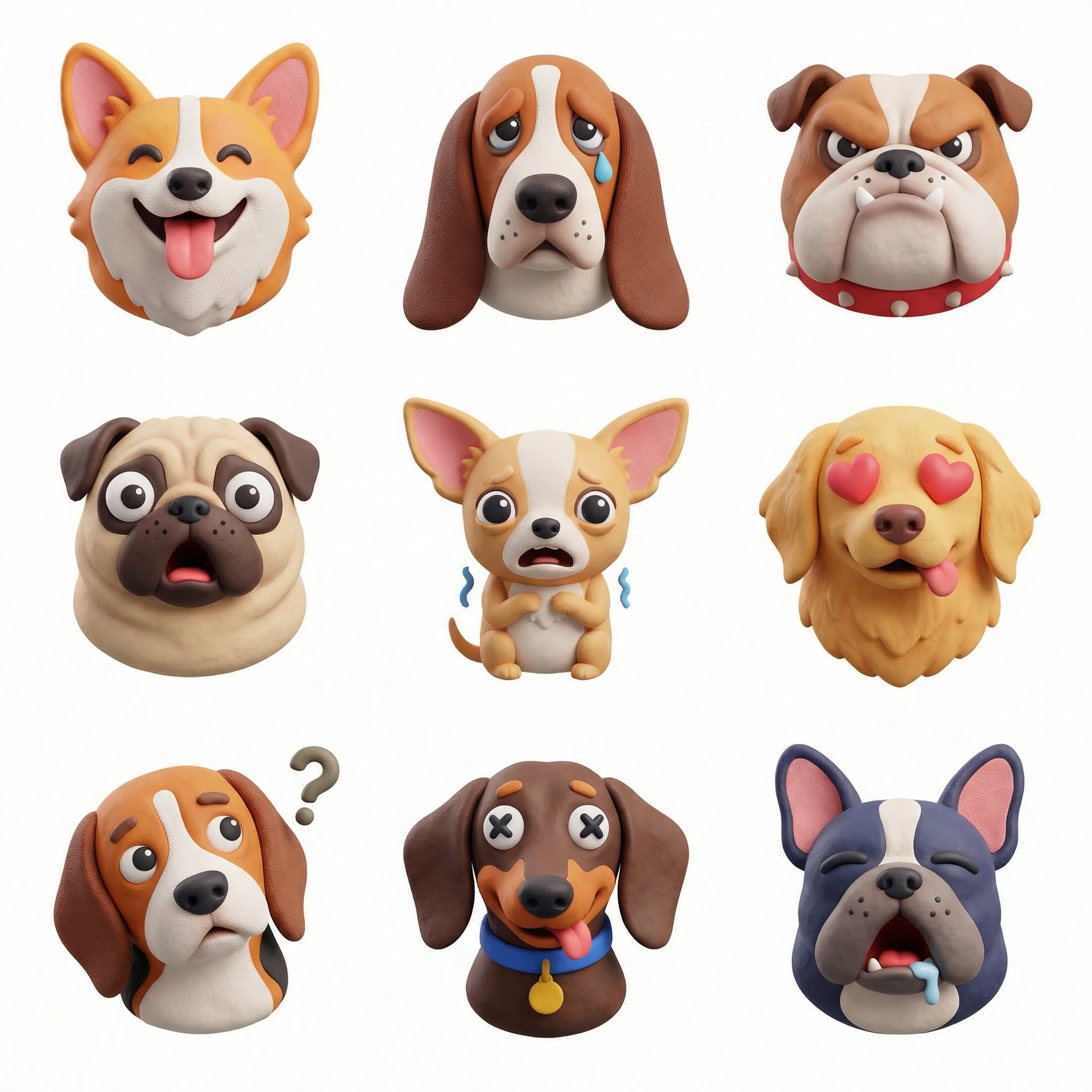
Pick the aspect ratio before generating, not after cropping. A 16:9 brief and a 9:16 brief are genuinely different pictures.
Use the same generation workflow across text prompts, reference images, model pages, and gallery examples.
Start from a rough idea and get a full prompt with framing, light, and style written out.
Upload a reference image when you need style transfer, subject consistency, or controlled variants.
Browse reusable prompt examples and visual starting points that can be opened in the generator.
The dedicated page for the newest OpenAI model, with its quality tiers and pricing spelled out.
Upgrade for larger monthly credits, faster generation, and commercial-ready output.
Buy credits once and use them whenever you need. Purchased credits never expire.
Practical details for this generator page.
Use the prompt panel above with the same account, credits, and history workflow.