
GPT-IMG
Number the photos and name the roles
Write "image 1 is the scene, image 2 is the person to add". The prompt is the only place roles live, so be explicit about which is which.
 GPT-IMG
Upload the photo and a picture of the person to add, say where they should stand, and get one image with the light and scale matched.
Add a person to a photo with AI. Upload both pictures, say where they should stand, and the light, scale, and shadows are matched. First run free.
Upload at least one reference image before generating.
All four take two photos and merge them. They differ in how well they match the light and the grounding shadow, so test a tricky scene on two.
OpenAI latest image model. Sharper instruction following, cleaner in-image text, up to 4K.
Photorealistic detail with tight prompt control. Accepts up to 8 reference images.
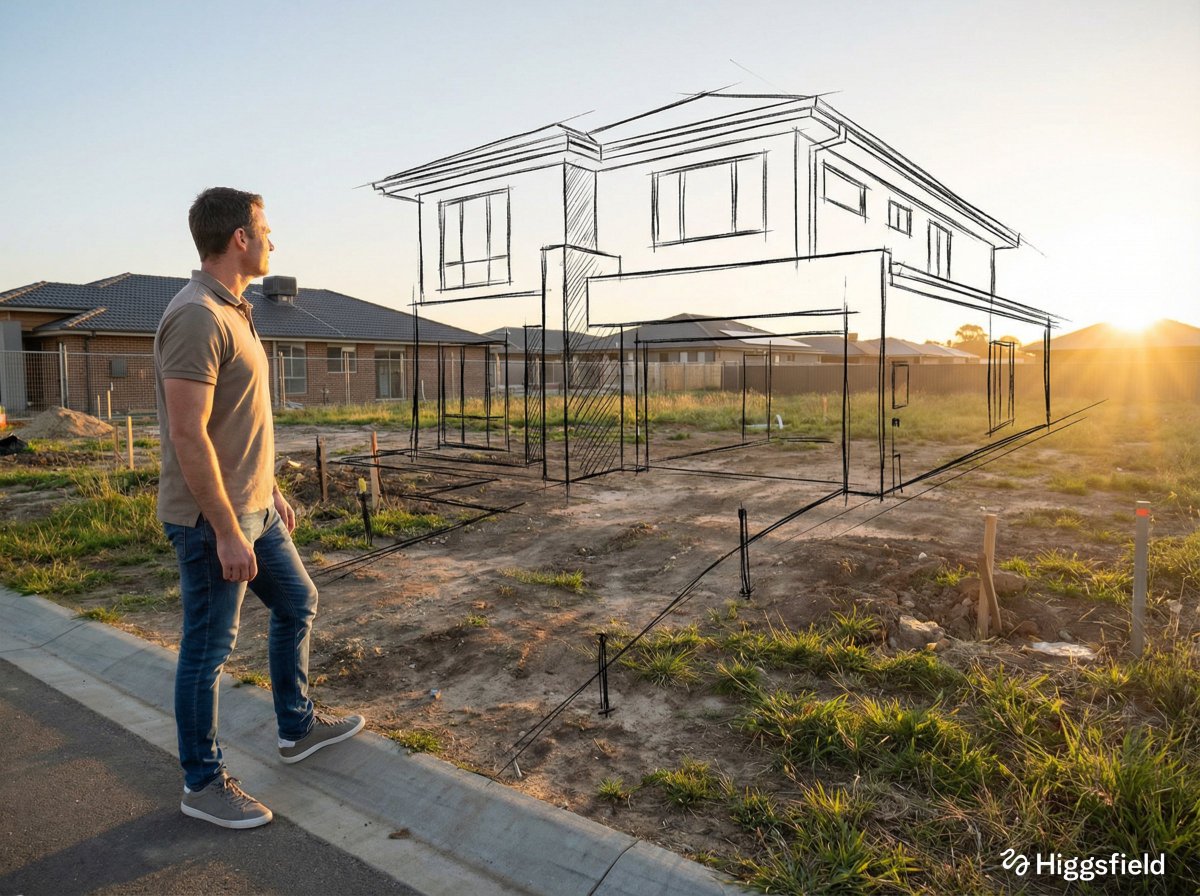
Highest quality Google model. Supports up to 4K resolution.
Strong typography and poster layouts. Handles dense in-image text at 1K and 2K.
A missing relative, a friend who could not come, a pet: the trick is making the new arrival look like they were in the room.
Write "image 1 is the scene, image 2 is the person to add". The prompt is the only place roles live, so be explicit about which is which.
"At the right edge of the group, shoulder to shoulder with the woman in blue" is much better than "somewhere in the photo".
A person lit from the left dropped into a scene lit from the right is the giveaway. Add "match the light direction and the scale" to the prompt.
Someone with no shadow floats. Say "with a soft shadow on the ground in the same direction as the others".
A full-body shot from eye level adds into a similar scene far more convincingly than a selfie into a wide landscape photo.
Add "keep everyone in image 1 exactly as they are". Without it, faces nearby can shift while the model redraws the frame.
Use this for people who are happy to be in the picture. Do not use it to place someone in a scene they never agreed to, and be clear it is edited if you share it.
Same generator, pointed at a neighbouring job.
Combine several separate portraits into one family picture.
The general version for people, products, and style from up to five photos.
The reverse: take someone out and rebuild the space.
The general reference-image workspace for edits of any kind.
Upgrade for larger monthly credits, faster generation, and commercial-ready output.
Practical details for this generator page.
Use the prompt panel above with the same account, credits, and history workflow.