

GPT-IMG
Upload the best real photo you have
A sharp, evenly lit shot of the actual product is the anchor. The model can relight and rehouse it, but it cannot invent details your source photo never showed.
 GPT-IMG
One decent photo of the real thing is the input. From there you get the white-background hero, the counter-top lifestyle shot, and the seasonal reshoot, without booking the studio twice.
Turn one product photo into listing images: clean white backgrounds, lifestyle scenes, and seasonal variants. Upload the shot you have and describe the set you need.
Upload at least one reference image before generating.
Product photography lives or dies on materials and light. These four handle surfaces, reflections, and shadow contact best of the set.
OpenAI latest image model. Sharper instruction following, cleaner in-image text, up to 4K.
Photorealistic detail with tight prompt control. Accepts up to 8 reference images.
Most capable OpenAI model. Supports all quality tiers and up to 4K.
Strong typography and poster layouts. Handles dense in-image text at 1K and 2K.
The whole game is the model changing the scene and not the thing you sell. Three habits do most of the work, and three limits are worth settling before you plan a season around it.
A sharp, evenly lit shot of the actual product is the anchor. The model can relight and rehouse it, but it cannot invent details your source photo never showed.
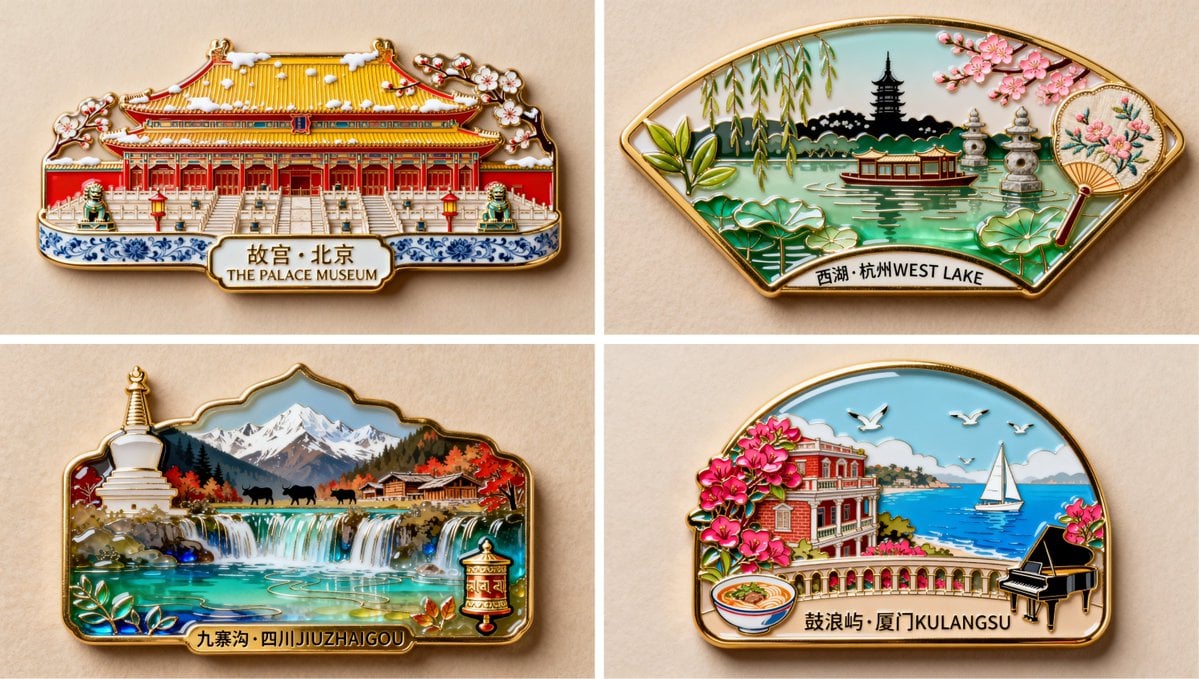
Open with "keep the product exactly as it is, same angle, same proportions, same label", then describe the new setting. That negative clause is what stops it quietly redesigning your packaging.
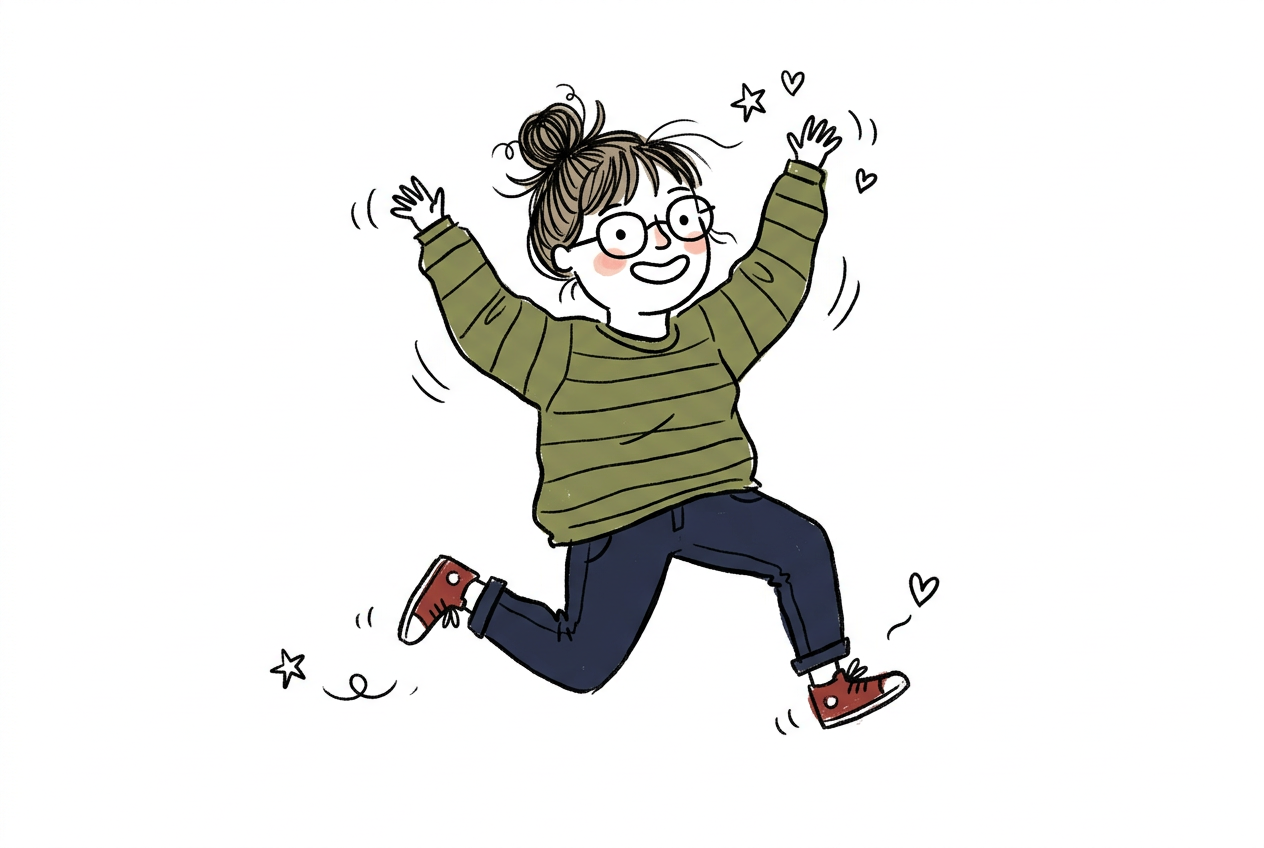
Brand names, claims, and small print are the parts most likely to come back subtly wrong. Zoom in on every render that carries text on the packaging.
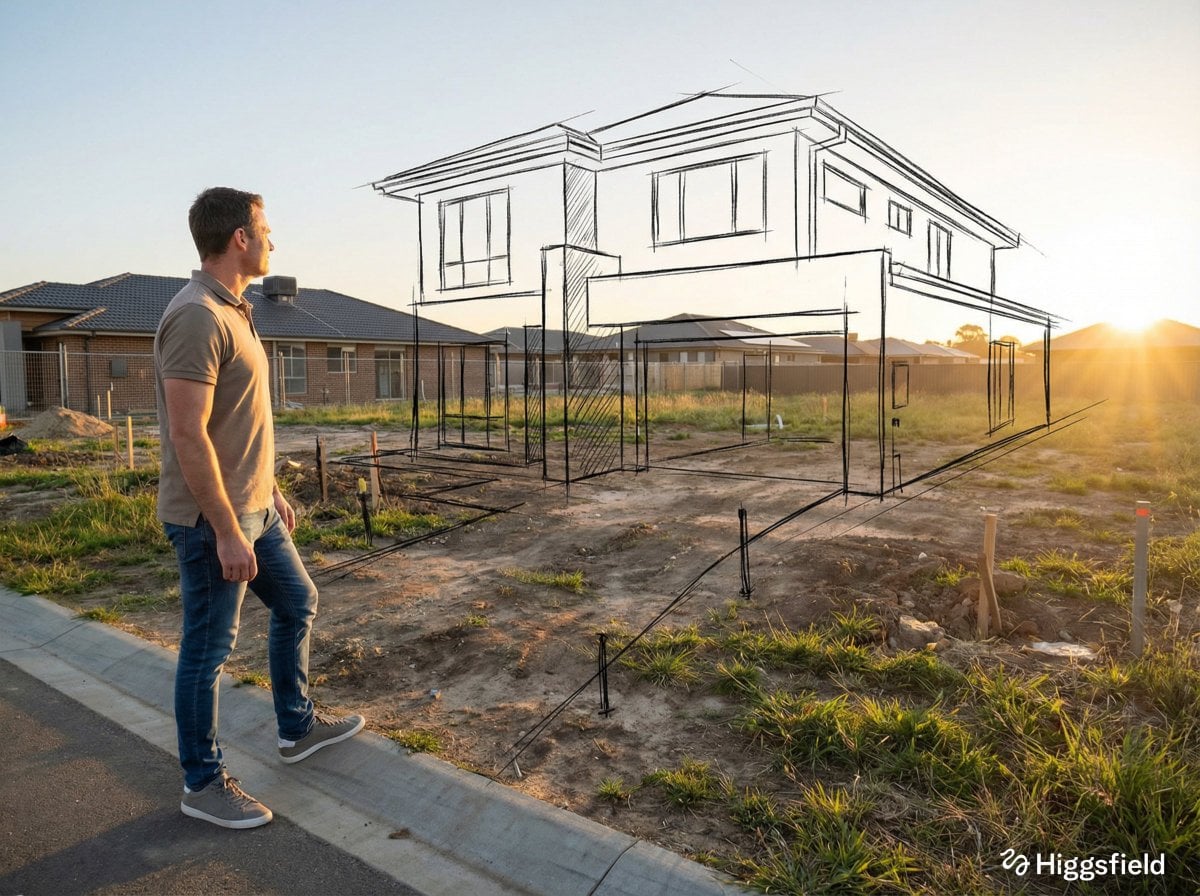
Give it a real photo and it will move that product into a new scene convincingly. Ask it to imagine a product you have never photographed and you get a plausible-looking object that is not yours.
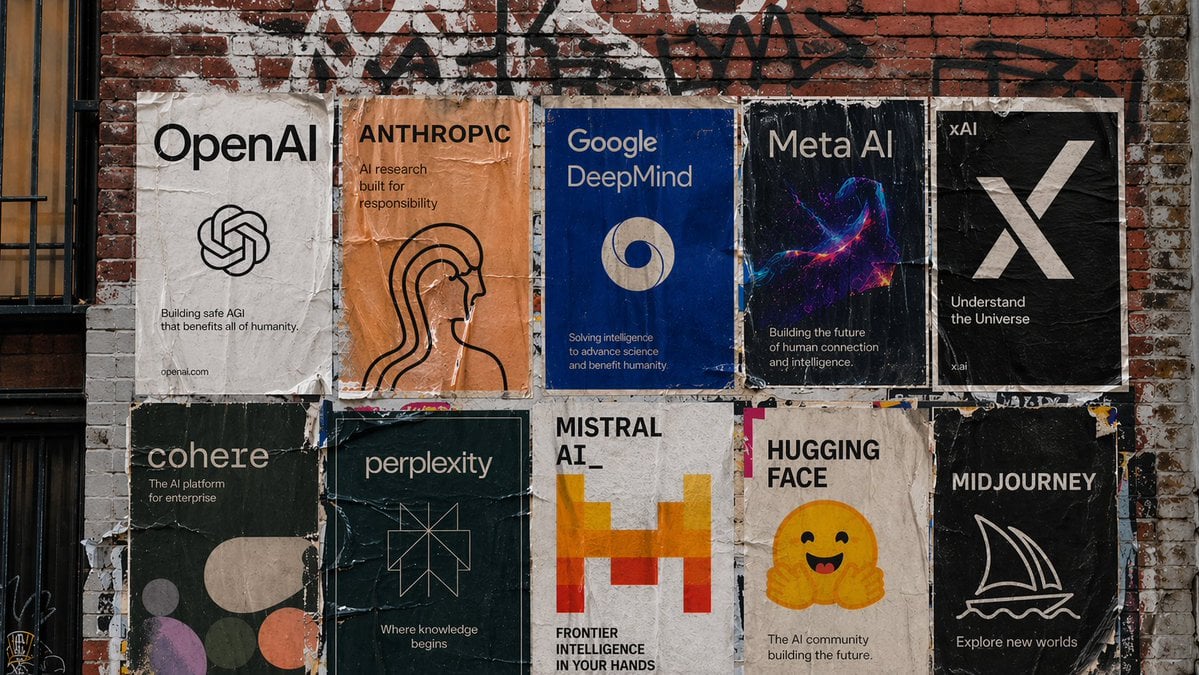
For spinnable 360 views, exploded diagrams, or exact CAD-accurate geometry, you still need a renderer. This is photography, not modelling.
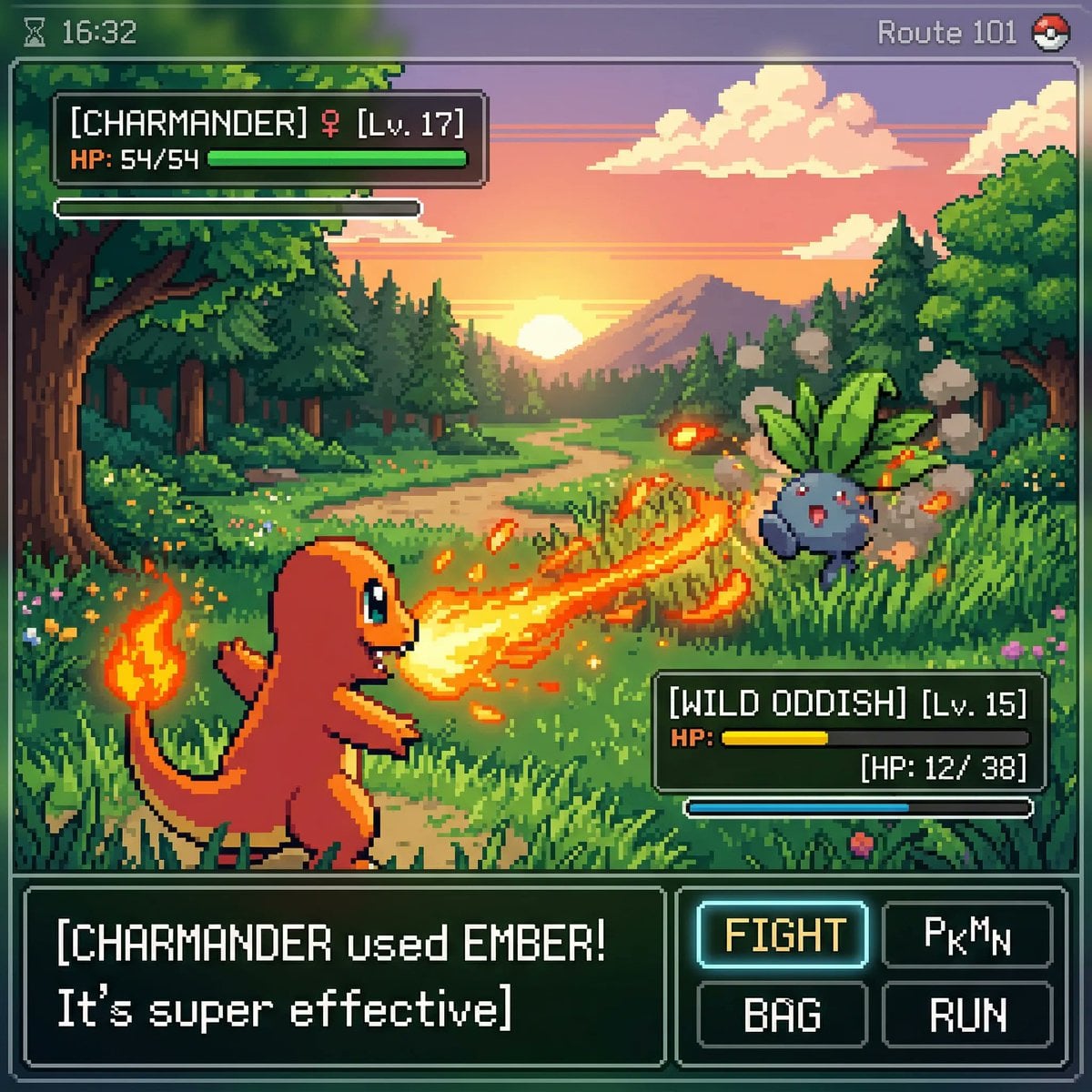
Amazon, Etsy, and Shopify each have their own requirements on main-image backgrounds, frame fill, and props. The model will happily produce something that breaks them.
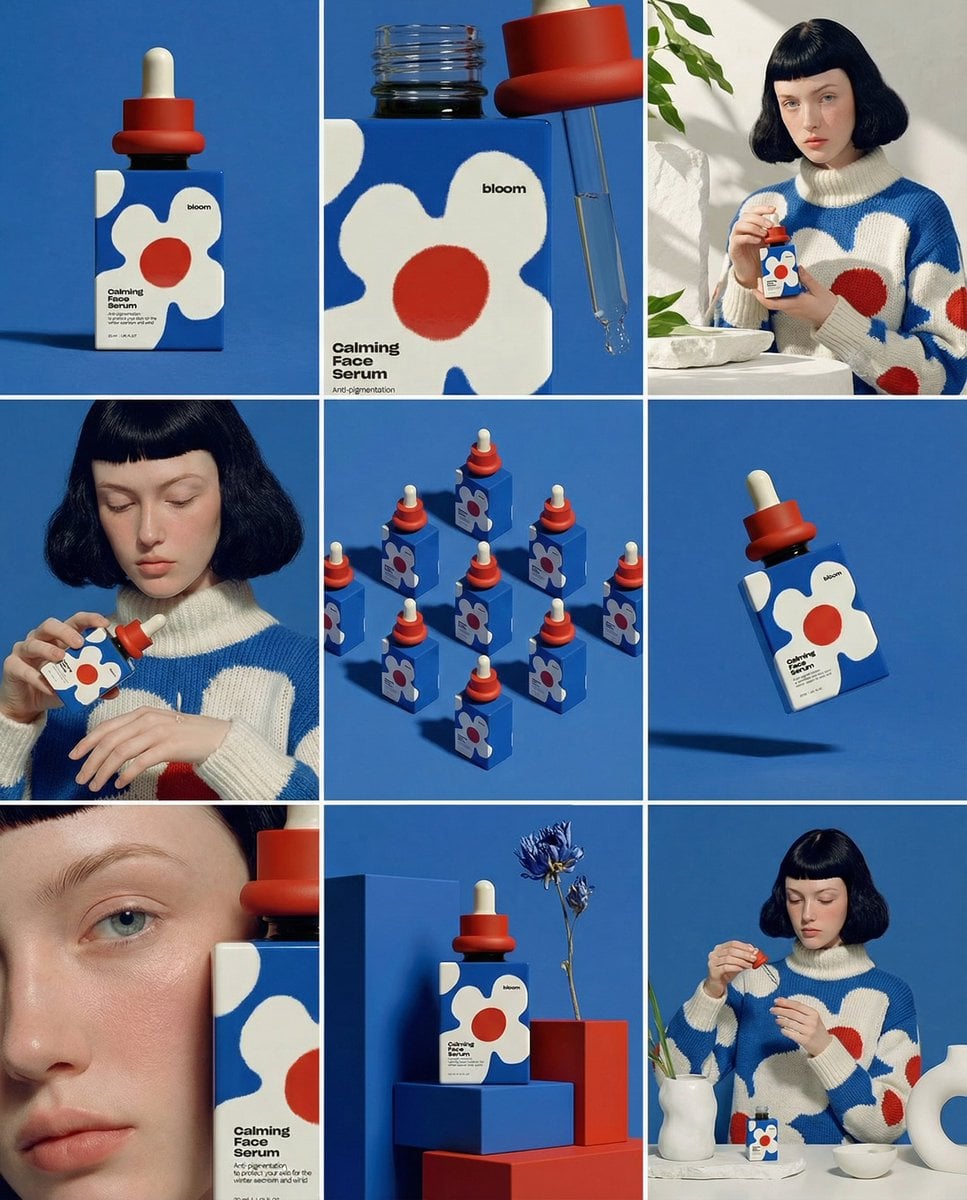
A 1K Standard edit is 15 credits. Find the scene and the wording there, then re-run the keeper at 2K or 4K once. Failed jobs refund automatically.
Most stores need the same handful of images per SKU, and each one is a different prompt against the same source photo: a clean hero on a plain white or pale grey sweep for the first marketplace slot, a lifestyle scene on a counter or a desk that carries the ad and the social post, seasonal and campaign variants that cost credits instead of another day with a photographer, and a scale shot next to a familiar object so buyers can read the size without opening the dimensions tab.
Adjacent jobs that come up on the same product shoot.
The general version of the containment trick this page relies on, for edits beyond product work.
Trying a different product name or claim on the label without rebuilding the studio shot around it.
Worth a second pass on reflective or textured goods, where materials and specular highlights carry the shot.
Upgrade for larger monthly credits, faster generation, and commercial-ready output.
Buy credits once and use them whenever you need. Purchased credits never expire.
Practical details for this generator page.
Yes, and that is the intended workflow. Upload a sharp, evenly lit photo of the actual product, then describe the background and lighting you want instead. The model relights and rehouses the product rather than redrawing it.
Mostly, if you lock it in the prompt with a clause like "same label, same proportions". Small print and brand text are the parts most likely to come back subtly wrong, so zoom in and read every render before it goes on a listing.
That depends on the rule, not the tool. Marketplaces set their own requirements for main images, such as pure white backgrounds and minimum frame fill, and some restrict how far a lifestyle image can stray from the product as shipped. Generate to their spec and check the current policy yourself.
Yes, on a paid plan. Images made with an active subscription or purchased credits include a commercial license and no watermark. Images generated on free signup credits are watermarked and for personal, non-commercial use only.
Start with GPT Image 2.5, which held a product, its angle, and its highlights through a background swap in our testing. FLUX 2 Pro is the second pass worth running on reflective or heavily textured goods.
Each reference edit starts at 15 credits at 1K Standard, so a five-image set drafted at 1K is 75 credits. Re-running the keepers at 4K High is 130 credits each. The exact cost shows on the button before you submit.
Use the prompt panel above with the same account, credits, and history workflow.