
GPT-IMG
The exclusion list is the whole technique
Naming what must not move measurably reduces drift. "Replace the background" on its own is a much weaker instruction than the same sentence followed by "same angle, same scale, same lighting".
 GPT-IMG
Swap a background, drop an object, restyle one element. The trick is not a better brush, it is naming what must not move, and these models weigh that clause heavily.
Only change one thing and keep the rest unchanged: name the edit, then add "same angle, same lighting, change nothing else". Your first two edits are free.
Upload at least one reference image before generating.
Updated
Containment is where these models differ most. In our review the same background swap held the crop on GPT Image 2.5 and drifted larger on Nano Banana Pro.
OpenAI latest image model. Sharper instruction following, cleaner in-image text, up to 4K.
Most capable OpenAI model. Supports all quality tiers and up to 4K.
Edit an existing image by describing the change. Requires a reference image.
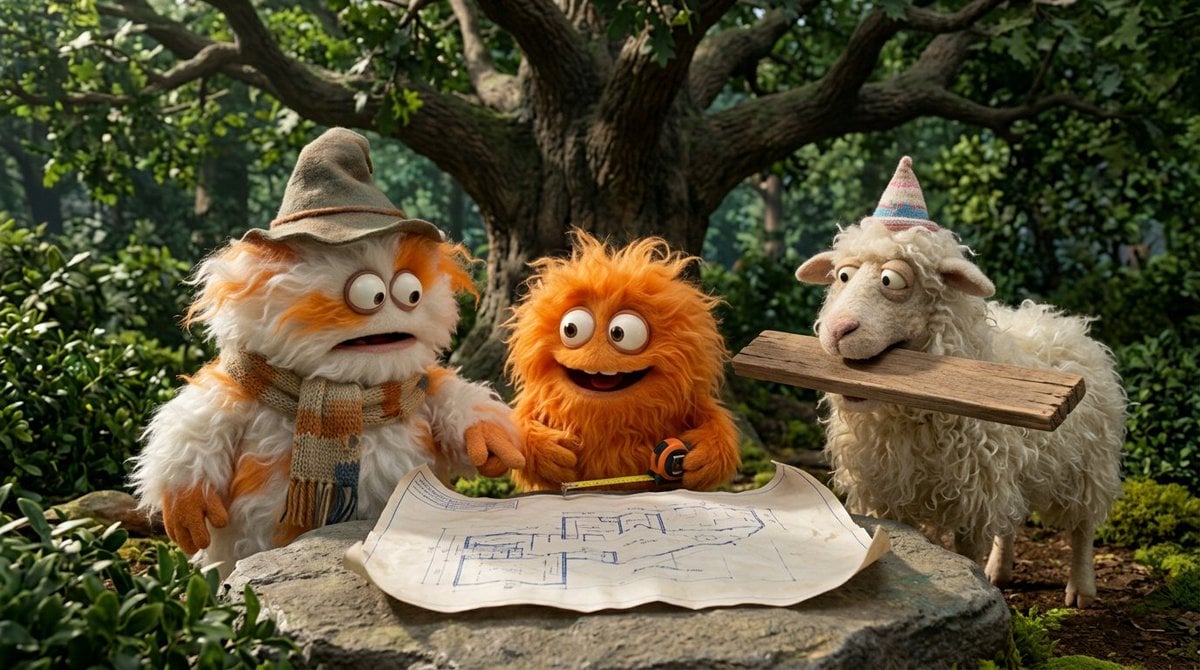
Strong typography and poster layouts. Handles dense in-image text at 1K and 2K.
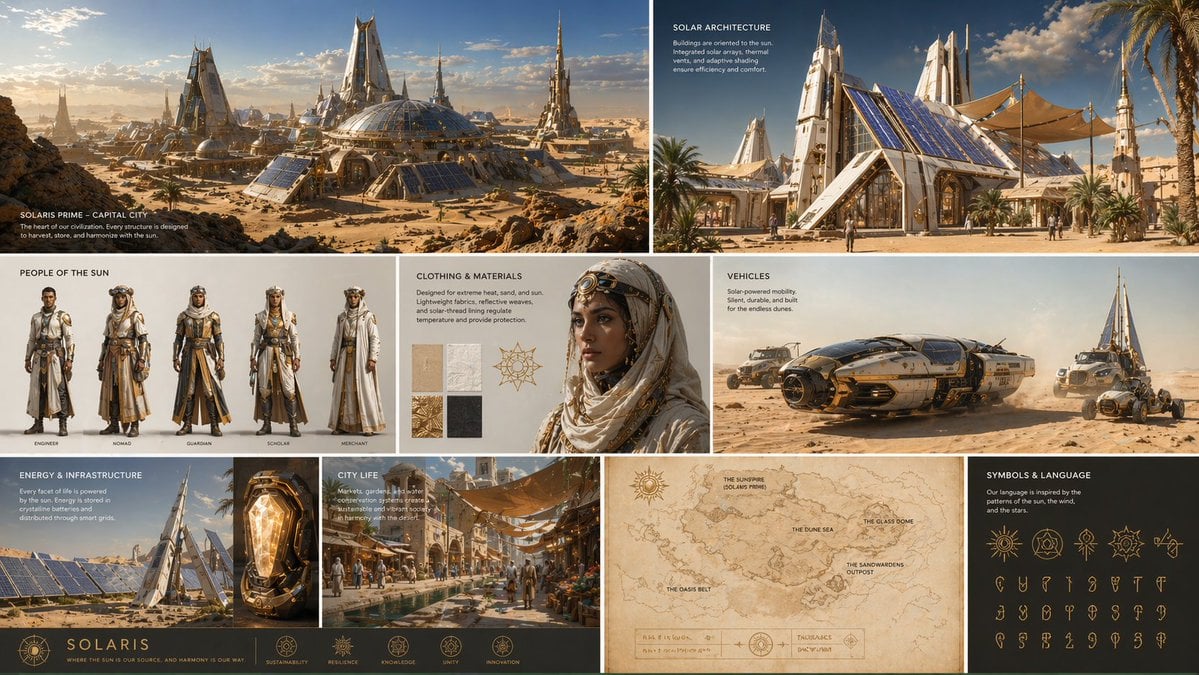
Precision edit model that leaves untouched pixels alone across repeated edits, with accurate in-image text.
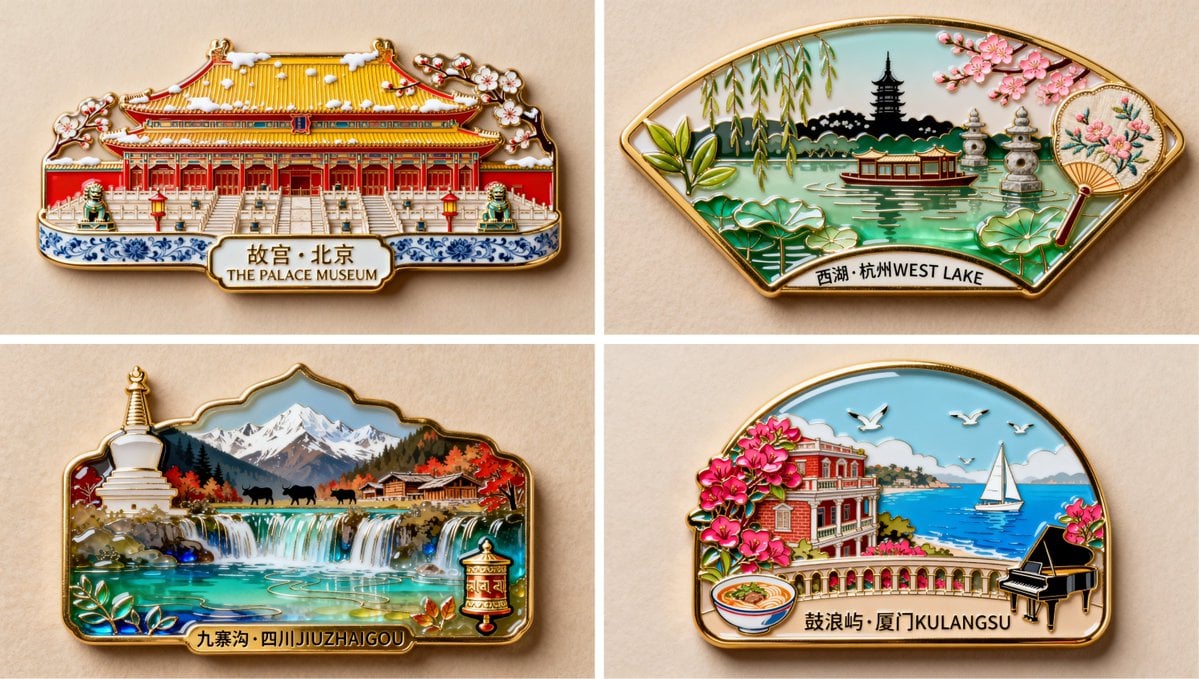
Fast Alibaba model for text-to-image and instruction edits. Leaves the rest of a photo alone, reads Japanese and Chinese text, up to 2K.
The first four points are the technique and its one hard limit. The last two are what changes once you are editing the same image for the third or fourth time.
Naming what must not move measurably reduces drift. "Replace the background" on its own is a much weaker instruction than the same sentence followed by "same angle, same scale, same lighting".
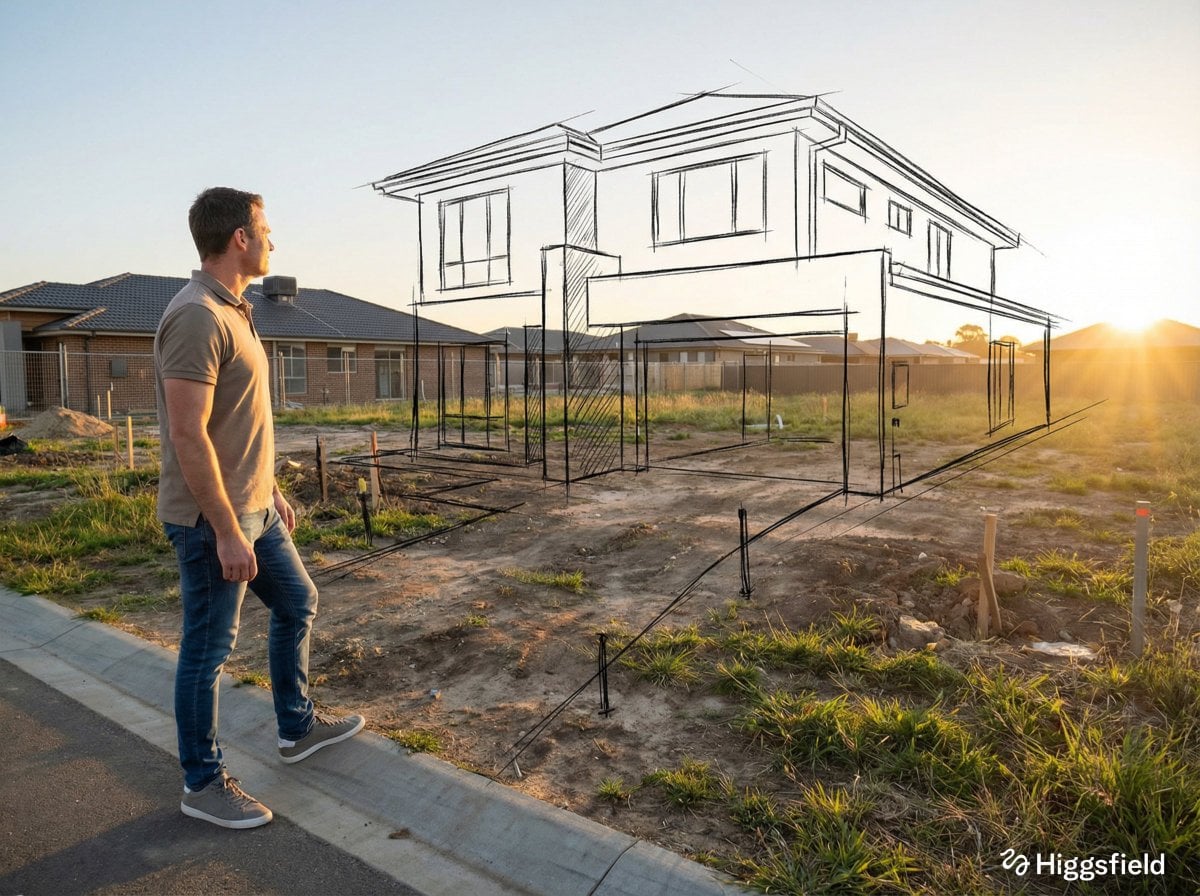
The model regenerates the whole image rather than compositing over a region. Composition and detail survive, but the output is a new rendering of your photo, not your original file with a layer applied.
If you need the untouched original bytes outside the edited region, such as a legal document, a screenshot, or a scan, use a raster editor with a selection mask instead.
Three edits in one prompt compete with each other and the weakest one usually loses. Run them as three cheap 1K rounds and you can see which round broke something.
The clause does not carry over from the previous turn. Round four needs the same "same angle, same lighting, same crop" wording that round one had, or drift creeps back in.
When round three is wrong, reopen round two from your history and go again from there. Correcting forward through a long chain is where subjects quietly change shape. Keeping the original in a reference slot helps too.
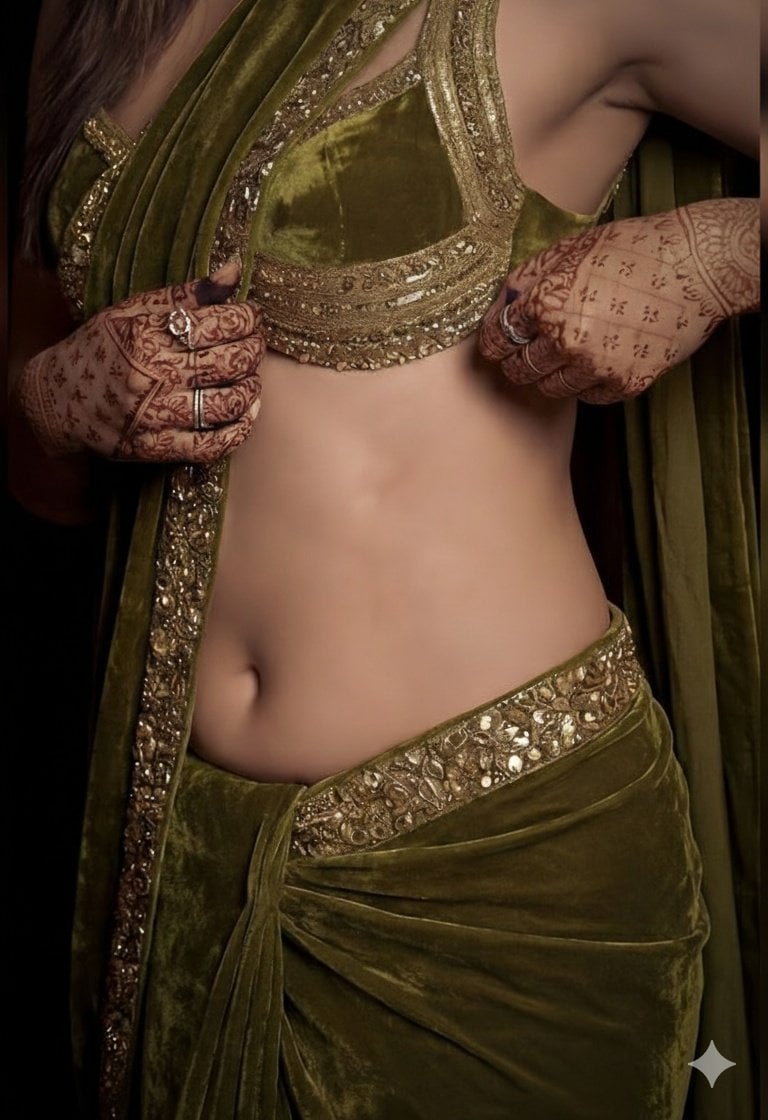
Three jobs account for most of these edits: moving a product from a grey sweep to a terracotta wall or a kitchen counter while the angle, the glaze highlights, and the framing stay where they were; taking one object out or putting one in, like clearing a cup off a desk or a stray cable off a wall; and restyling a single element — a shirt colour, a wall finish, a material — without rebuilding the person or the room around it.
Same generator, pointed at a narrower job.
When the one thing changing is wording, on a sign, a label, a menu, or a poster.
The default here, and the model that held the subject and the crop through a background swap in our testing.
When the edit needs a second photo, such as a jacket, a product, or a style to borrow.
The general reference-image workspace, for edits broader than a single named change.
Three edits in a row on one image, measured against Nano Banana 2.1, to see which one leaves the rest alone.
Upgrade for larger monthly credits, faster generation, and commercial-ready output.
Buy credits once and use them whenever you need. Purchased credits never expire.
Practical details for this generator page.
Yes, and it is the job these models do best. Upload the photo, name the single change, then add a short list of what must not move. In our GPT Image 2.5 testing a background swap came back with the subject, the angle, the highlights, and the crop all intact.
No, and this is the honest limitation. The model redraws the entire frame instead of patching one region, so composition, objects, and detail are preserved while fine pixels are re-rendered. For a photograph the difference is invisible. For anything that needs the original bytes, this is the wrong tool.
It can. Every edit in our review was a single round on a fresh image, so long chains are untested here. Drift accumulates across rounds, so re-state the exclusion clause each time, branch from a saved version in your history instead of correcting forward, and keep the original in a reference slot on runs that matter.
Up to five per generation. There is no role selector, so the prompt is what tells the model which photo is the subject and which is only there for context or style.
Start with GPT Image 2.5. In the same background-swap test it held the crop, while Nano Banana Pro returned a subject that had drifted larger and toward the centre despite an explicit instruction to hold the framing. Qwen Image Edit is worth a second pass on tightly cropped edits.
Yes. There is no brush or mask: you describe the part to change in words, such as "the sofa" or "the sky behind the building", then list what must stay. The whole frame is re-rendered, so keep the original if you need exact pixels outside the edit.
A 1K Standard reference edit is 15 credits and a 4K High one is 130. The exact number appears on the button before you submit, and failed jobs are refunded automatically.
Closest in practice: name one change and list what must stay the same, then run it on a model that holds the frame. There is no mask here, so the guarantee is a strong instruction rather than locked pixels. If you need the original bytes outside the edit, use a raster editor with a selection mask.
Send one change per request, restate the same-angle, same-lighting clause every time, and start each round from a saved version rather than the previous reply. This page lets you pick the model per edit and keeps every round as its own file in History.
Use the prompt panel above with the same account, credits, and history workflow.