

Credits, History, and Safer AI Image Jobs
See how GPT-IMG uses generation history, visible credits, downloads, storage, and refund handling to make AI image creation recoverable.
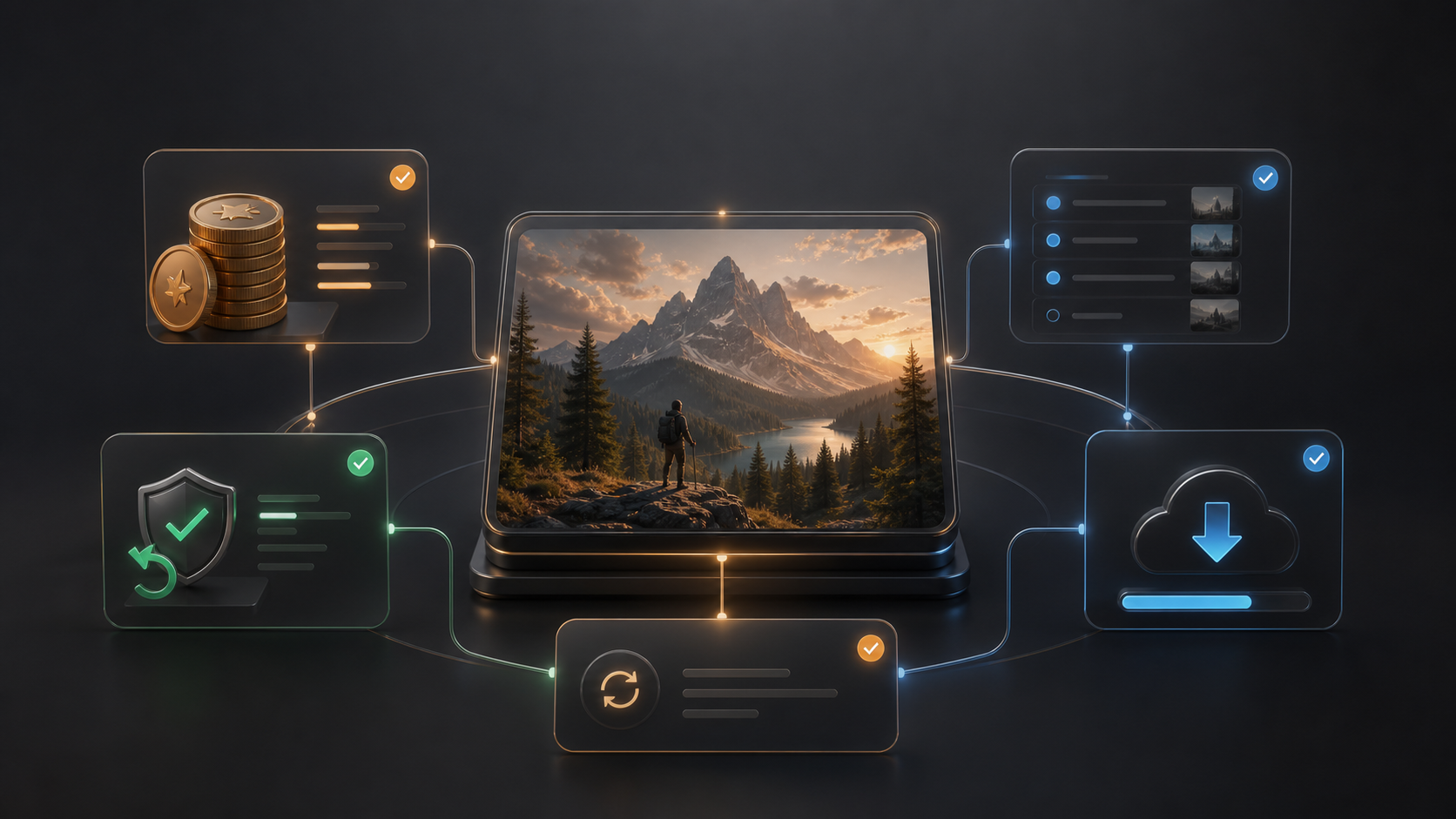
A serious AI image workflow needs more than a prompt box. GPT-IMG records generation status, shows credit cost before submission, preserves finished images, supports downloads, and keeps a History trail so long-running jobs do not disappear with a browser refresh.
Created: June 21, 2026. Updated: June 21, 2026.
Every image has a lifecycle
When you generate an image, GPT-IMG first creates a pending History item. That item stores the prompt, model, aspect ratio, resolution, quality, provider, reference image IDs when present, and the expected credit cost.
The browser receives a historyId, then polls for status while the backend workflow continues. If the tab is closed or local polling times out, the job can still finish server-side. History is the recovery point for finished results, late completions, retries, and downloads.
Credits are visible before submission
GPT-IMG uses credits because different models and output settings have different costs. Nano Banana 2, Nano Banana Pro, and GPT Image 2 each have their own pricing logic, and GPT Image 2 also changes cost by quality tier.
This is why the Generate page shows the expected cost before you submit. Use lower-cost settings for exploration, then spend more credits only after the prompt and composition are ready for final output.
Failed workflow jobs are designed to move through the refund path, so credits and History share the same lifecycle instead of becoming separate support problems.
History makes iteration practical
History is not only a receipt. It is a workspace for continuing from results that worked.
You can filter generations by model, resolution, quality, aspect ratio, status, and provider when provider controls are visible. Finished images can be downloaded, retried, or opened for detail review. Admin-approved public creations can also become gallery material, but private generated files remain account-bound.
For users, the practical benefit is simple: you do not need to remember the exact prompt, model, or ratio that produced a useful image. The work is attached to the generation record.
Downloads and storage matter
Generated images may first appear from a provider URL, but GPT-IMG also stores completed outputs in R2 when the workflow finishes persistence. Same-origin storage makes downloads more reliable and keeps private assets behind ownership checks.
The download flow also handles cross-origin images through a safe image download route, so users can save finished work without depending on provider-specific browser behavior.
Trust comes from recoverability
AI image generation can fail for ordinary reasons: provider delays, network errors, invalid references, or content policy responses. GPT-IMG reduces the impact by separating the request into durable steps: consume credits, submit to the provider, poll for completion, save the result, notify, and compensate on failure.
Before starting a generation session, use this workflow:
- Check the credit cost before submitting.
- Draft with cheaper settings when exploring prompts from the text-to-image guide or the reference image guide.
- Use History for late results, retries, and downloads.
When the generation tool has a ledger and a recovery path, creative work feels less disposable. Open Generate, keep an eye on the cost badge, and use History as the source of truth for your finished images.