
GPT-IMG
Open the page in Safari or Chrome
No App Store or Play Store download is needed. The generator is responsive and the upload control works from the camera roll.
 GPT-IMG
The editor is a web page, so the phone in your pocket is enough. Upload a picture, describe the change, and save the file back to your camera roll.
Use a GPT image editor on iPhone or Android without installing an app. Upload a photo in your mobile browser, write a prompt, and download the result.
Upload at least one reference image before generating.
Updated
Every engine here accepts an upload through the browser. Pick one, write the brief, and the rest of the workflow is identical on desktop.
OpenAI latest image model. Sharper instruction following, cleaner in-image text, up to 4K.
Google latest image model. Sharper edits, cleaner in-image text, steadier subject consistency, up to 4K.
Highest quality Google model. Supports up to 4K resolution.
Most capable OpenAI model. Supports all quality tiers and up to 4K.
Strong typography and poster layouts. Handles dense in-image text at 1K and 2K.

Photorealistic detail with tight prompt control. Accepts up to 8 reference images.
Edit an existing image by describing the change. Requires a reference image.
Affordable ByteDance model for text-to-image and multi-reference edits. Sharp 2K and 4K output at a flat 10 credits.
The steps are the same as on a laptop, with one extra consideration: choose the ratio before you generate, not after you crop.
No App Store or Play Store download is needed. The generator is responsive and the upload control works from the camera roll.
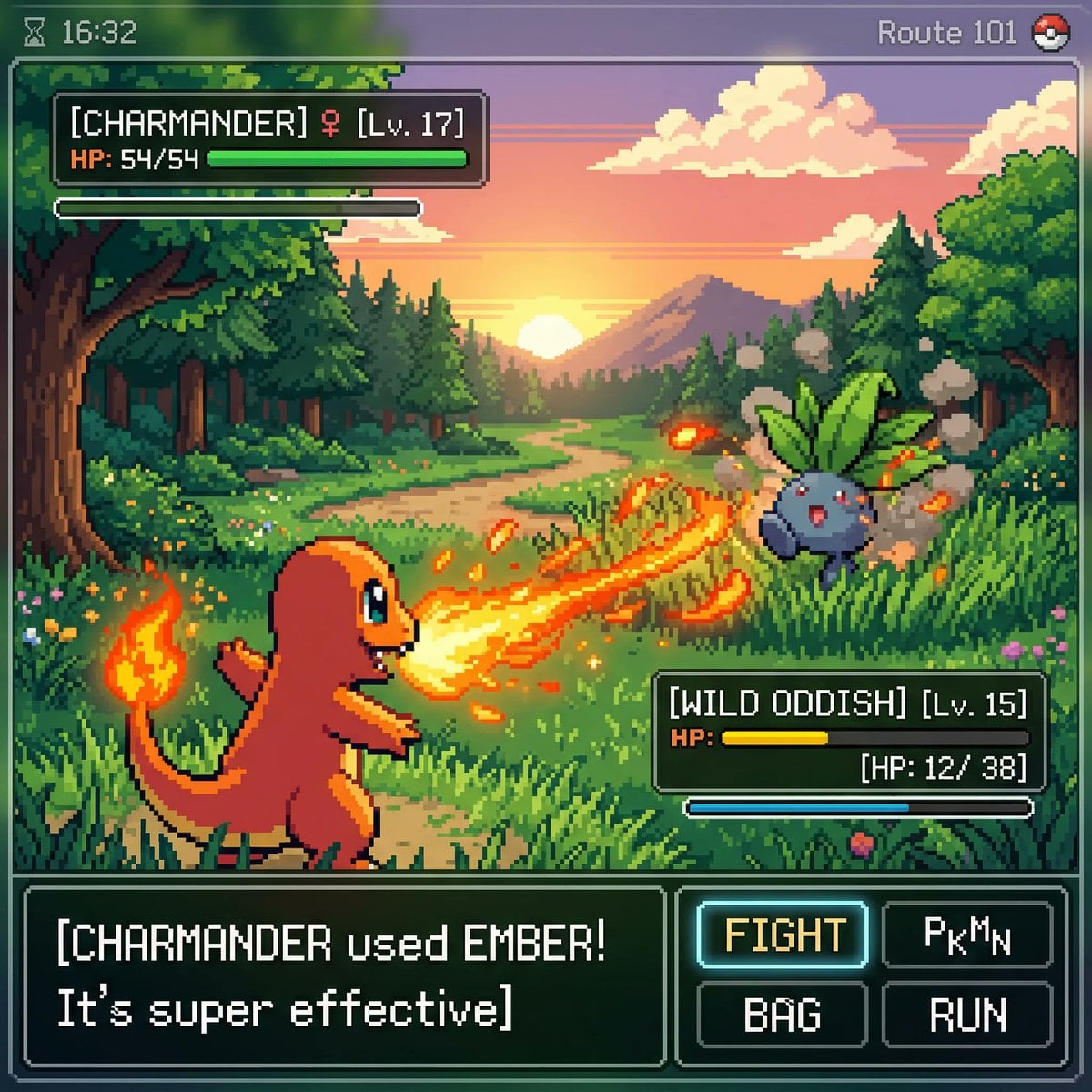
For a phone screen, 1:1 and 9:16 are the useful starting points. Set the ratio before generation because it changes the composition.
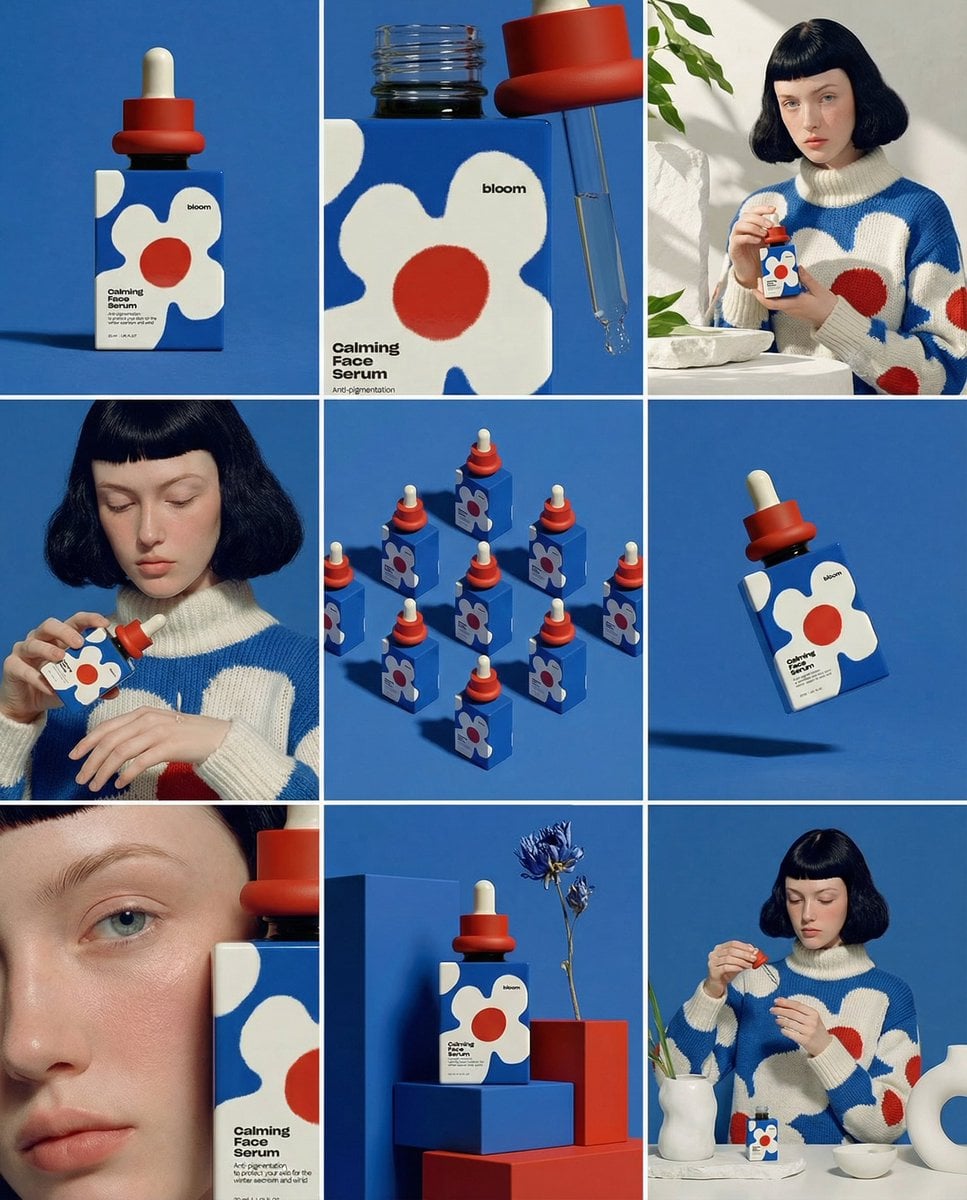
Name the thing to replace and what must stay: "change the background to a plain wall, keep my face and clothes the same."
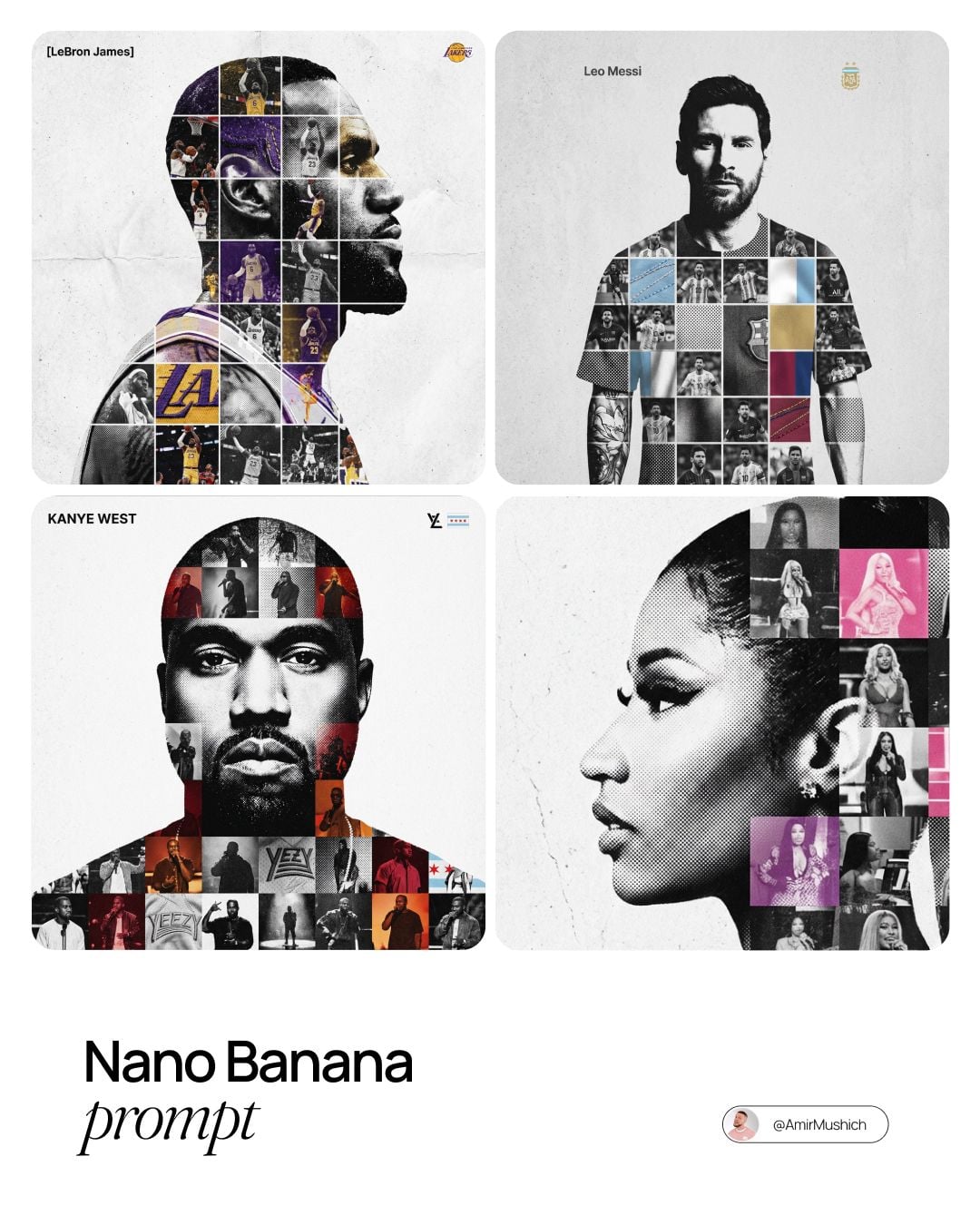
The credit figure sits on the button before you submit. Start at 1K Standard while you iterate on a small screen.
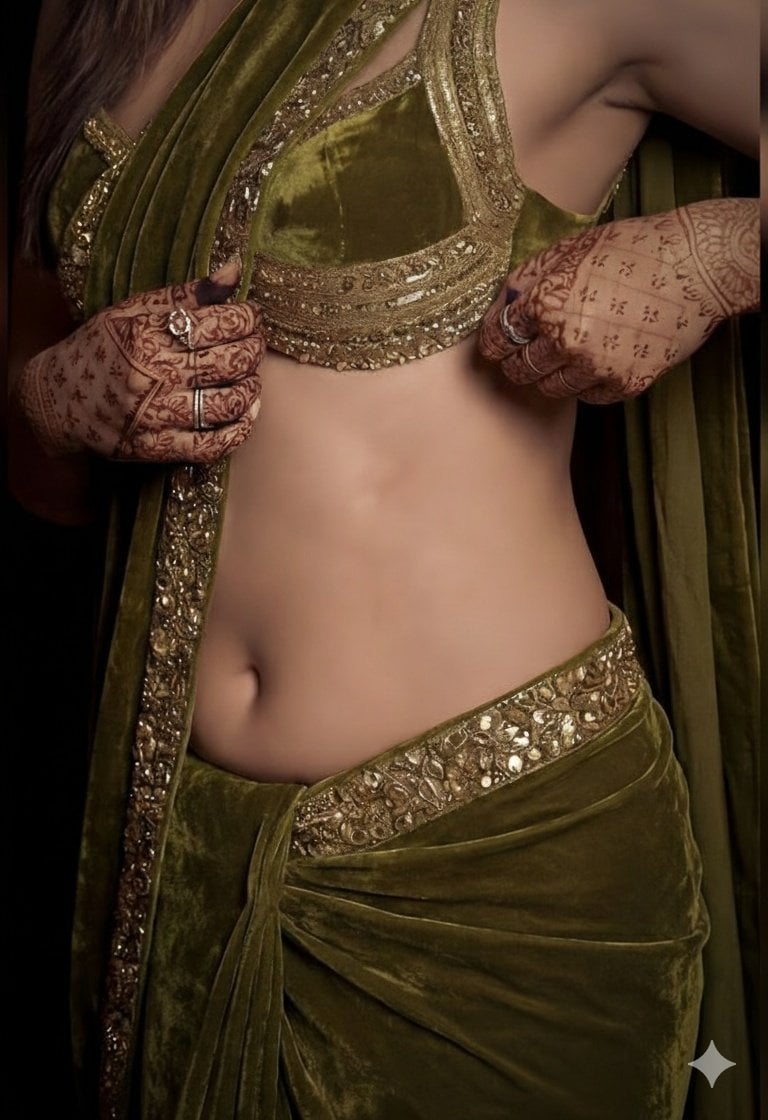
Download the finished image to your photos app. Each attempt is also kept in History if you want to refine it later.
Upgrade for larger monthly credits, faster generation, and commercial-ready output.
Buy credits once and use them whenever you need. Purchased credits never expire.
Practical details for this generator page.
Yes. Open GPT-IMG in Safari, upload a photo from your camera roll, describe the edit, and download the result. There is no app to install.
Yes. Chrome on Android runs the same page. Choose the ratio first, then write a one-sentence brief for the change you want.
No. GPT-IMG is an independent site with its own generator. You sign in here and use the same browser workflow on any phone.
That is exactly what the web version does. The layout adapts to a small screen and the upload, prompt, and download steps are unchanged.
The same allowance as on desktop: 30 credits at signup, and a 1K Standard edit costs 15, so two edits are free to try.
Use the prompt panel above with the same account, credits, and history workflow.