
GPT-IMG
Open the upload tool
Start from the image-to-image editor rather than a chat thread. The upload becomes the starting point of one request, so the model is not redrawing from memory each turn.
 GPT-IMG
A short, repeatable workflow for turning a sentence into an edited photo. The trick is not clever wording; it is saying exactly what must stay put.
Learn how to edit images with GPT prompts: upload a photo, name what should change, keep the rest still, and download a finished file. First two edits are free.
Upload at least one reference image before generating.
Updated
These accept an upload plus a sentence. Switching between them on the same photo is the quickest way to learn which wording each one obeys.
OpenAI latest image model. Sharper instruction following, cleaner in-image text, up to 4K.
Google latest image model. Sharper edits, cleaner in-image text, steadier subject consistency, up to 4K.
Highest quality Google model. Supports up to 4K resolution.
Most capable OpenAI model. Supports all quality tiers and up to 4K.
Strong typography and poster layouts. Handles dense in-image text at 1K and 2K.
Photorealistic detail with tight prompt control. Accepts up to 8 reference images.
Edit an existing image by describing the change. Requires a reference image.
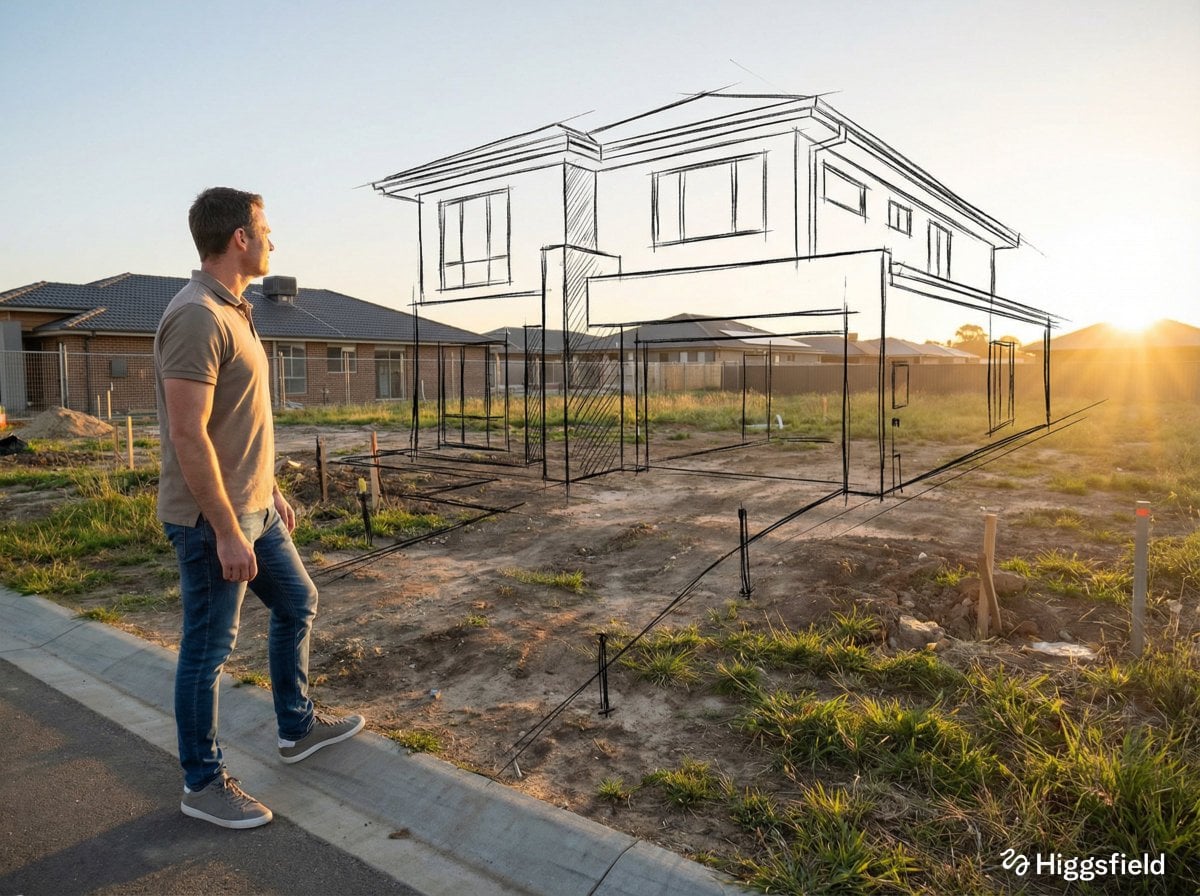
Affordable ByteDance model for text-to-image and multi-reference edits. Sharp 2K and 4K output at a flat 10 credits.
Follow this once with a photo you already have. The structure is the same whether the edit is a background, an outfit, or a single word on a sign.
Start from the image-to-image editor rather than a chat thread. The upload becomes the starting point of one request, so the model is not redrawing from memory each turn.
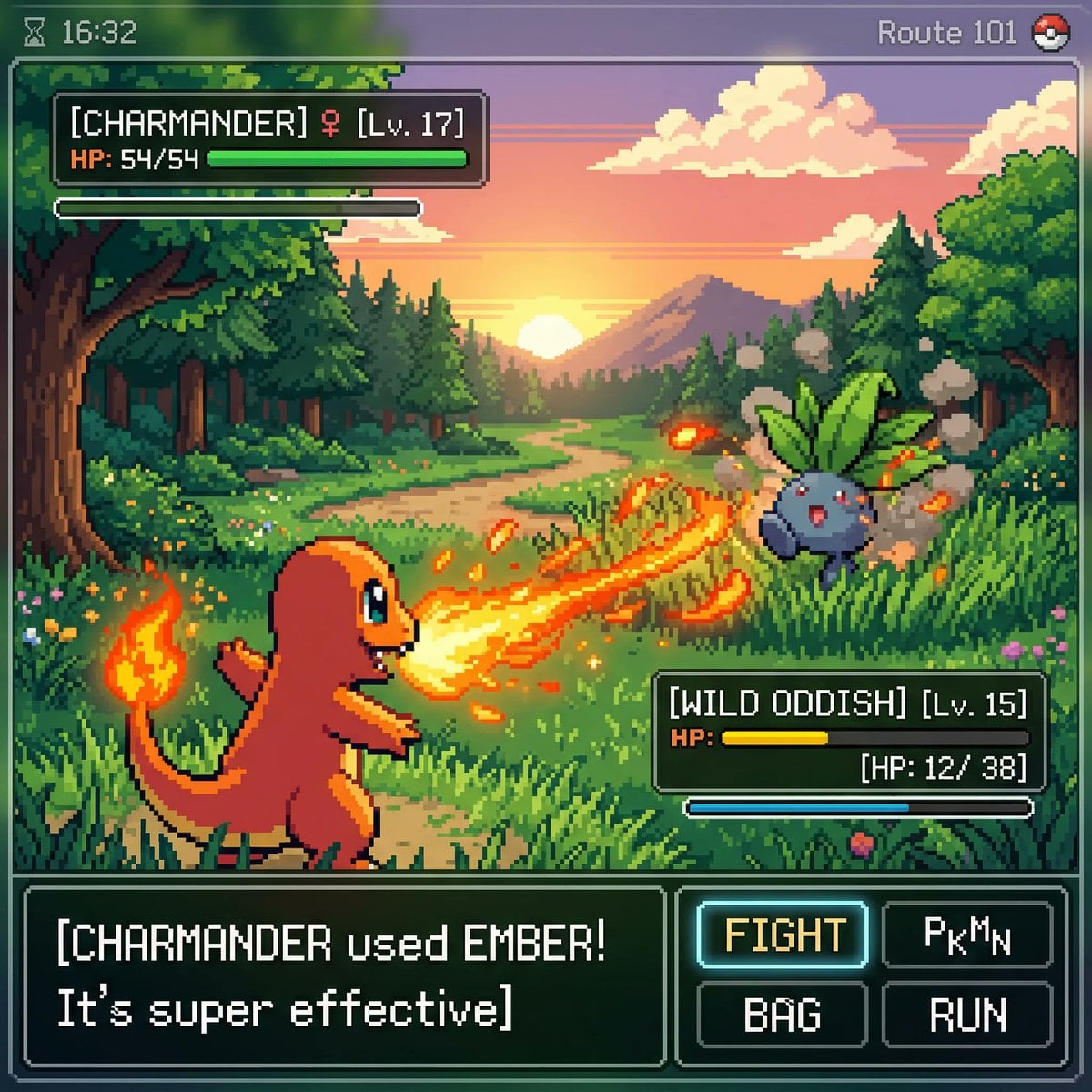
Name the thing to replace and the surface it sits on. "Change the sign to ROOM 4" beats "make the sign different" because the model has an exact target.
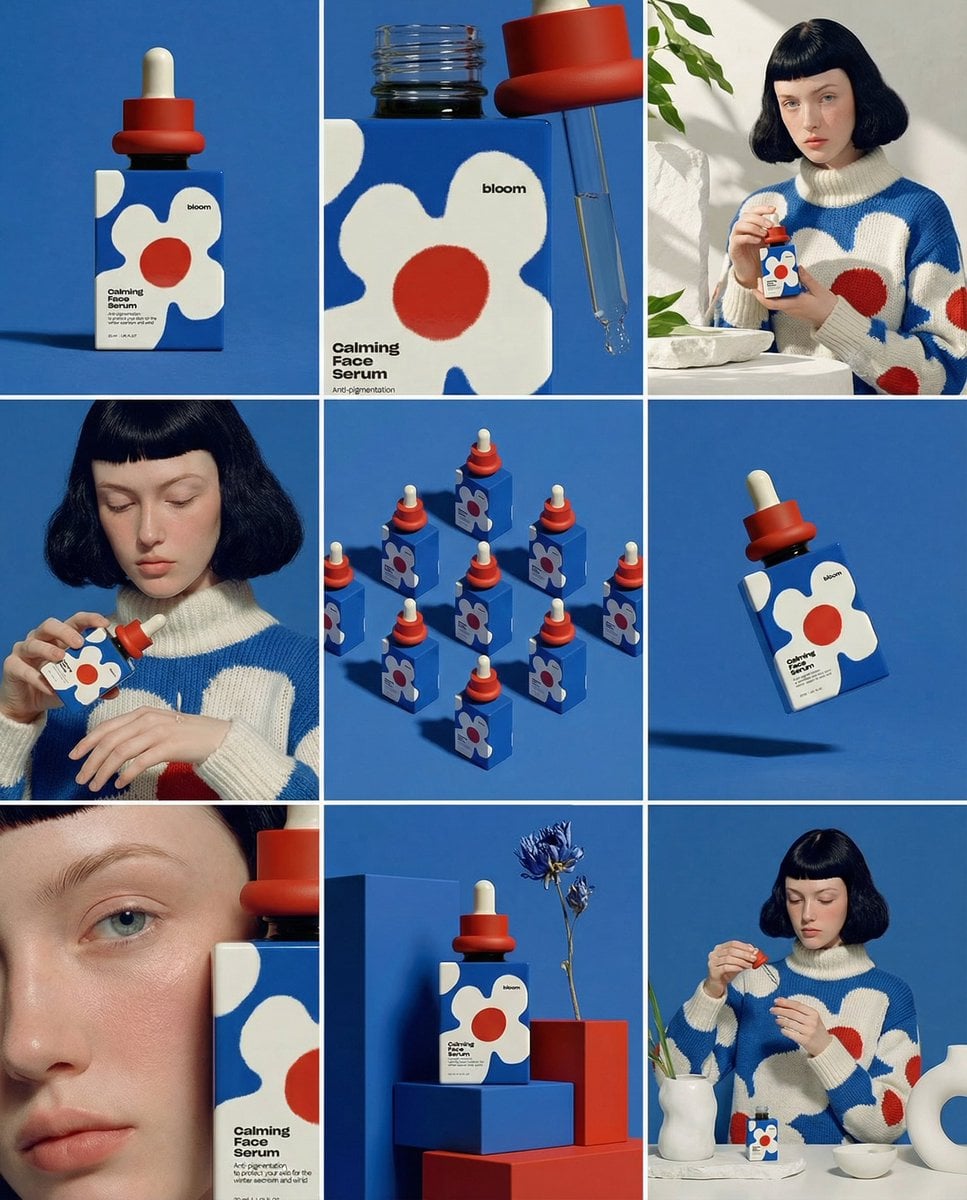
Finish with what must stay: the face, the pose, the other text in frame, the lighting. Newer GPT image models weigh these clauses heavily.
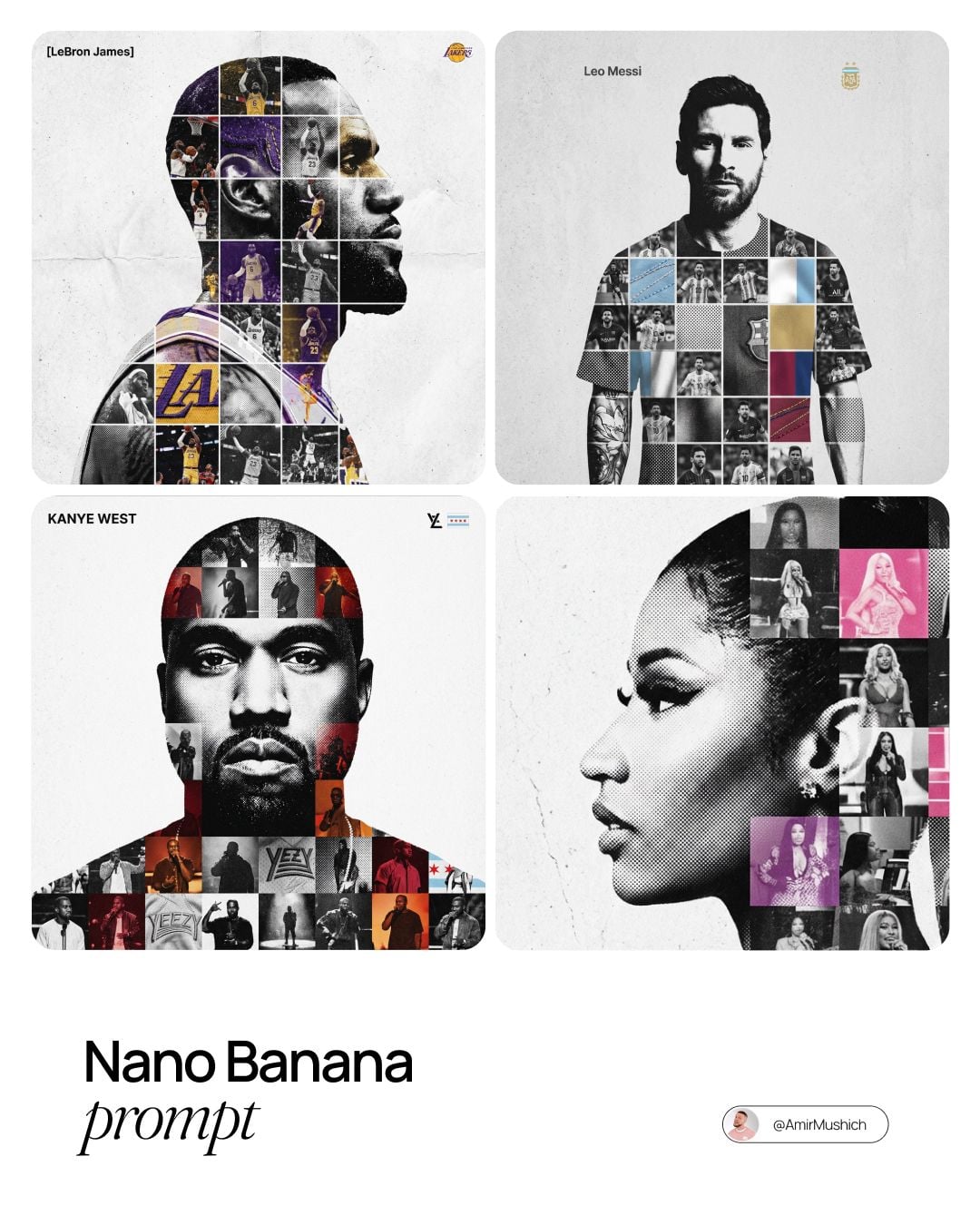
The credit figure appears on the button before you submit. Start at 1K Standard for iteration and re-run the settled prompt at a higher setting.
Feed the result back as the next input if a detail is still wrong. Each version is a separate file in History, so an earlier attempt is never lost.
Where to go after the first edit.
Upgrade for larger monthly credits, faster generation, and commercial-ready output.
Buy credits once and use them whenever you need. Purchased credits never expire.
Practical details for this generator page.
Upload the photo, write one sentence naming the change, add a short list of what must stay the same, choose GPT Image 2.5, and generate. The file lands in History.
A target, a surface or location, and an exclusion clause. "Replace the wall behind her with bookshelves; keep her face, coat and pose unchanged" is a complete brief.
Image models re-render the frame rather than patch pixels. A specific exclusion list reduces drift, but for byte-identical regions you need a pixel editor instead.
Yes. Upload from a mobile browser, write the prompt, and download the result. The layout adapts to a smaller screen without an app install.
Two 1K edits on GPT Image 2.5 are covered by the 30 credits a new account receives. Later edits start at 15 credits each, with the price shown before you submit.
Use the prompt panel above with the same account, credits, and history workflow.