
GPT-IMG
Conversational edits: Gemini
Gemini holds a thread well and is pleasant when you want to refine a photo over several turns with a reference character in place.
 GPT-IMG
Four tools, four different strengths. This comparison focuses on the things that actually change the output: how well a written edit lands, and what one finished image costs.
GPT Image Editor vs Canva, Adobe Firefly and Gemini: compare prompt accuracy, subject retention, text rendering and cost per edit before you choose an AI photo tool.
Upload at least one reference image before generating.
Updated
A comparison is only useful if you can rerun it. These are the models available on the same upload, so the claims on this page are testable in one tab.
OpenAI latest image model. Sharper instruction following, cleaner in-image text, up to 4K.

Google latest image model. Sharper edits, cleaner in-image text, steadier subject consistency, up to 4K.

Highest quality Google model. Supports up to 4K resolution.
Most capable OpenAI model. Supports all quality tiers and up to 4K.

Strong typography and poster layouts. Handles dense in-image text at 1K and 2K.
Photorealistic detail with tight prompt control. Accepts up to 8 reference images.

Edit an existing image by describing the change. Requires a reference image.
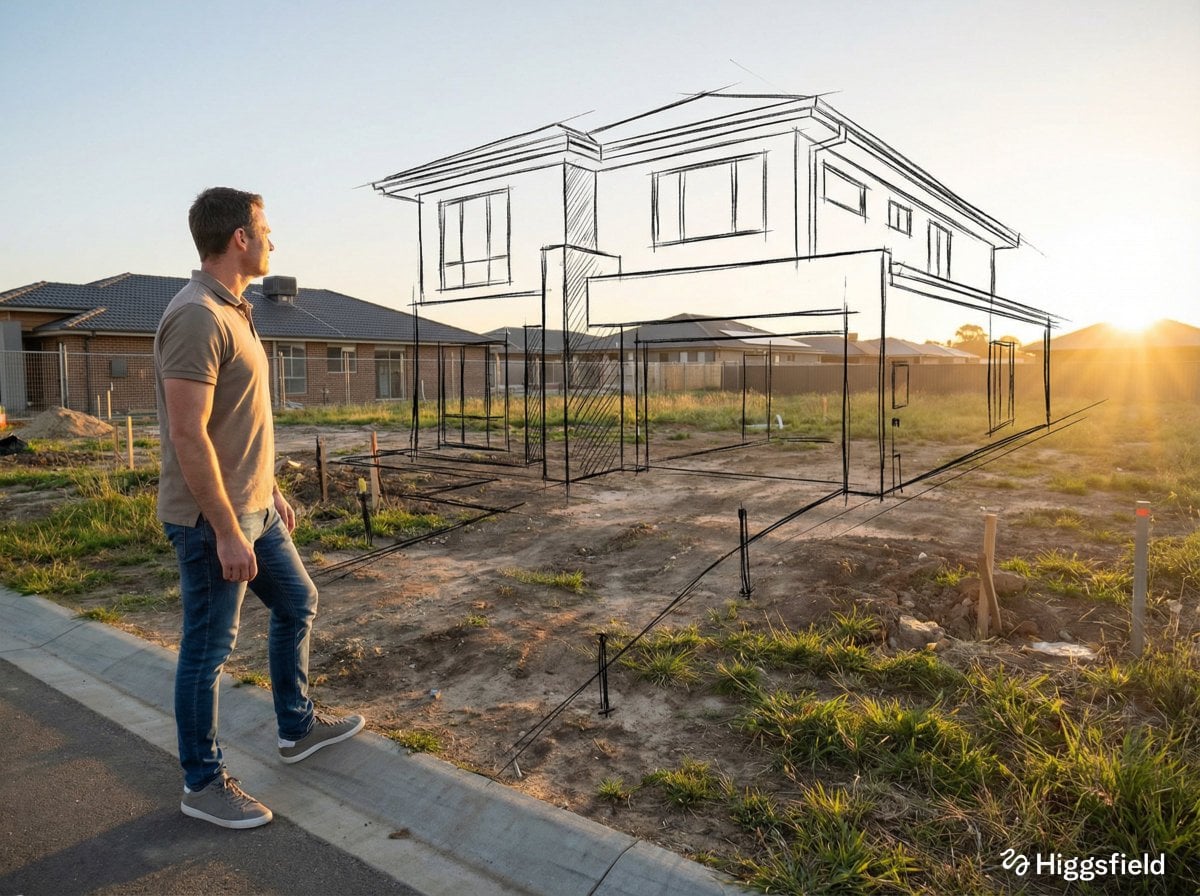
Affordable ByteDance model for text-to-image and multi-reference edits. Sharp 2K and 4K output at a flat 10 credits.
No single tool takes every job. The useful question is which one fails least often for the edit you have in mind.
Gemini holds a thread well and is pleasant when you want to refine a photo over several turns with a reference character in place.
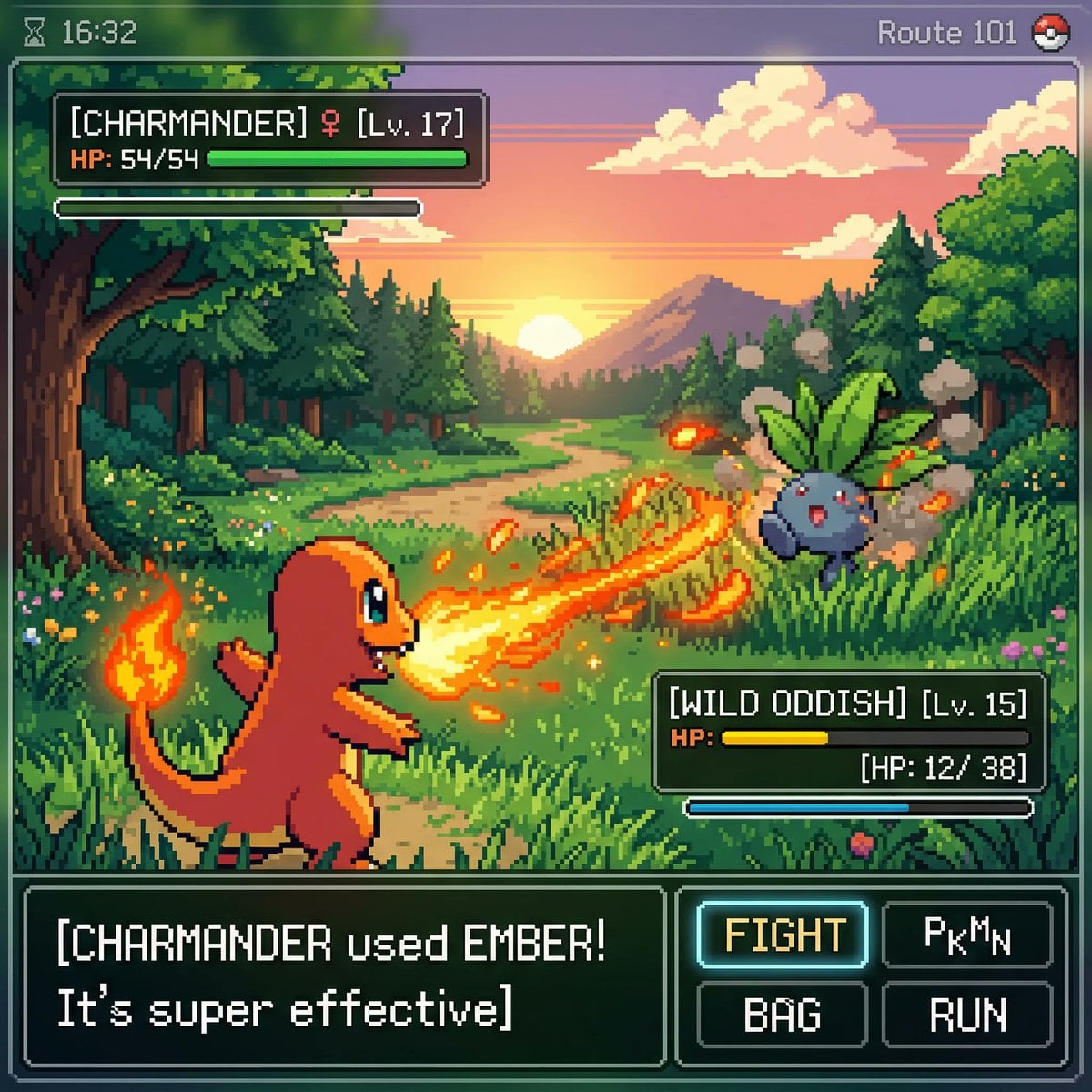
Adobe Firefly is strongest when you already think in selections and layers, especially if the image is going back into a Photoshop document.
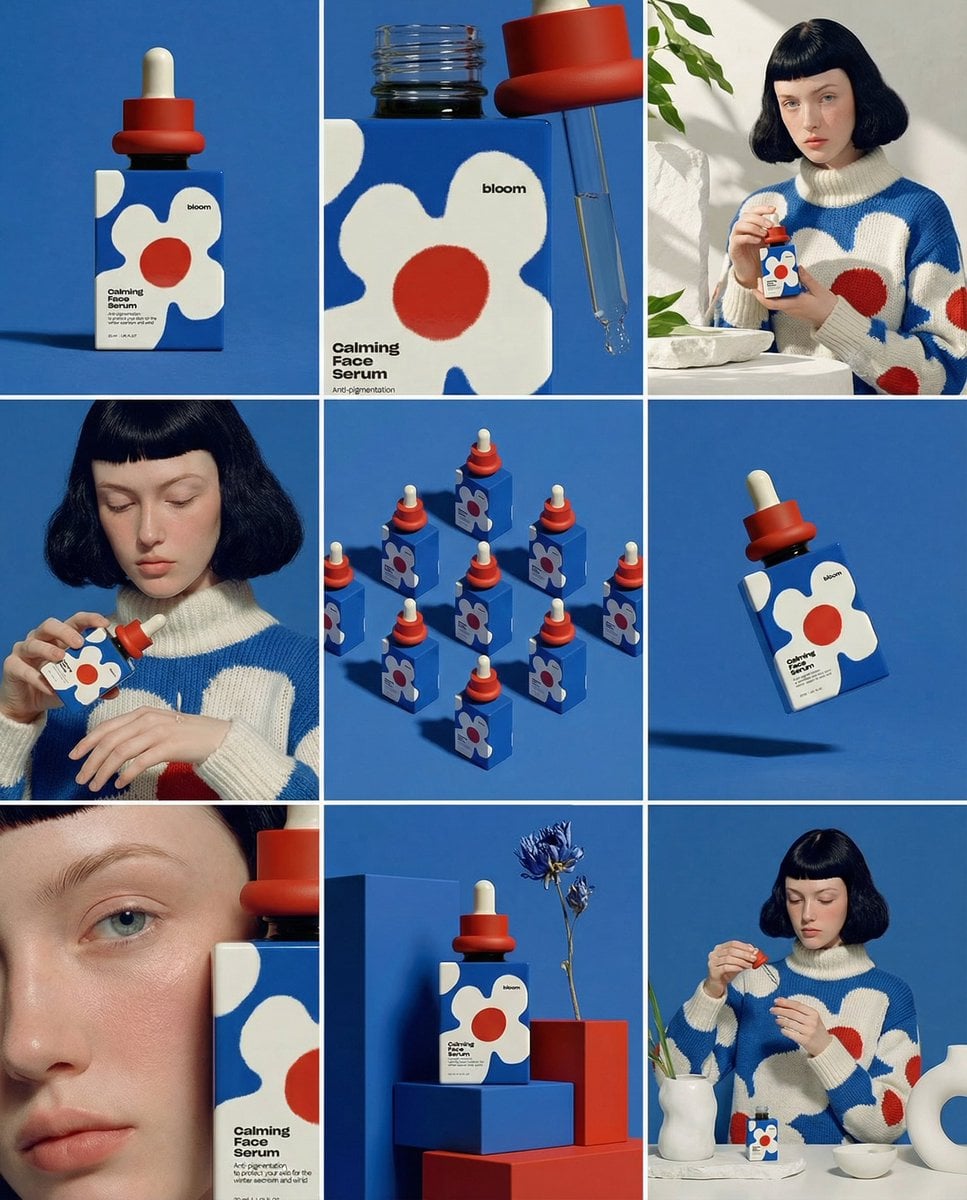
Canva trades some edit precision for speed: the background remover and object swap are quick, and the result lands directly in a design.
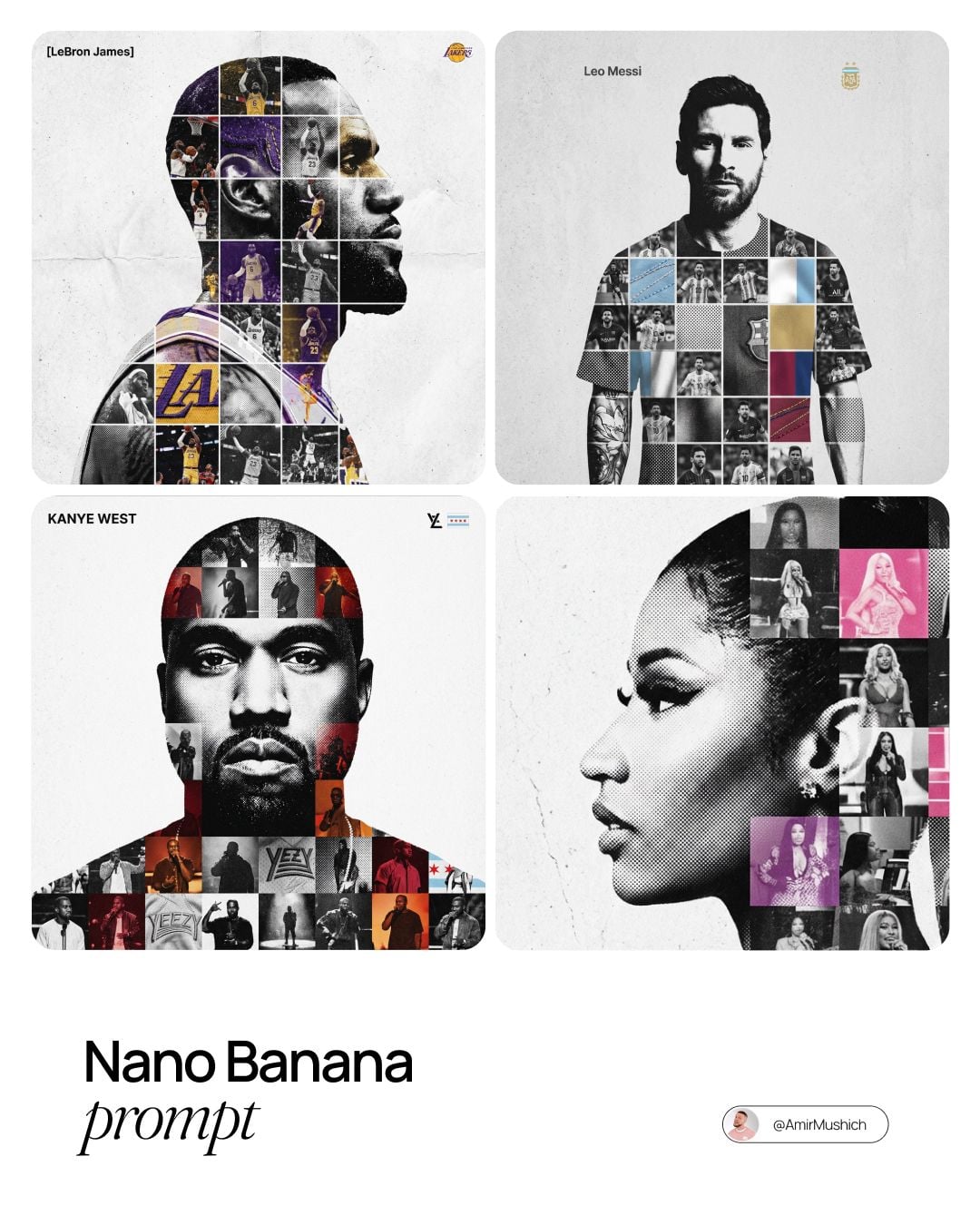
GPT Image 2.5 is the steadiest at a compound instruction such as "change the coat, keep the face, leave the background" in a single pass.

Upload one photo, paste the same sentence into each tool, and compare the outputs side by side. A credit here is cheaper than a subscription elsewhere.
Related reads for the same decision.
Upgrade for larger monthly credits, faster generation, and commercial-ready output.
Buy credits once and use them whenever you need. Purchased credits never expire.
Practical details for this generator page.
GPT Image Editor follows a written instruction more precisely on a photograph. Canva is faster when the image is one part of a social post or presentation that you are building in the same tool.
Gemini is pleasant for multi-turn refinement with a reference image. GPT Image 2.5 tends to hold a compound instruction in a single pass, which is why GPT-IMG lets you rerun the same prompt on both.
Firefly works within Adobe's ecosystem and is strong at selection-based fill. It is not a one-sentence web editor in the way GPT-IMG or Gemini is.
Start with GPT Image 2.5 for a short sign swap. For a dense poster or menu, run the same upload through Seedream 5.0 Pro as a second pass before you publish.
On GPT-IMG a 1K Standard edit is 15 credits and the figure is on the button before you submit. Two edits are covered by the 30 credits a new account receives.
Use the prompt panel above with the same account, credits, and history workflow.