
GPT-IMG
Start with the edit, not the brand
Write down what has to change: a background, a garment, a word on a sign, or the lighting. The right editor falls out of that sentence far faster than it falls from a ranking table.
 GPT-IMG
A shortlist of AI photo editors that accept a plain-language edit instruction. Each one is placed by what it does well, so you can pick without opening six tabs.
Looking for a GPT image editor alternative? Compare Gemini, Adobe Firefly, Canva, Midjourney, Ideogram and GPT-IMG on prompt editing, price and free credits.
Upload at least one reference image before generating.
Updated
These are the models behind the GPT image editor on this site. Each reads a written instruction differently, which is why one shortlist cannot name a single winner.
OpenAI latest image model. Sharper instruction following, cleaner in-image text, up to 4K.

Google latest image model. Sharper edits, cleaner in-image text, steadier subject consistency, up to 4K.
Highest quality Google model. Supports up to 4K resolution.
Most capable OpenAI model. Supports all quality tiers and up to 4K.
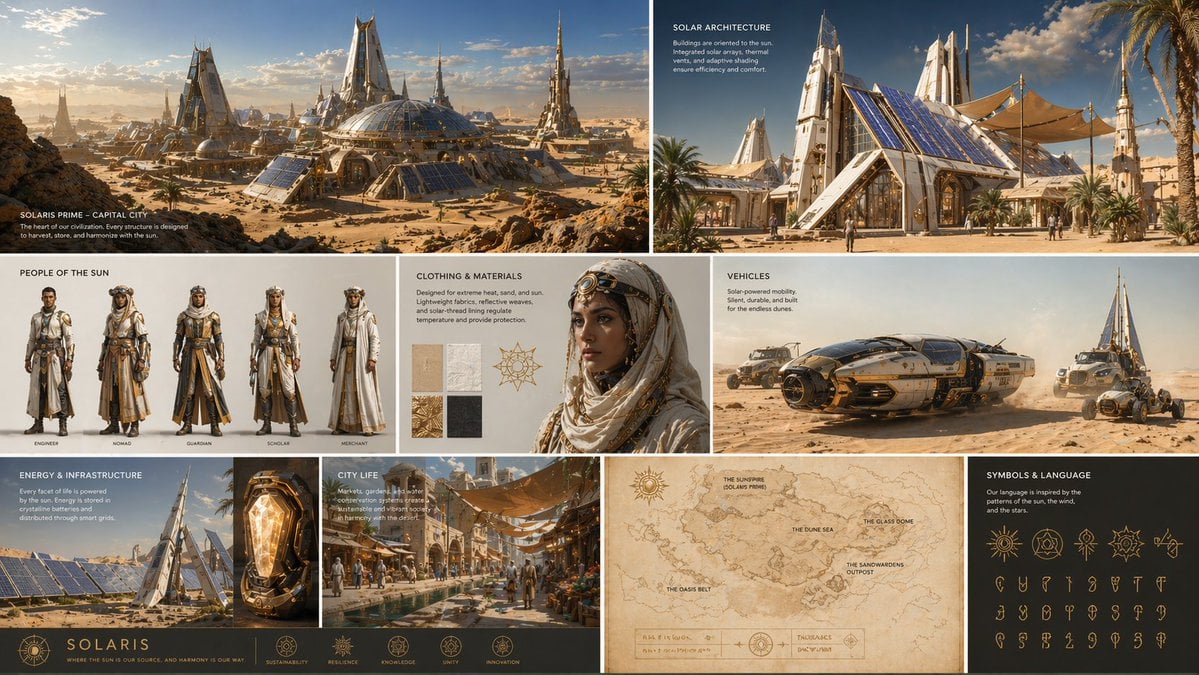
Strong typography and poster layouts. Handles dense in-image text at 1K and 2K.
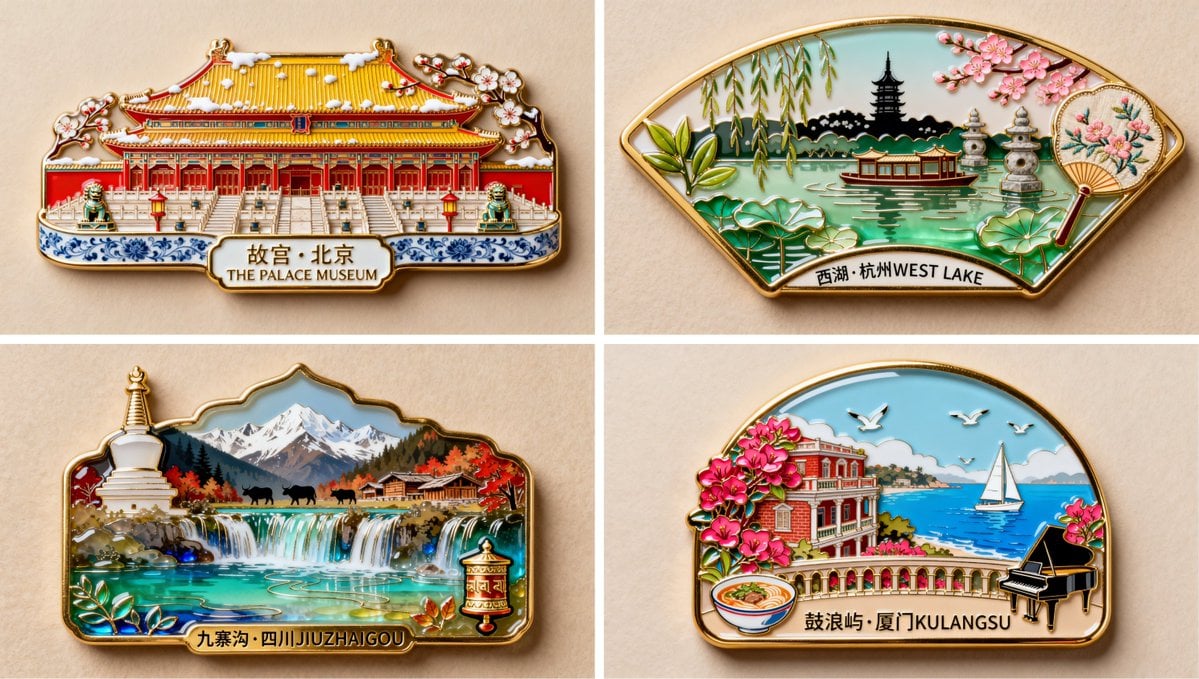
Photorealistic detail with tight prompt control. Accepts up to 8 reference images.

Edit an existing image by describing the change. Requires a reference image.

Affordable ByteDance model for text-to-image and multi-reference edits. Sharp 2K and 4K output at a flat 10 credits.
Most roundups rank by brand size. This one ranks by the job you are actually trying to do, because the best tool for a product shot is rarely the best one for a poster.
Write down what has to change: a background, a garment, a word on a sign, or the lighting. The right editor falls out of that sentence far faster than it falls from a ranking table.
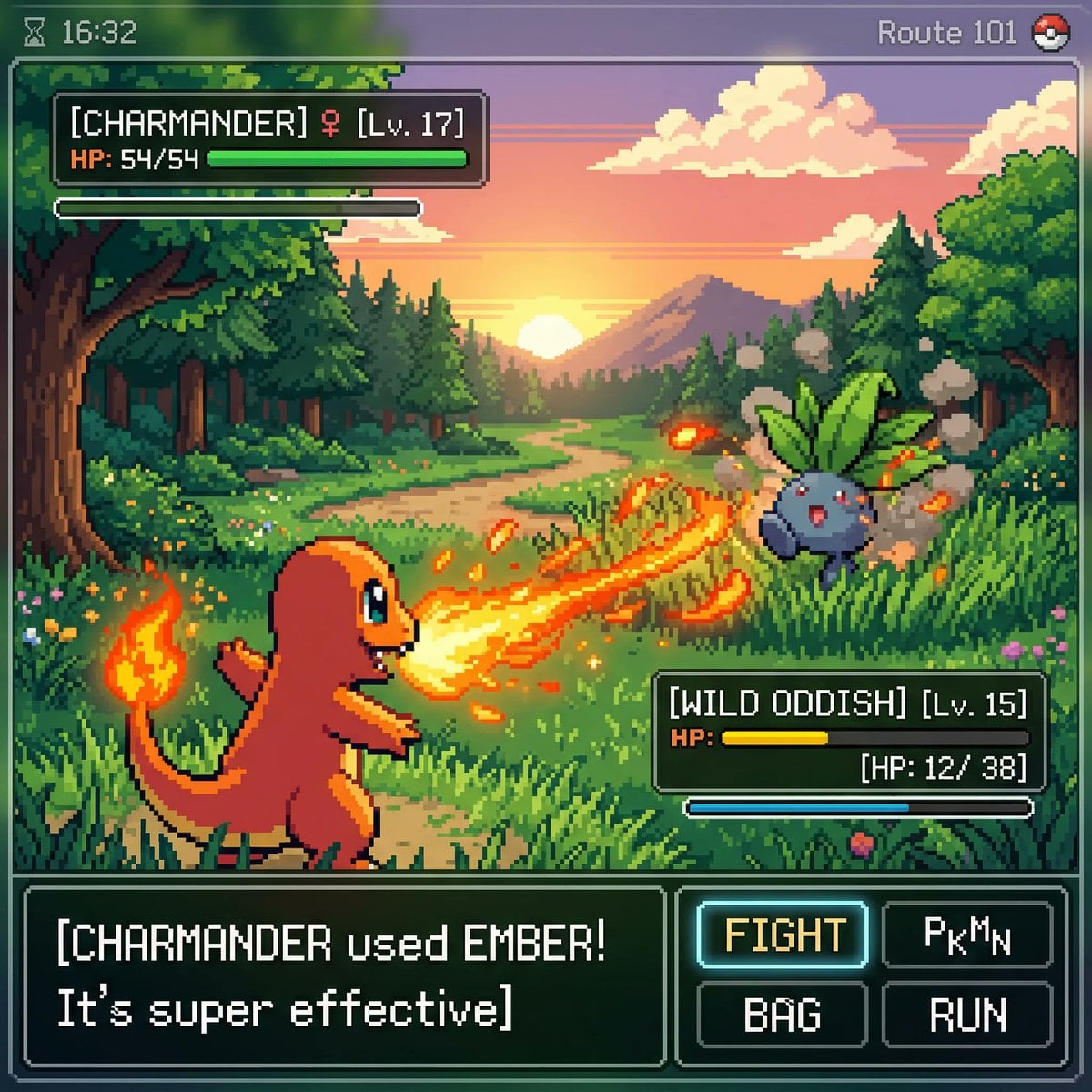
Gemini is strong when you want to talk through several rounds on one photo and keep a reference character consistent across them.
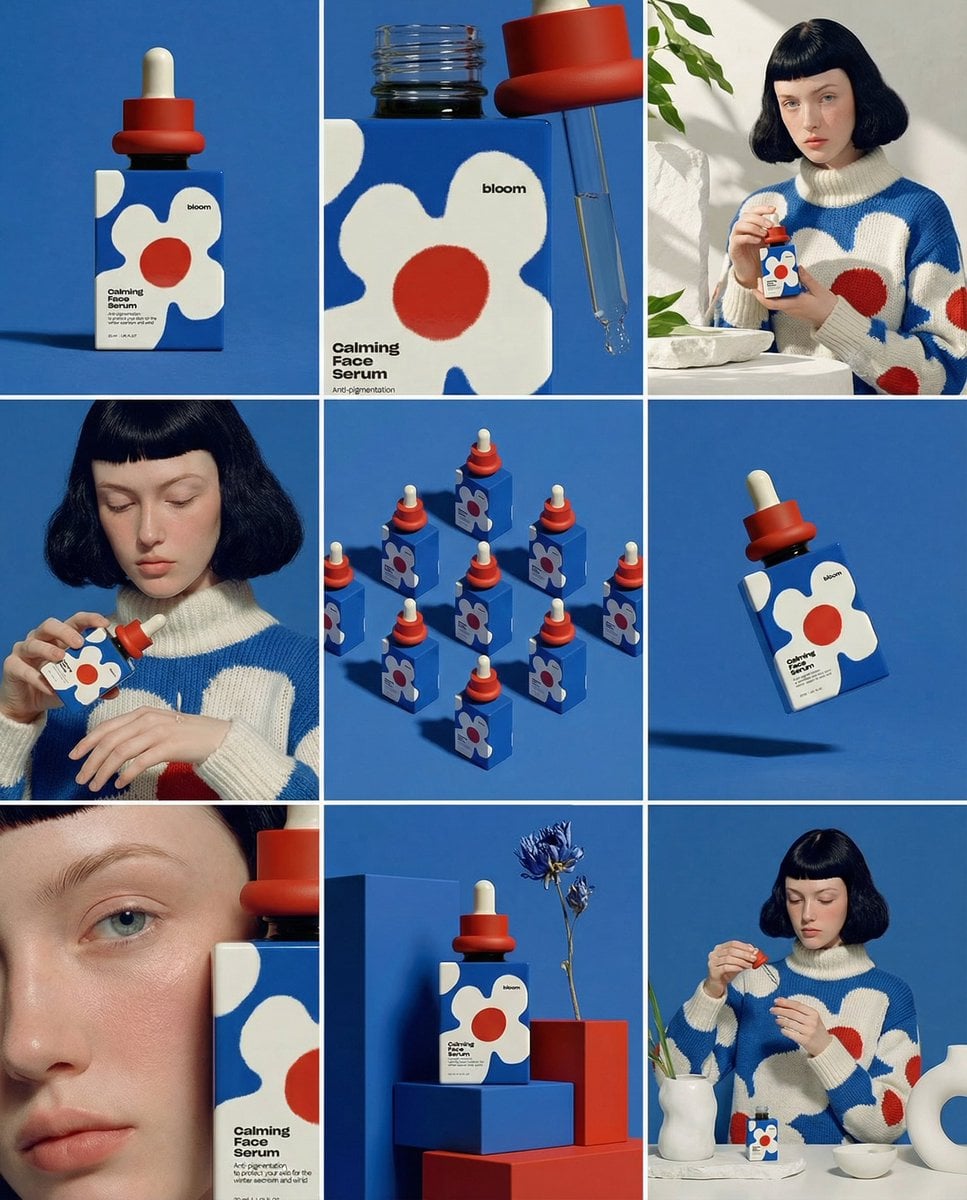
Adobe tools integrate with a design workflow and give finer control over selections, which matters when the output goes into a larger layout.
Canva wins when the edited picture is heading straight into a social post or presentation and the surrounding design matters as much as the image.

GPT-IMG puts the competing engines behind one upload and one prompt box, so a second opinion costs a credit rather than a new signup.
Go deeper on the two questions people ask after reading an alternatives list.
A head-to-head read on subject retention, lettering, and cost per finished image.
The exact prompt structure that keeps the parts you did not mention intact.
The upload-and-describe tool itself, with its model limits and pricing.
Upgrade for larger monthly credits, faster generation, and commercial-ready output.
Buy credits once and use them whenever you need. Purchased credits never expire.
Practical details for this generator page.
It depends on the edit. Gemini is strong at conversational iterations, Firefly at generative fill inside a design workflow, Canva at social layouts, and GPT-IMG at trying several engines on the same uploaded photo.
Yes. GPT-IMG gives 30 credits at signup without a card, which covers two 1K edits on GPT Image 2.5. Several competitors offer a smaller free allowance or a watermarked preview.
Start with GPT Image 2.5 on GPT-IMG or Gemini with a reference image. Both are built to hold identity across rounds, though neither guarantees pixel-identical output.
No. Gemini, Canva, Ideogram, Leonardo AI and GPT-IMG all work in a browser. Photoshop and Firefly are the exceptions if you want their full desktop toolset.
Yes, but lettering is where models differ most. GPT Image 2.5 and Seedream 5.0 Pro handle a short sign swap best; run the same upload through both before committing.
GPT-IMG sells one-time credit packs starting at $4.99, so you can finish a job without a monthly plan. Most rivals push a subscription for repeated use.
Use the prompt panel above with the same account, credits, and history workflow.